
You can keep using the app when your phone has no connection. Changes wait on the device until the app can sync again.
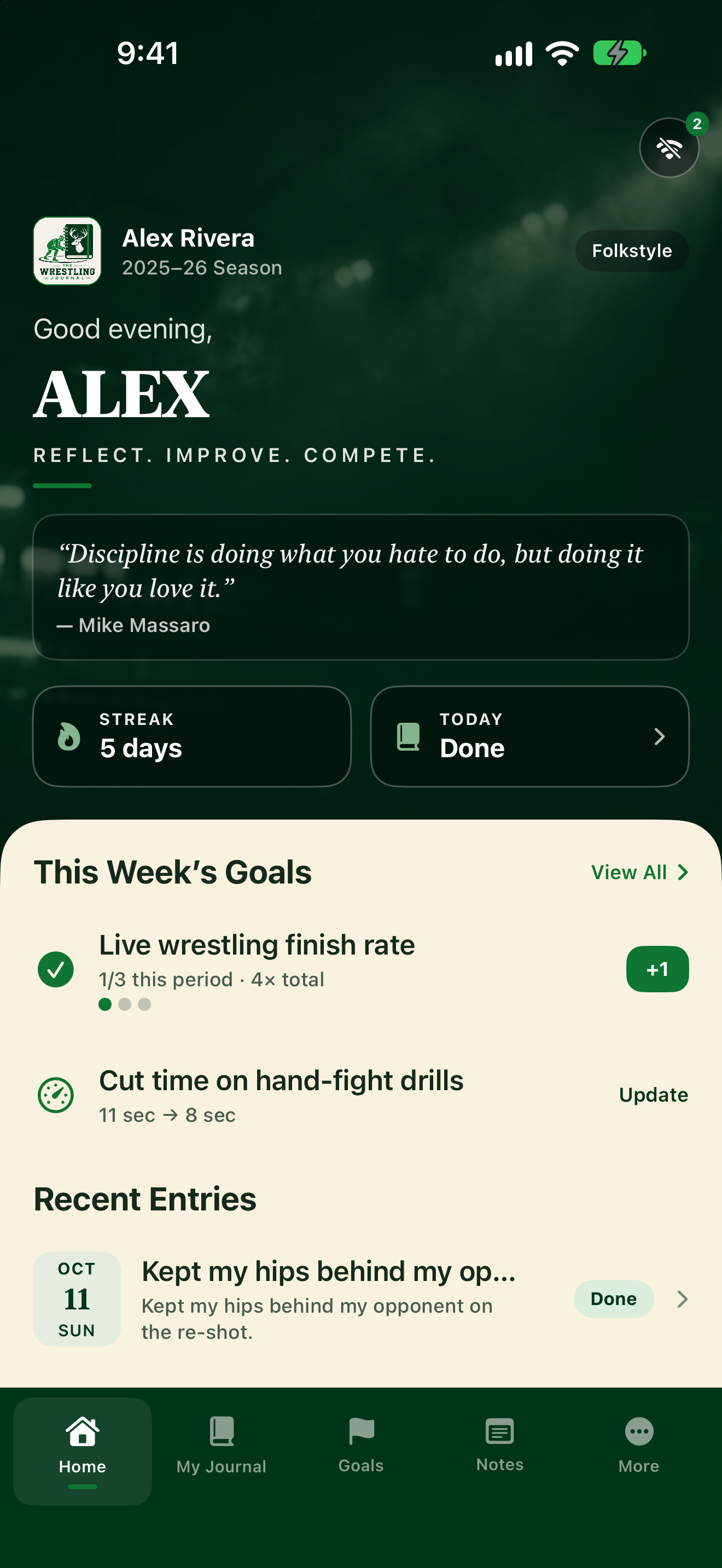
Spot the offline indicator
- Open Home.
- Look for the cloud icon near the top (it can show a badge when work is waiting).
- The app shows Working offline when it can't reach the server.
Keep journaling and planning as usual. When you're back online, the app syncs pending changes. If something didn't go through, try opening the app again on a good connection.