
The first time you sign in, the app walks you through Get set.
Choose how you'll use the app
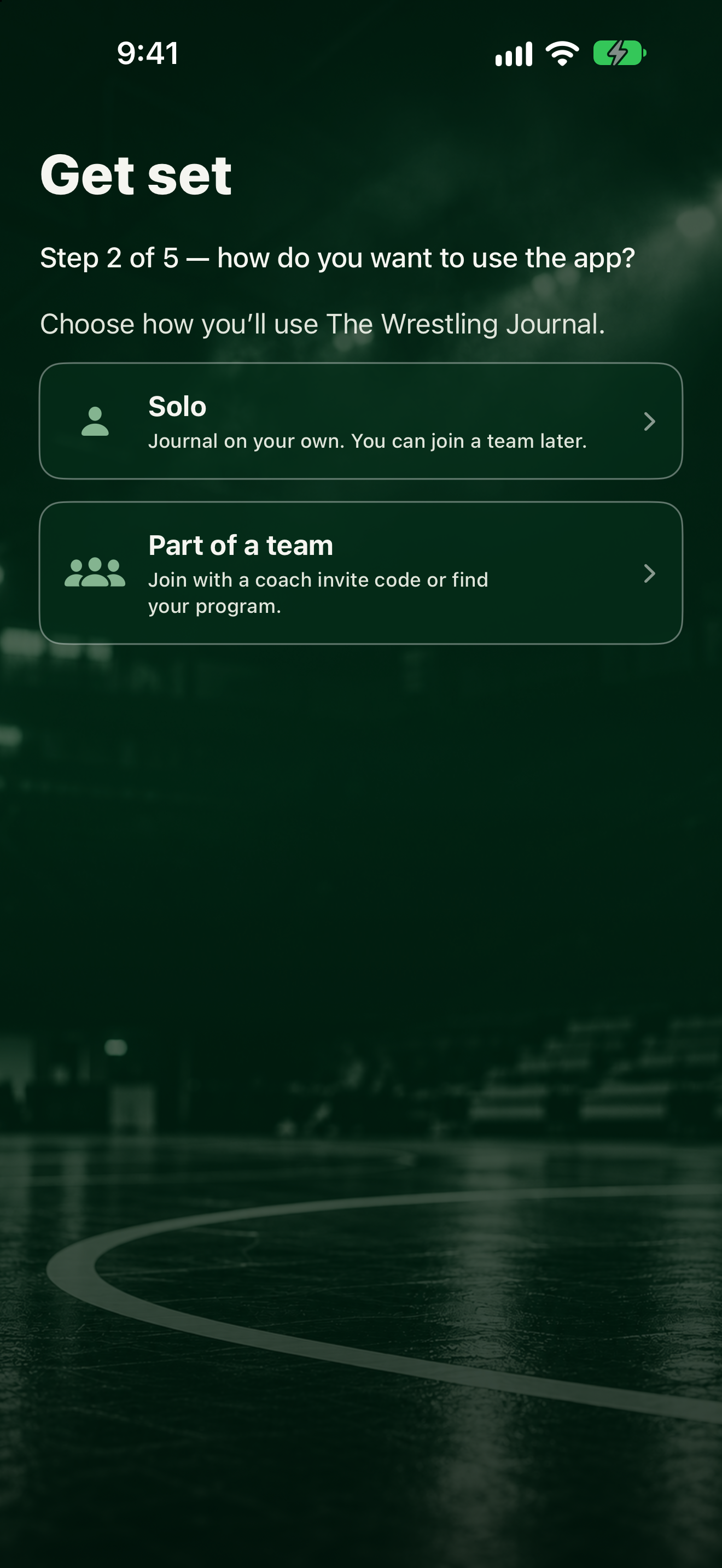
- On the welcome screen, tap Continue.
- Pick one:
- Solo: journal on your own. You can join a team later.
- Part of a team: join with a coach invite code or find your program.
If you chose Part of a team
- Under Have an invite code?, type the code in Invite code and tap Join with invite code.
- Or under Or search by team name, type the name in Search team name, tap Search, then tap Join next to your team. Some teams need your coach to approve you first. If a team says Code needed, ask your coach for the invite code.
- You can also tap Continue without a team.
Set up access
If your team has a license, you're all set. If you're waiting on your coach, the app says Waiting for coach approval. You can wait, tap Check status, or subscribe yourself.
To subscribe yourself, tap Monthly, Annual, or Lifetime and follow the Apple prompts. Already paid on this Apple account? Tap Restore purchases.
Later
You can join or leave a team anytime under More, then Teams. See Switch or leave a team.