
Setup asks for at least one Short-term, one Medium-term, and one Long-term goal before you can open the journal.
Add the three goals
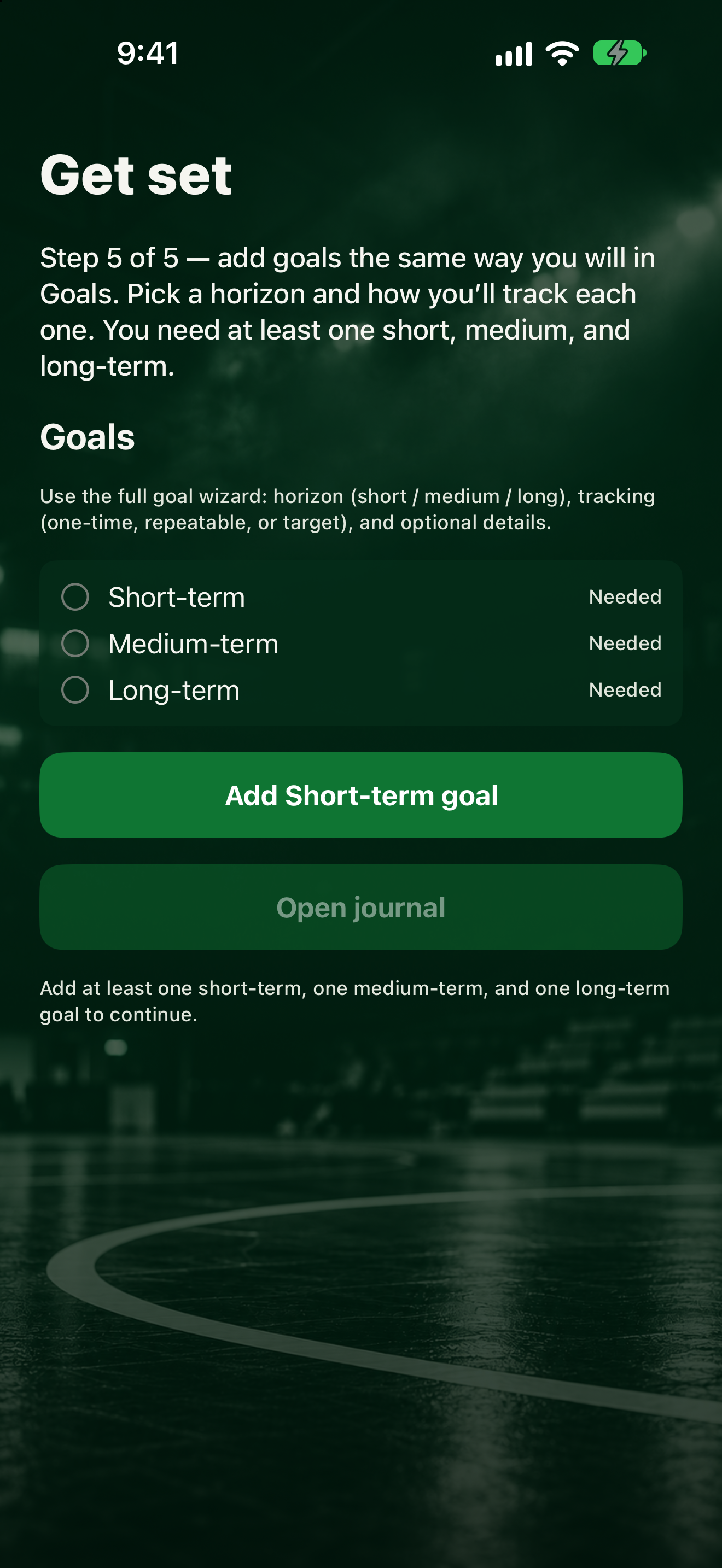
- On the Goals setup screen, tap Add short-term goal (the button name changes to Add medium-term goal or Add long-term goal as you go, then Add another goal).
- Under What are you working toward?, type a Goal title and pick Short, Medium, or Long. Tap Next.
- Under How will you track it?, pick One-Time, Repeatable, or Target. Tap Next.
- Fill in optional details, then tap Save.
- Repeat until the checklist shows Added for Short-term, Medium-term, and Long-term.
Until then, the app says: "Add at least one short-term, one medium-term, and one long-term goal to continue."
Finish setup
Tap Open journal.
Want the full goal steps later? See Add a goal.