
During Get set, after access is ready, you start one active season for this year's goals.
Create the season
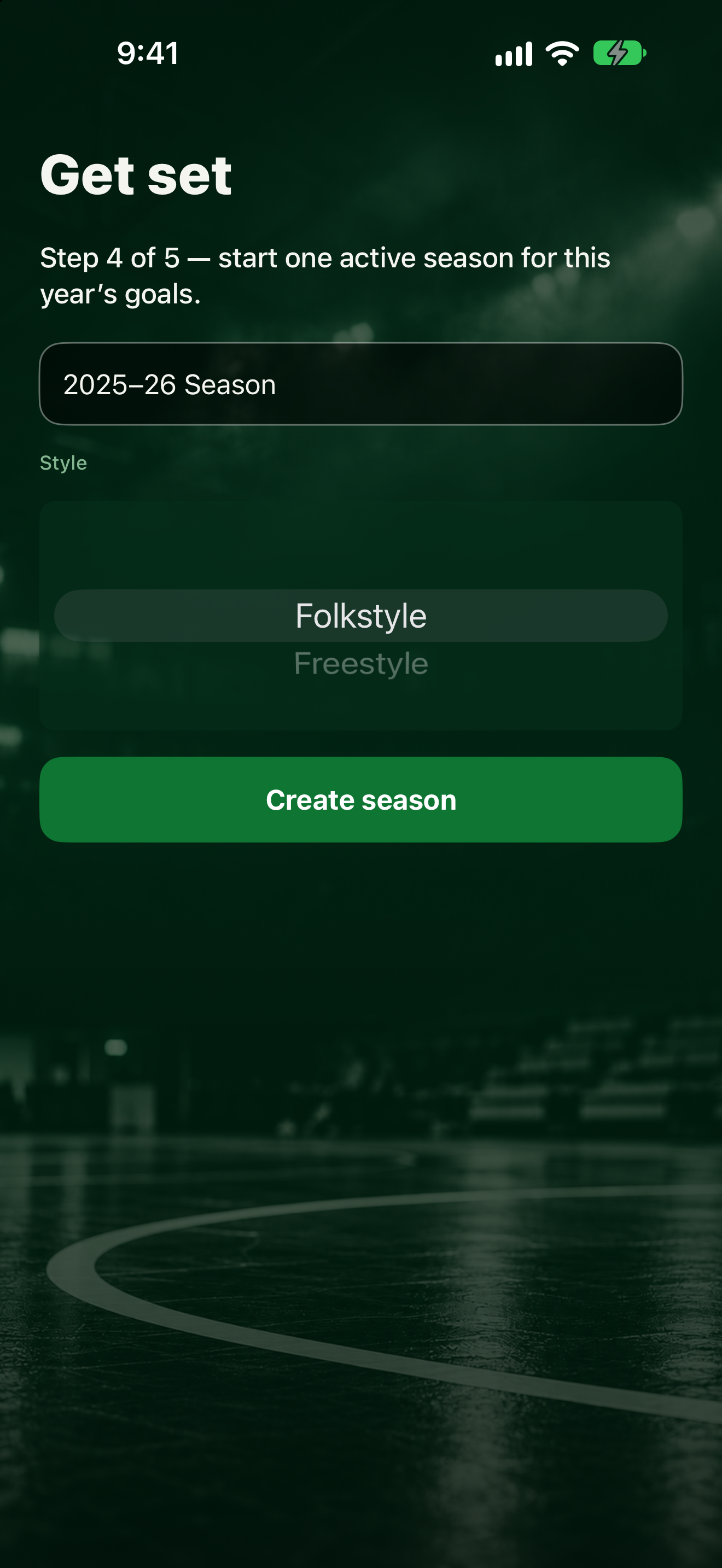
- Type a Season name. The app often fills in something like this year's wrestling season for you.
- Pick a Style from the wheel (for example folkstyle).
- Tap Create season.
Change it later
To add or switch seasons after setup, tap More, then Seasons.
Next
Add goals of each type: Set your first goals.