
Your account works only after you enter the code from your email.
Enter the code
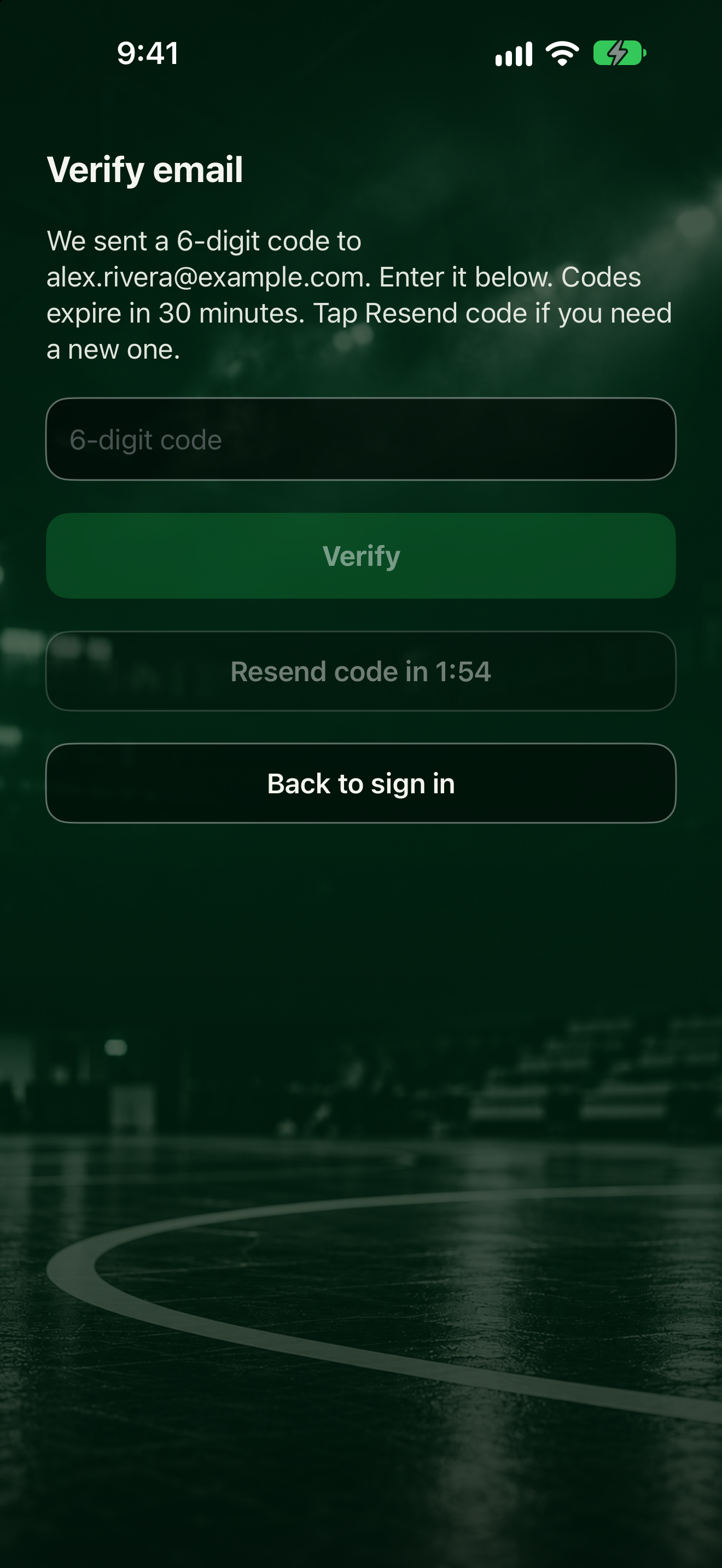
- On Verify email, the app says it sent a 6-digit code to your email. Codes expire in 30 minutes.
- Open the email and find the 6 numbers.
- Type them into the 6-digit code box.
- Tap Verify. You're signed in right away.
If you typed a team invite code when you signed up, the app joins that team after verification. If you leave and come back, tap Back to sign in. The invite code is kept and applied after you sign in and verify.
If the code doesn't work
See Fix email code problems for resending, expired codes, and spam folders.
Next
The app opens Get set. Next you'll choose solo or team: Join a team or go solo.