
Use this when the Verify email screen's 6-digit code doesn't arrive or doesn't work.
No email?
- Check your spam or junk folder first.
- On Verify email, wait for the button under Verify to change from Resend code in 2:00 (it counts down) to Resend code, then tap it.
- The app says Code sent. Check your email. You can ask for a new code every 2 minutes.
Only the newest code works
When you ask for a new code, older ones stop working. Use the code from the most recent email.
Codes expire in 30 minutes
If yours is older than that, tap Resend code to get a new one.
The code is rejected?
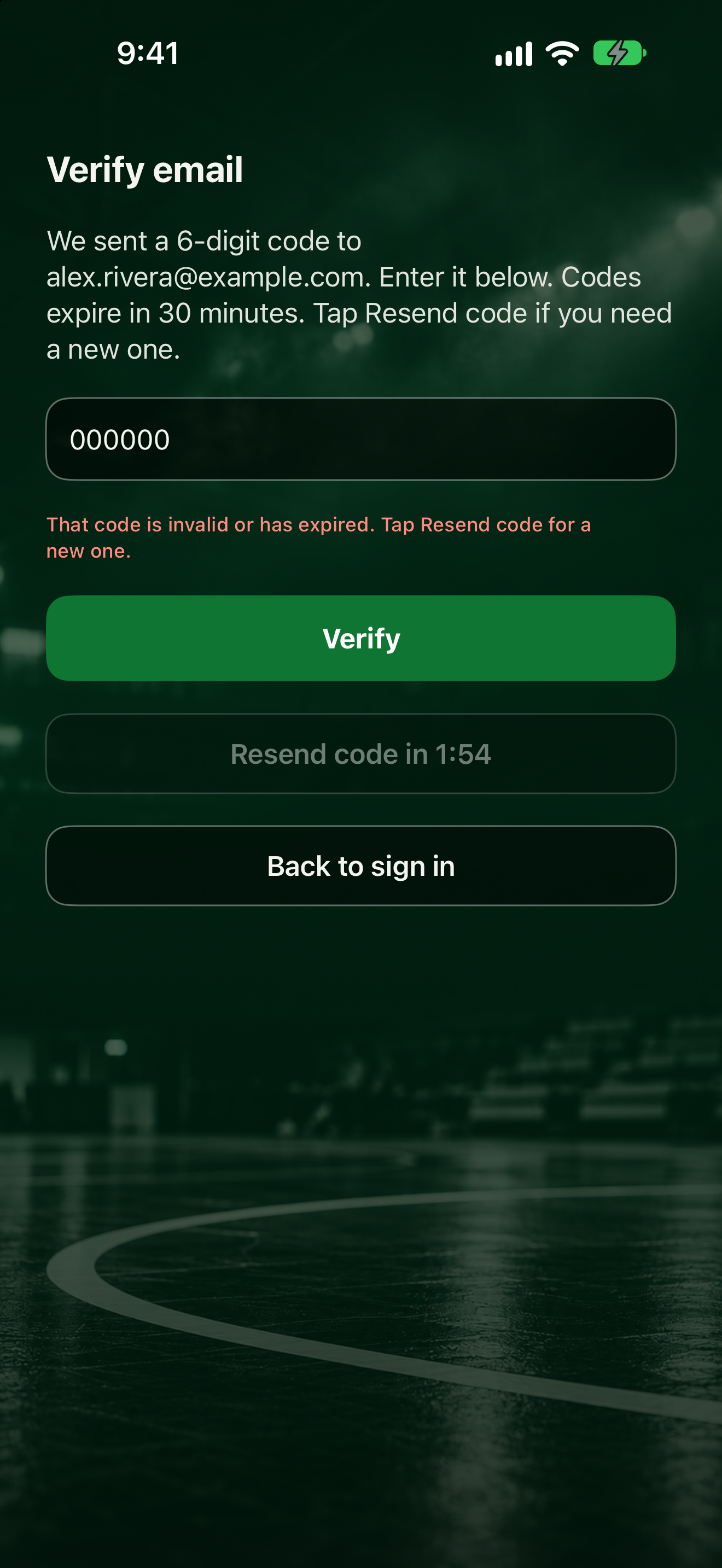
The app may say: "That code is invalid or has expired. Tap Resend code for a new one."
Check the numbers and try again, or use the code from your newest email. Need to leave? Tap Back to sign in. A team invite code you entered is kept for after you sign in and verify.
Creating the account: Download and create your account. Confirming: Confirm your email.