Deleting signs you out. Sign back in within 30 days to restore the account. After 30 days it is permanently deleted, including journal entries, goals, weekly plans, and team memberships.
Deleting does not cancel an Apple subscription. Manage or cancel that in Settings › Apple ID › Subscriptions.
Delete
- Tap More, then Delete account.
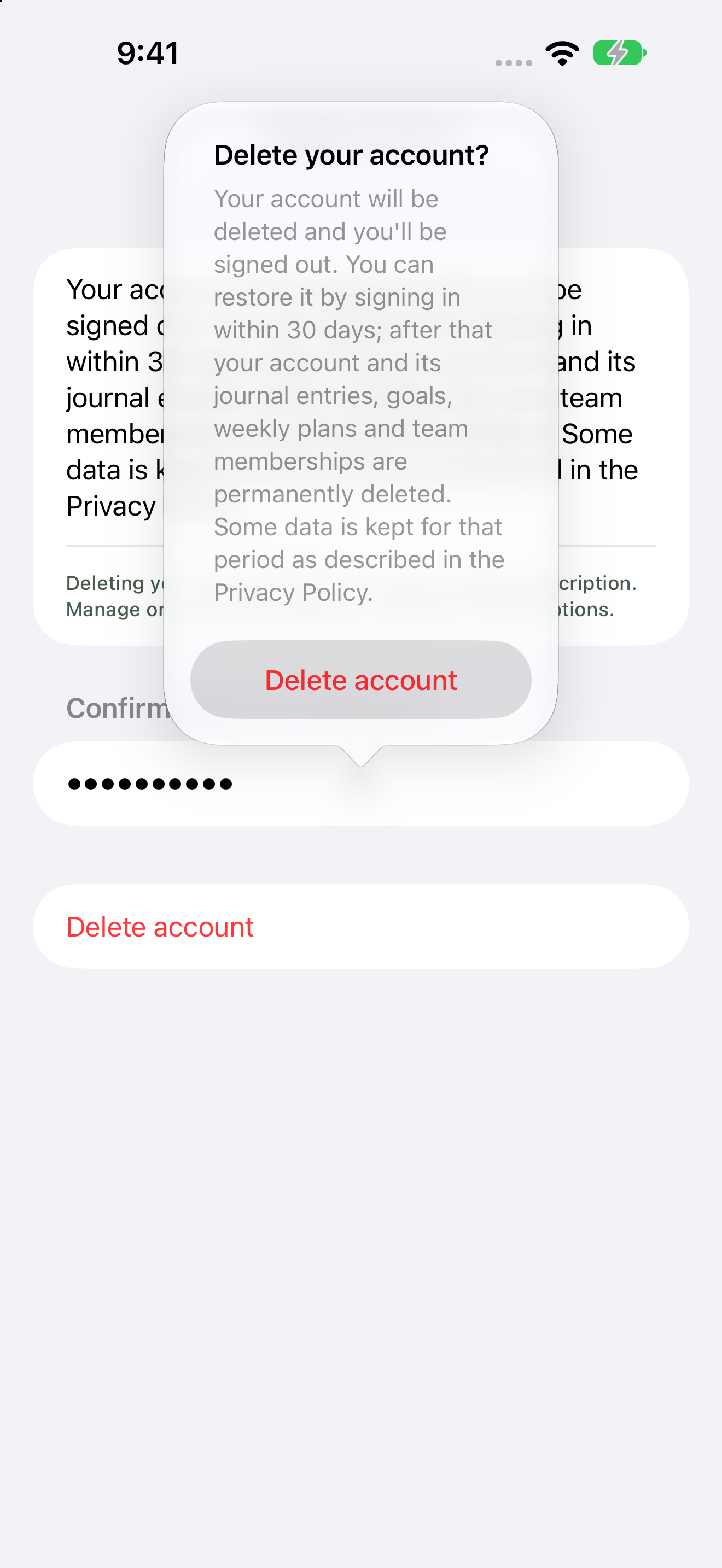
- Under Confirm with your password, type your Current password.
- Tap Delete account.
- Confirm again on Delete your account? by tapping Delete account.
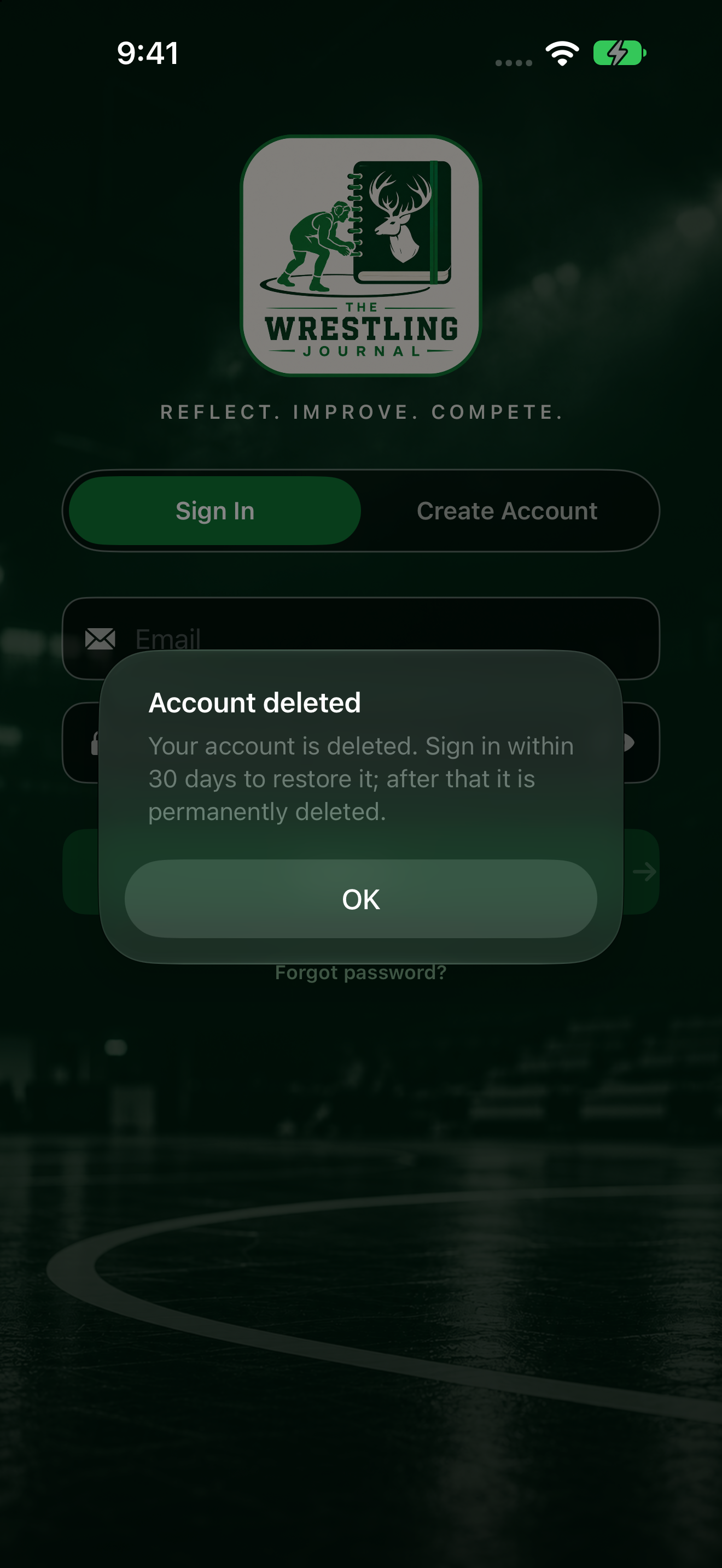
You'll see Account deleted: you can sign in within 30 days to restore it.
Restore within 30 days
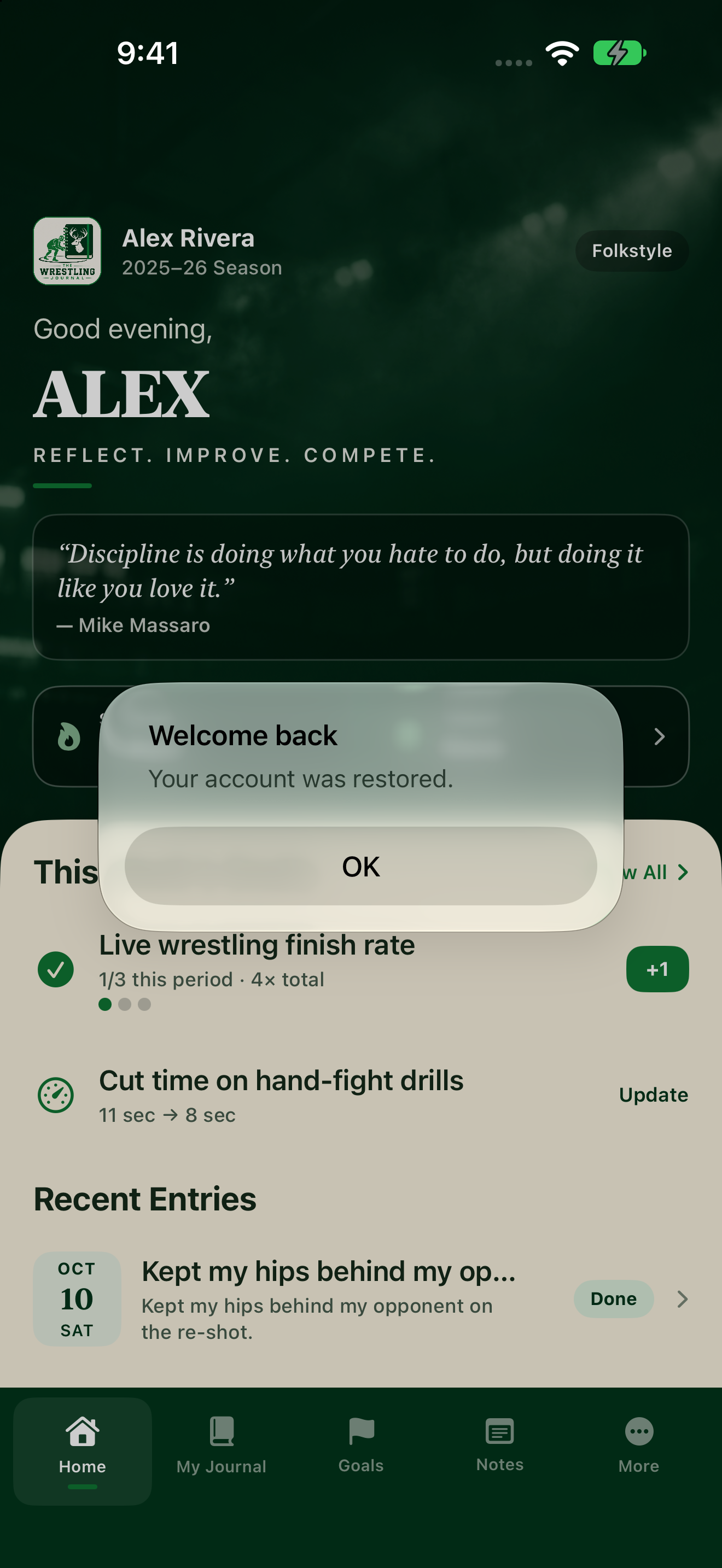
Sign in with the same email and password. Or use Forgot password? / Reset password. See Sign in and reset your password.
If you try to create an account again
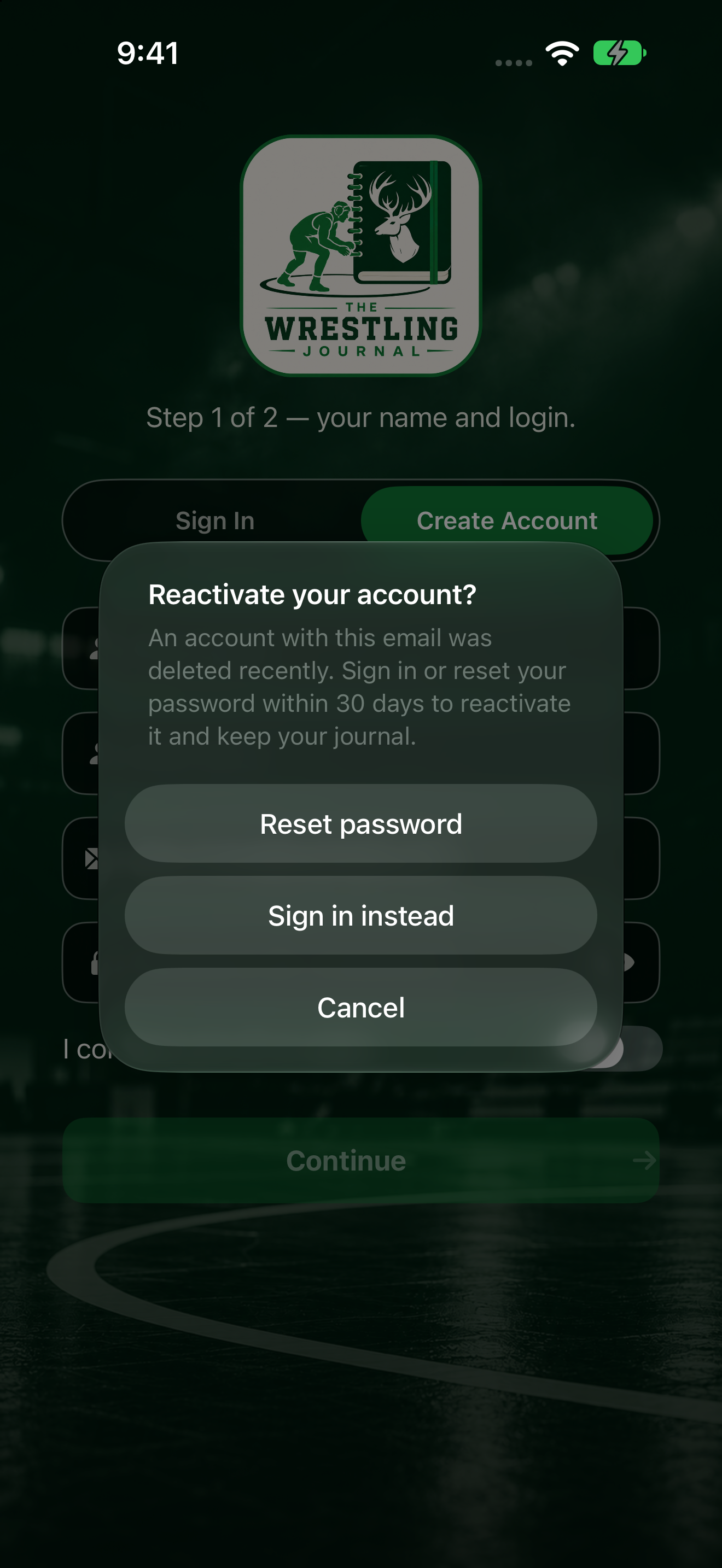
If you tap Create Account with that email while deletion is still pending, the app asks Reactivate your account? You can tap Reset password, Sign in instead, or Cancel.