
You can belong to one school team and one club team. Journal history stays with you if you leave.
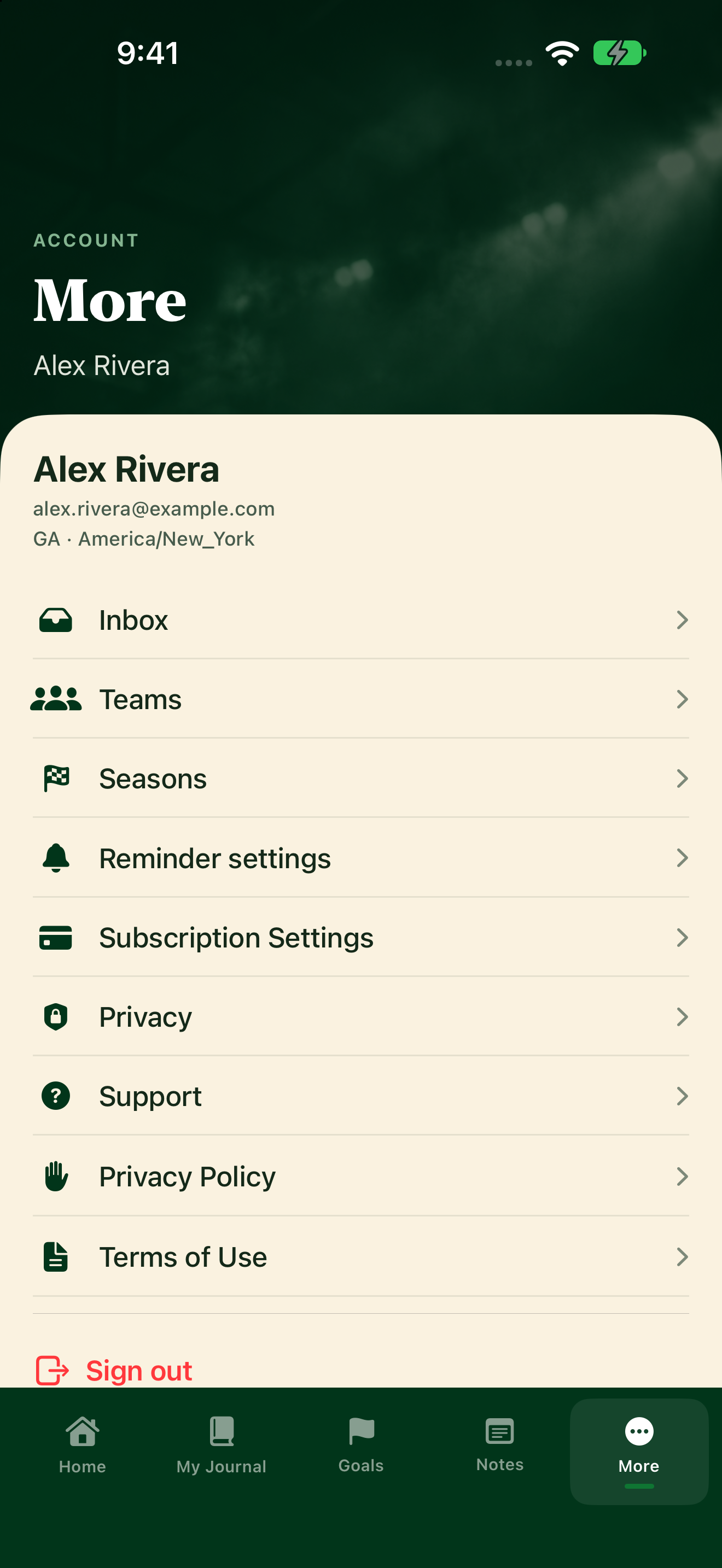
Join a team
- Tap More, then Teams.
- Under Find a team, do one of these:
- With an invite code: type it in Invite code (for invite-only teams) and tap Join with invite code.
- Without a code: type the team name in Search team name. You can add a state in State filter (optional, e.g. PA). Tap Search, then tap Join next to your team. This works if the team lets anyone join. Invite-only teams need the coach's code. Some teams need your coach to approve you first.
Your teams show under Your memberships, with a status such as Member or Waiting for coach approval, and whether the journal is Journal shared with coaches or Journal private from coaches.
Leave a team
On Your memberships, tap Leave next to an active or pending membership.