
Sharing is per team and off until you turn it on.
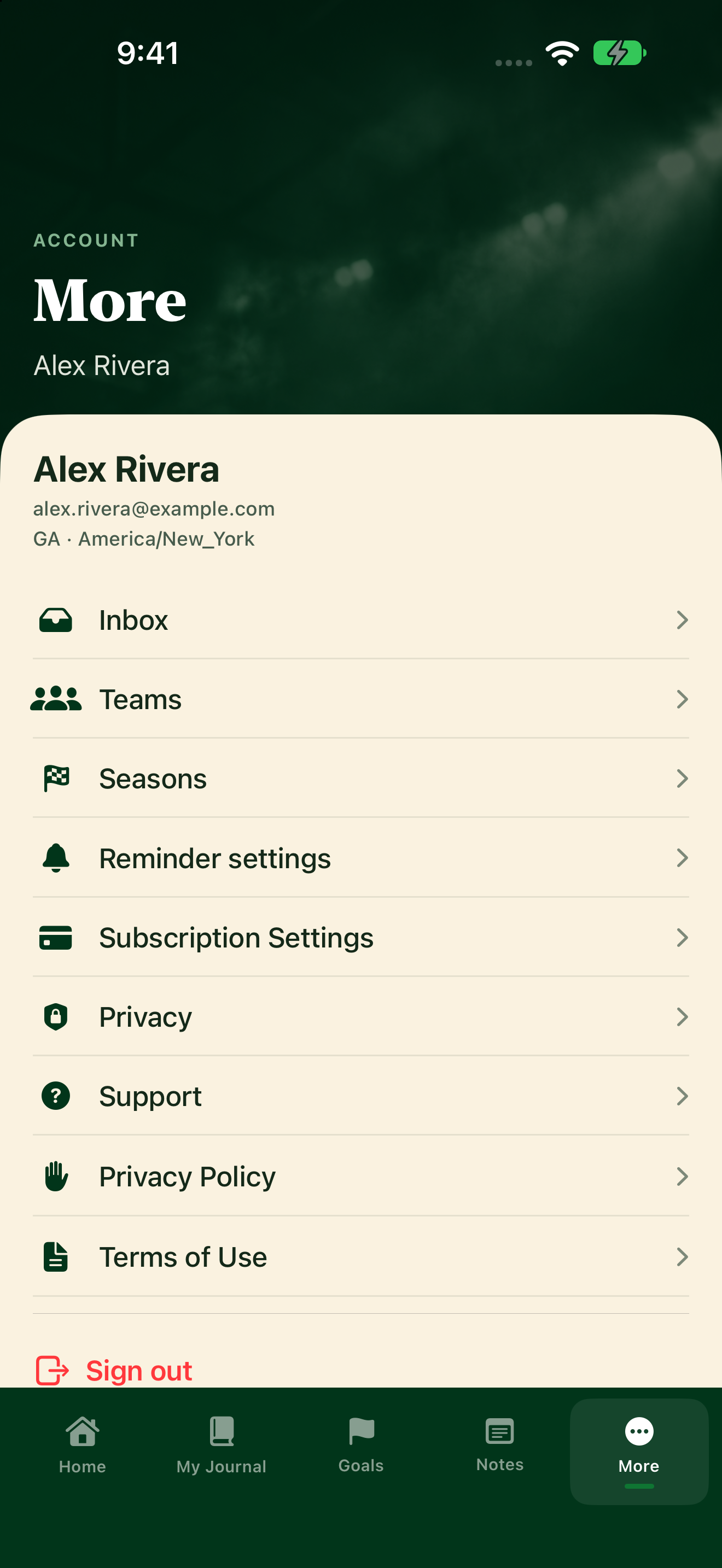
Change sharing
- Tap More, then Privacy.
- Under Share journal with coaches, find your team's name.
- Turn the switch on to share with that team's coaches. Turn it off to keep it private.
The switch only shows once your membership is active. Until then, the app says: "Join an active team to share your journal with its coaches."
What coaches see
When sharing is on, coaches can see your goals, technique notes, Submitted weekly plans, and Submitted journal entries, never a Draft.
When it's off, your coach can still see whether you journaled (like your streak and how often you write). They can't open your journal or read what you wrote.
You can also see Journal shared with coaches or Journal private from coaches under More → Teams → Your memberships.