
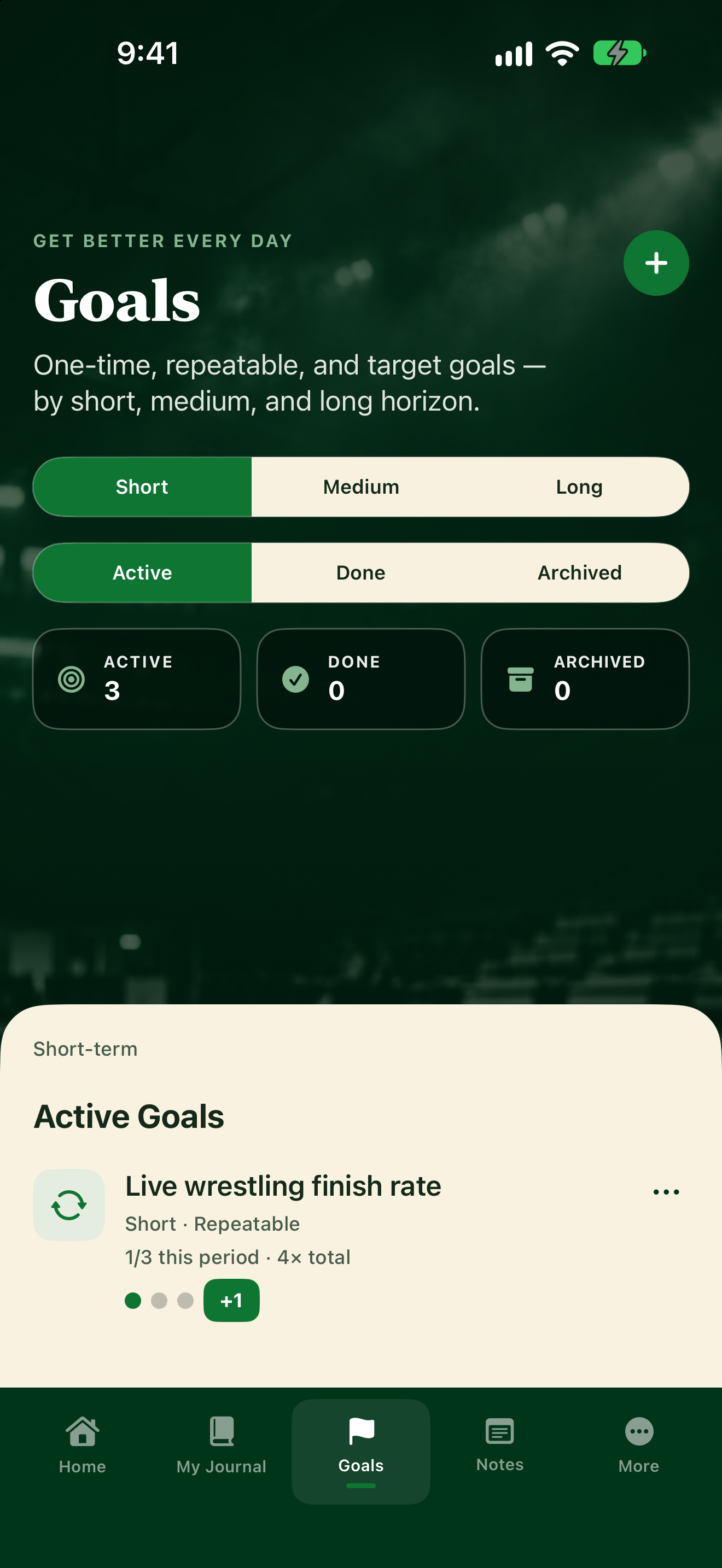
Create a goal
- Tap Goals.
- Tap the + button at the top (VoiceOver: Add goal).
- Under What are you working toward?, type a Goal title and pick Short, Medium, or Long. Tap Next.
- Under How will you track it?, pick one:
- One-Time: finish it once.
- Repeatable: hit a frequency each week.
- Target: move a number, like a time or a weight.
- Tap Next and fill in details. Most fields are optional; a Target goal needs its numbers.
- Tap Save.
Browse your goals
On Goals, tap Short, Medium, or Long, then Active, Done, or Archived.
If your coach suggests a goal, it shows under Coach suggestions. Tap Accept or Dismiss.