
You need a Submitted weekly plan before you can write a daily entry. The app says: "Every week needs a weekly plan before you can write a daily journal entry."
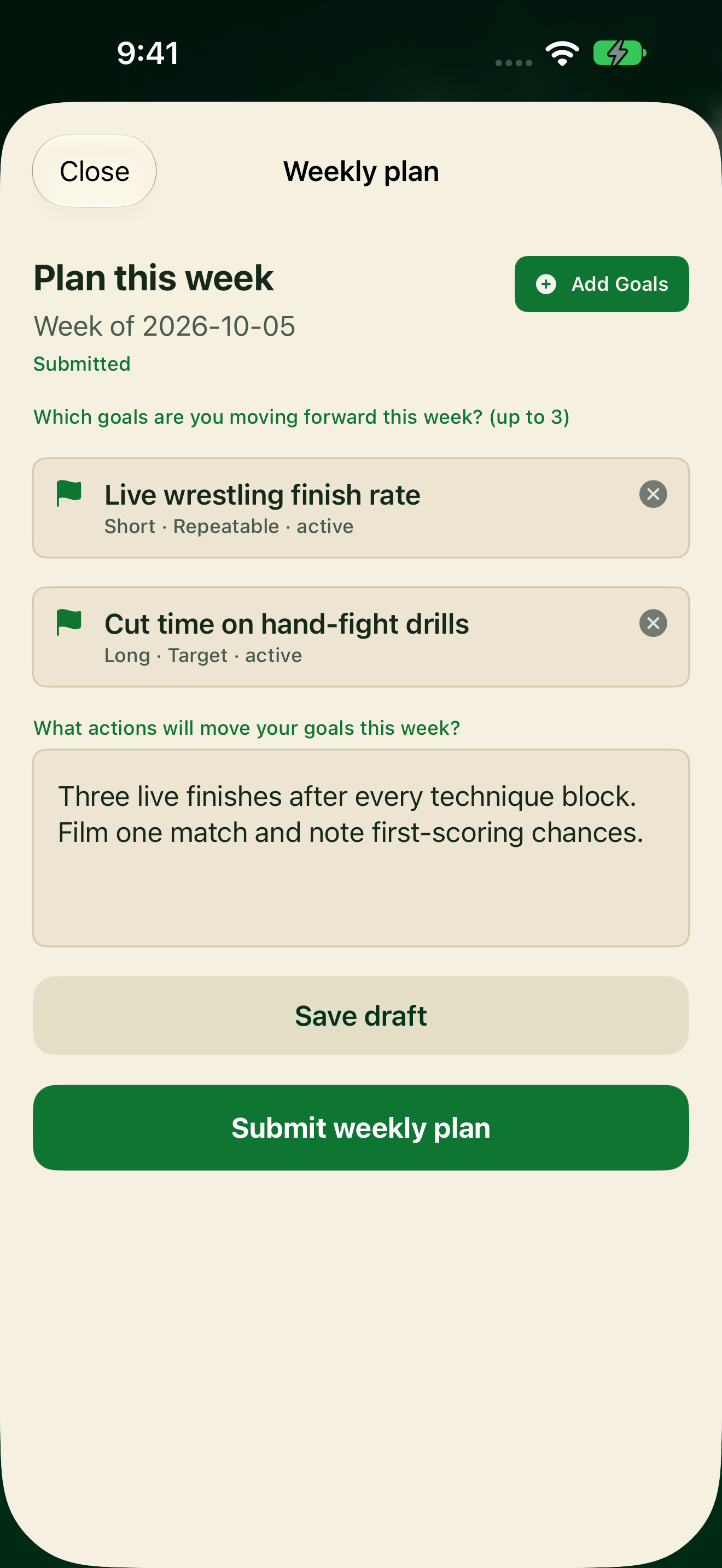
Submit this week's plan
- Tap My Journal, or from Home tap Start weekly plan / Continue weekly plan.
- On Plan this week, tap Add Goals.
- Pick up to 3 Active goals, then tap Done.
- Write this week's actions in the text box.
- Tap Submit weekly plan.
When the plan is Submitted, My Journal shows Weekly plan complete under THIS WEEK’S PLAN. You can open the plan again to review or update it.
Drafts
You can leave the plan unfinished and come back later. A Draft is not enough to unlock journaling. You must tap Submit weekly plan.