
Finish this week's plan first. If you haven't, the app asks you to Make weekly plan.
Write the entry
- Tap My Journal.
- Tap New Journal Entry (or Continue Entry if you saved a Draft).
- Answer each prompt. Tap Continue for the next one, or tap a number at the top to jump:
- What did you learn?
- Technique: what moves, setups, or transitions you worked on. Tap a Quick Add button (Takedown, Top, Bottom, Escape, or Setup) to add it.
- Mindset: how you felt, what went well, and what was hard.
- Next Time: what you'll focus on next. Tap a goal under From My Goals, or tap New to add a goal.
- Under Which goal did you work toward?, check any goals this entry helped with (optional).
- Tap Finish Entry.
Drafts and edits
- Not ready? Tap Save Draft. Coaches never see a Draft.
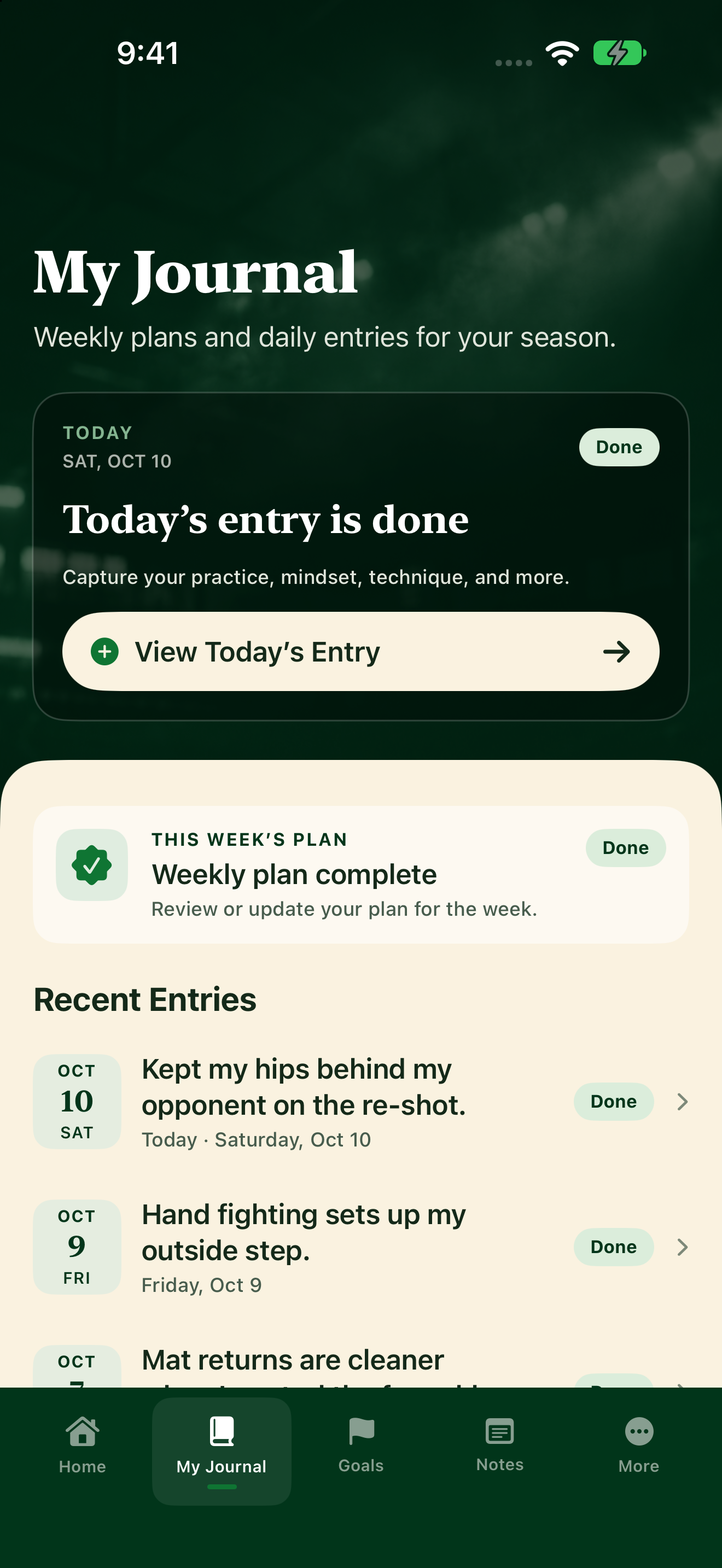
- After you submit, the entry says Done. Tap View Today’s Entry to read it. Need a change today? Tap Edit, then Finish Entry again.
- After today is over, the entry is locked and can't be changed.