
Stance and Motion runs rounds that are time-based or song-based.
Set up the drill
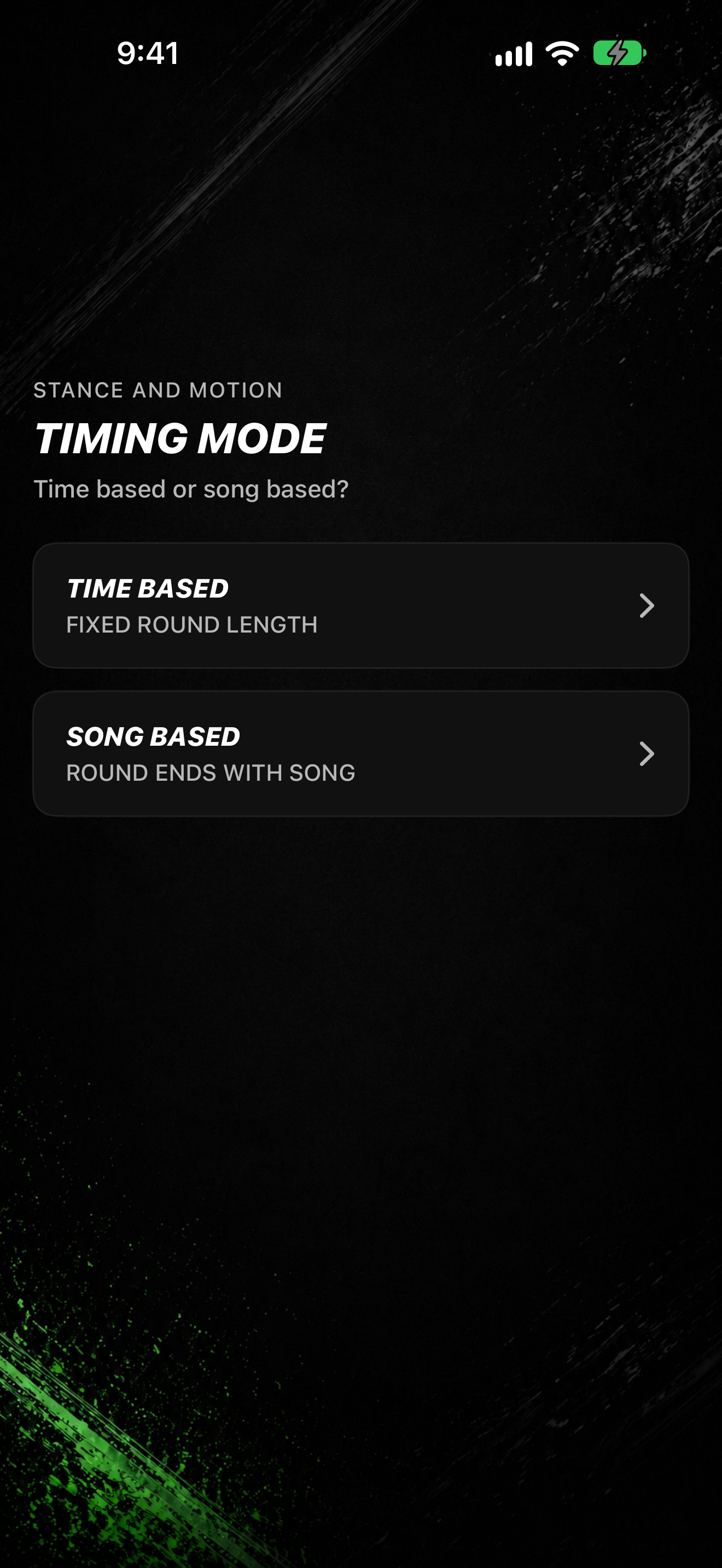
- Tap DRILL TIMERS, then STANCE AND MOTION.
- On NUMBER OF ROUNDS, pick CONTINUOUS (UNTIL STOPPED) or a number of ROUND / ROUNDS.
- On BREAK LENGTH, pick the rest between rounds when needed.
- On TIMING MODE, pick TIME BASED (FIXED ROUND LENGTH) or SONG BASED (ROUND ENDS WITH SONG).
- If you chose TIME BASED, set ROUND DURATION (or Custom for SET CUSTOM TIME), then ARENA MUSIC.
- If you chose SONG BASED, continue on SELECT SONG.
- On READY TO START, tap START.
During the session
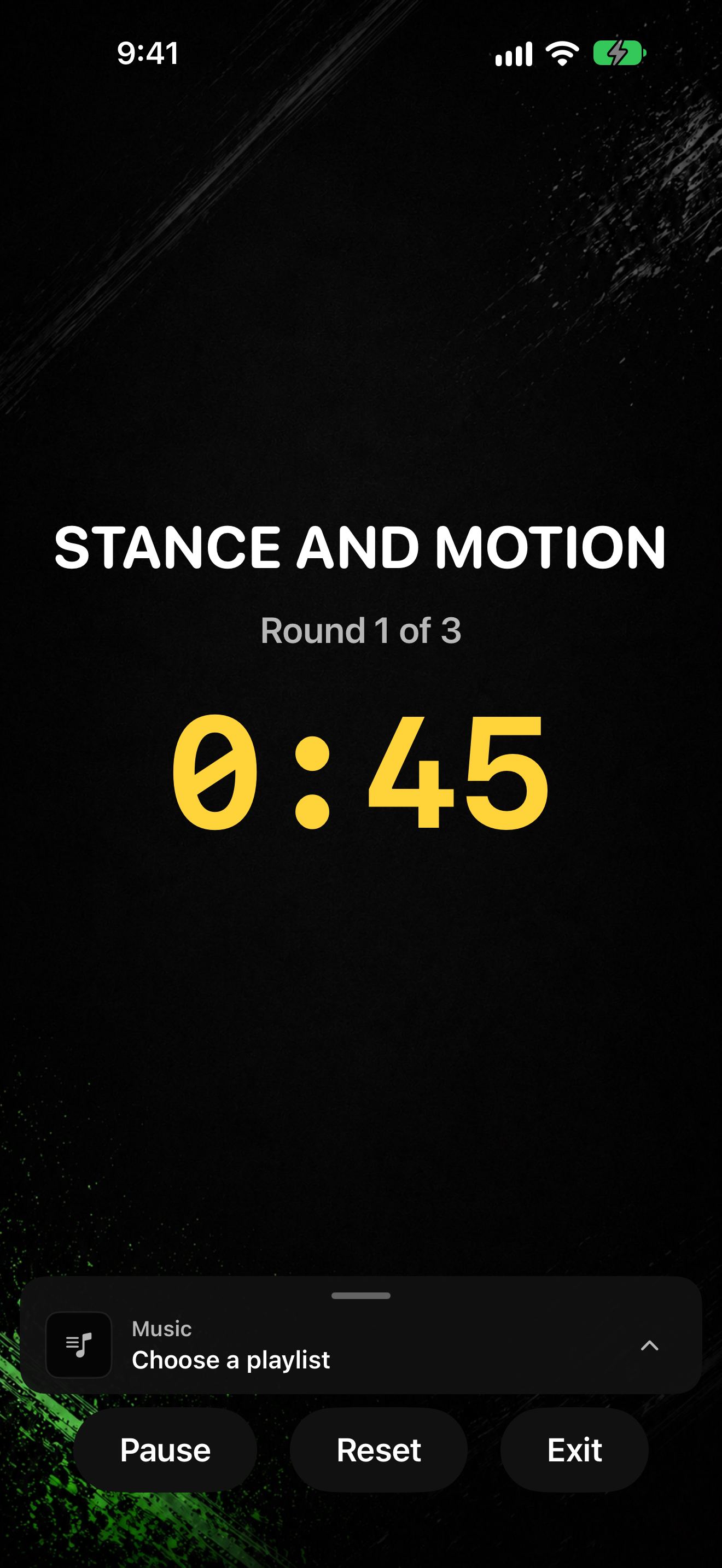
- The session shows STANCE AND MOTION.
- Use the shared timer controls to pause, resume, reset, or exit. If you opened the drill from Practice, the exit control may say End Drill.