
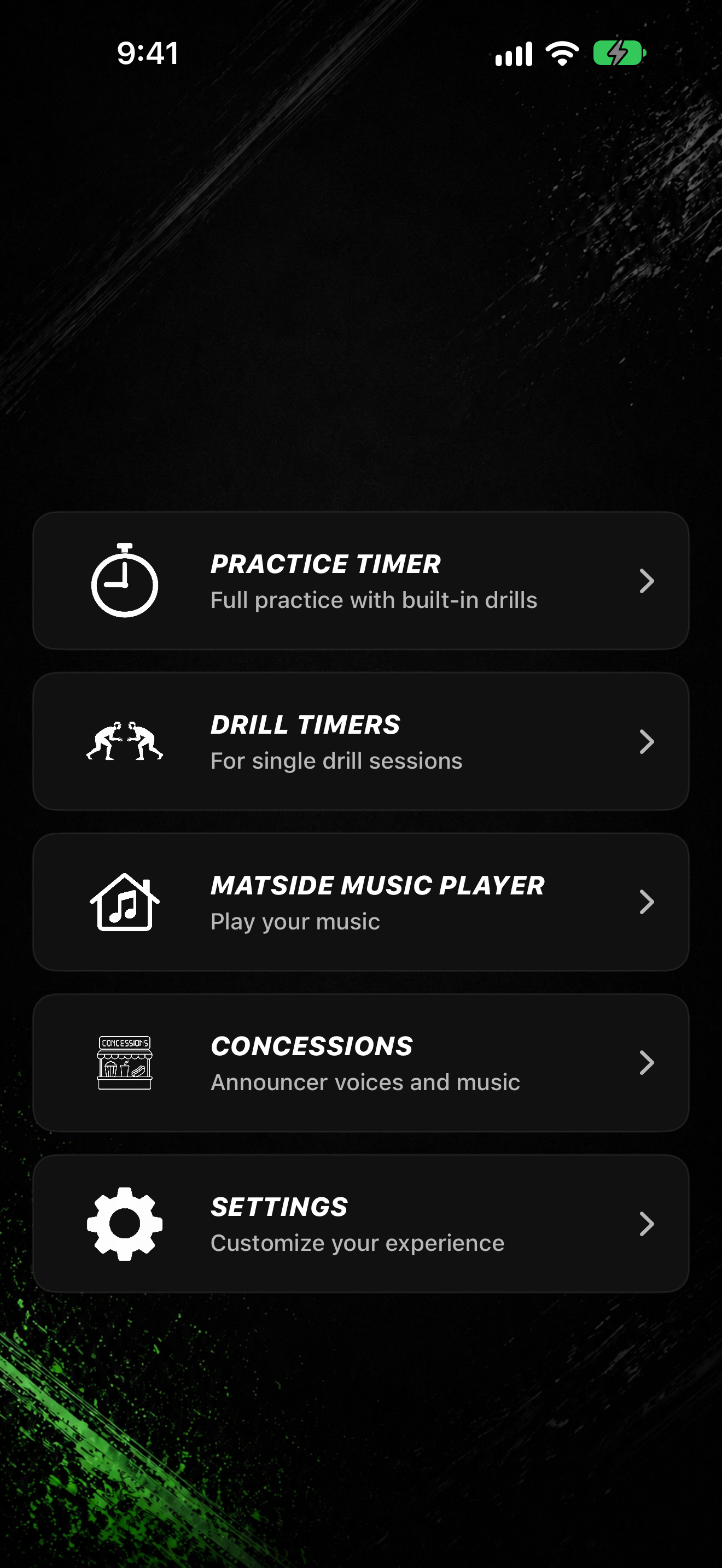
After setup, you land on the home menu. Each tile opens one area of the app.
Home tiles
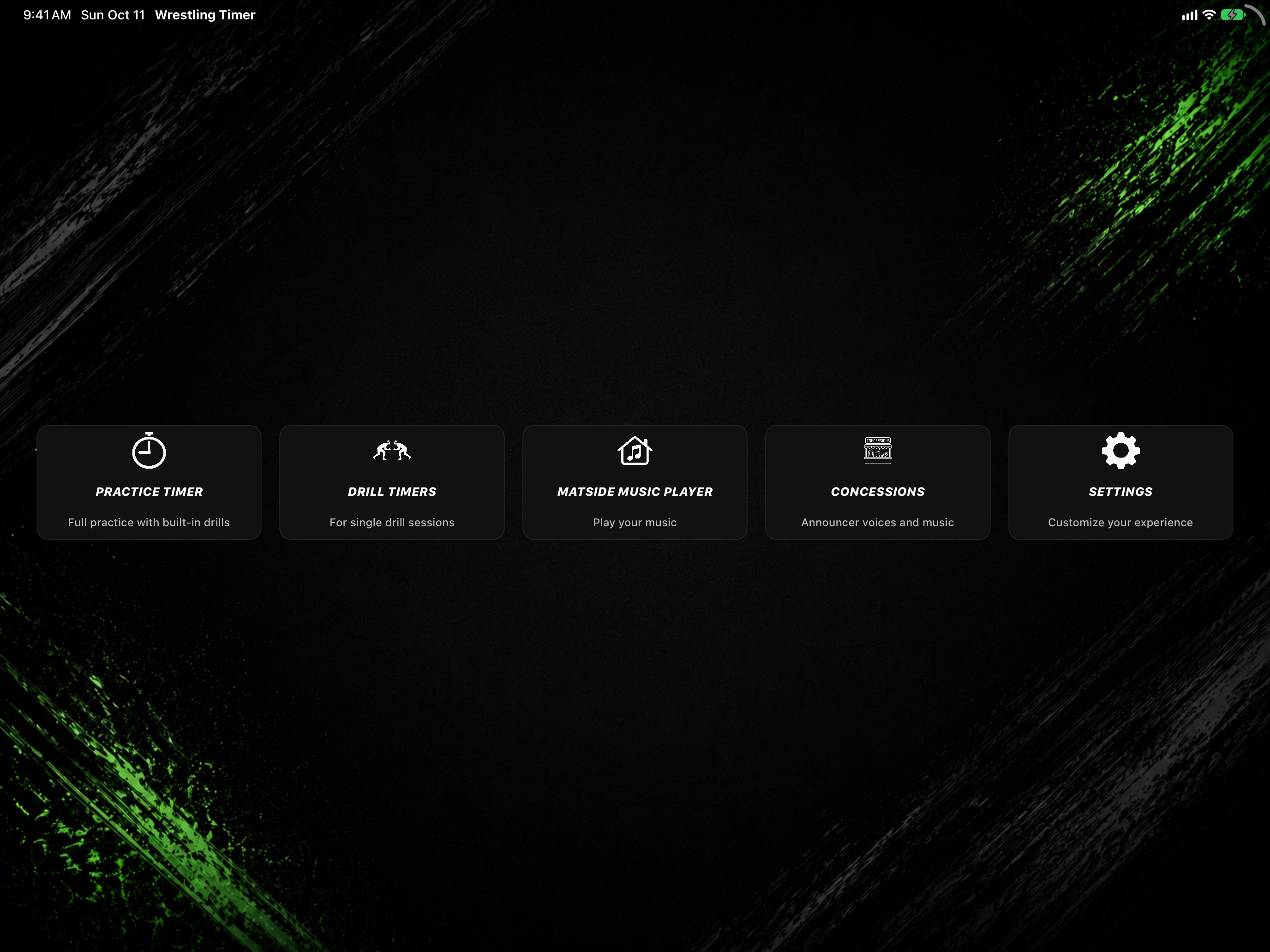
On iPad, the home screen is landscape and uses the wider layout.
- PRACTICE TIMER: set a practice length and run a practice countdown.
- DRILL TIMERS: open the drill list (same title on the submenu).
- MATSIDE MUSIC PLAYER: play music outside a timer.
- CONCESSIONS: browse highlights, announcer packs, and music.
- SETTINGS: announcer, subscription, legal, and more.
Drill Timers submenu
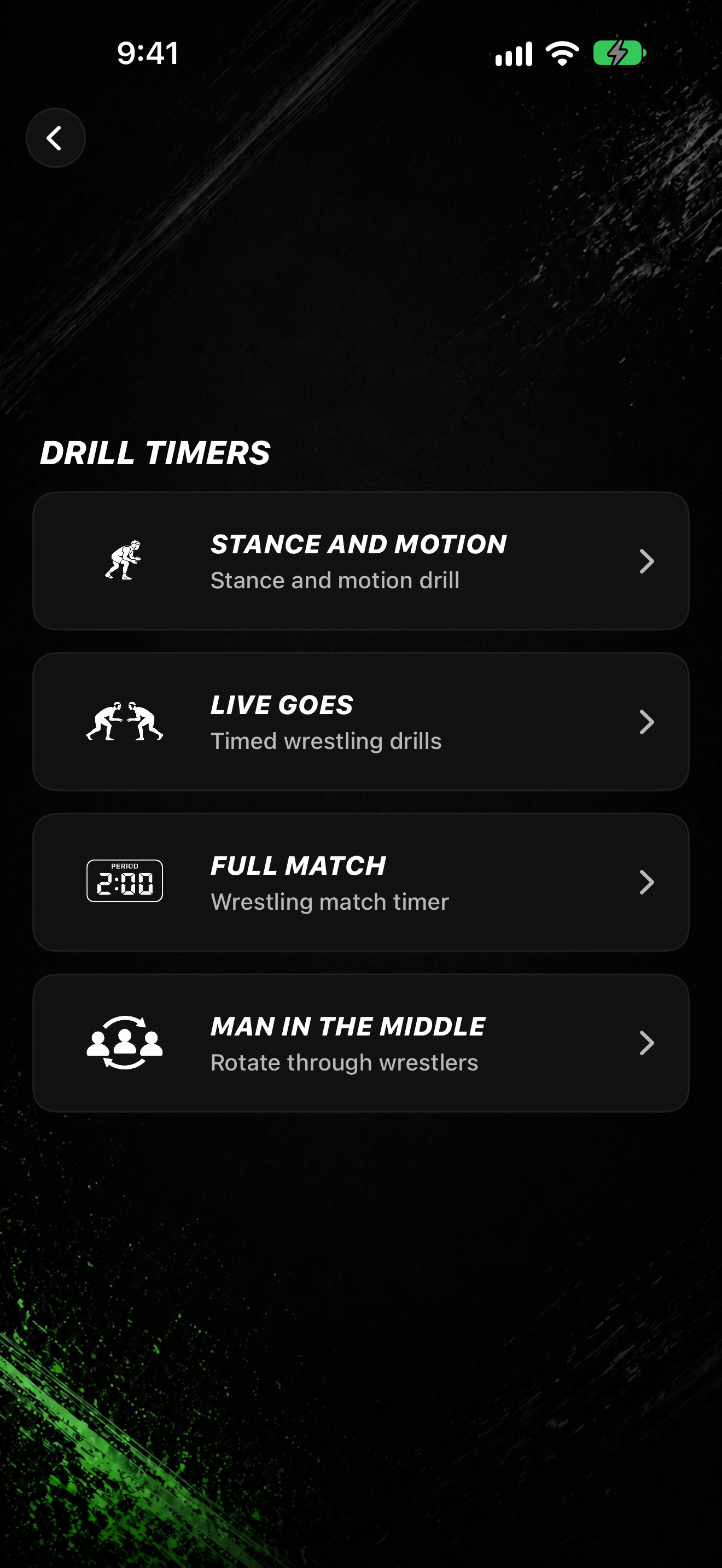
- Tap DRILL TIMERS.
- Choose a drill:
- STANCE AND MOTION
- LIVE GOES
- FULL MATCH
- MAN IN THE MIDDLE
Apple Watch status (iPhone)
When your Watch can connect, the home screen may show Apple Watch linked or Apple Watch ready.