
You need an active purchase or team license before the timers unlock. Prices come from the App Store on your device. This page does not list dollar amounts.
Subscribe
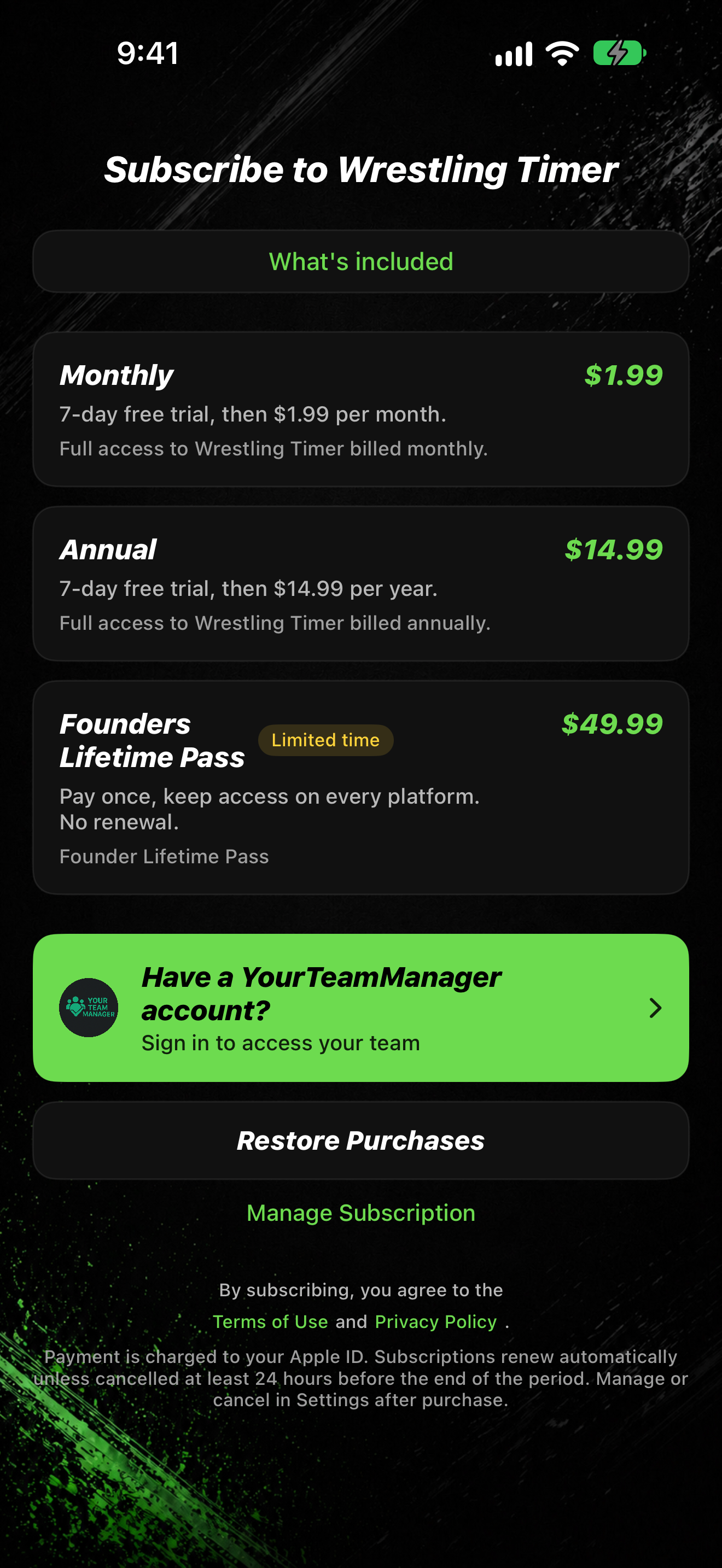
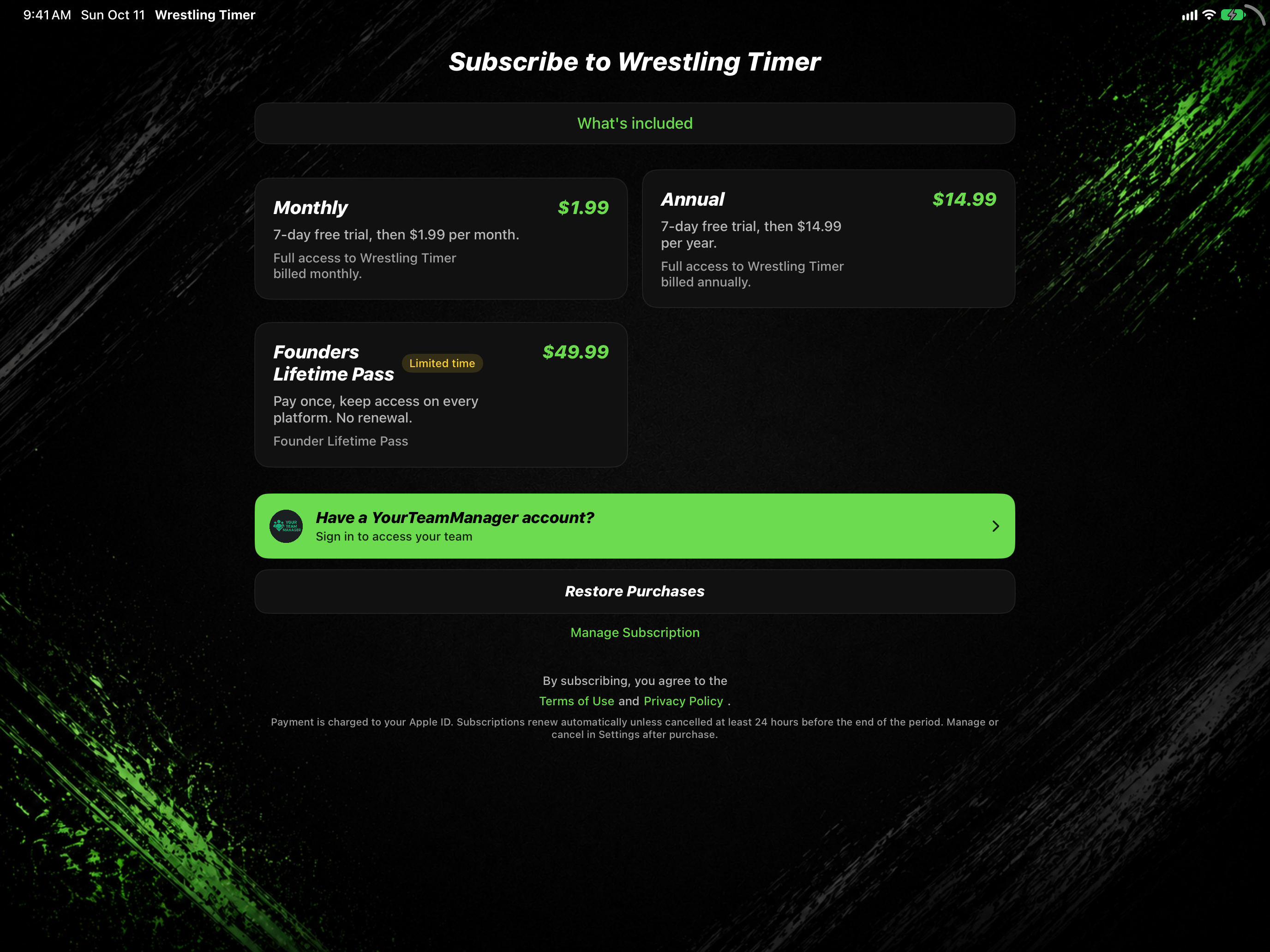
On iPad, the paywall is landscape and plans show side by side.
- On first launch you see Subscribe to Wrestling Timer. Later, Settings can open Choose a plan.
- One subscription unlocks every timer mode on iPhone, iPad, and Apple Watch.
- Family Sharing is included. One purchase can cover your household.
- Pick a plan row: Monthly, Annual, or Founders Lifetime (shown as Founders Lifetime Pass when the store name is not available).
- Complete the Apple purchase prompts.
- Optional: tap What's included to see the feature list.
By subscribing, you agree to the Terms of Use and Privacy Policy links on the paywall.
Restore purchases
- On the paywall, tap Restore Purchases.
- Sign in with the same Apple ID you used to buy, if Apple asks.
- When access activates, the app continues past the paywall.
Team license (optional)
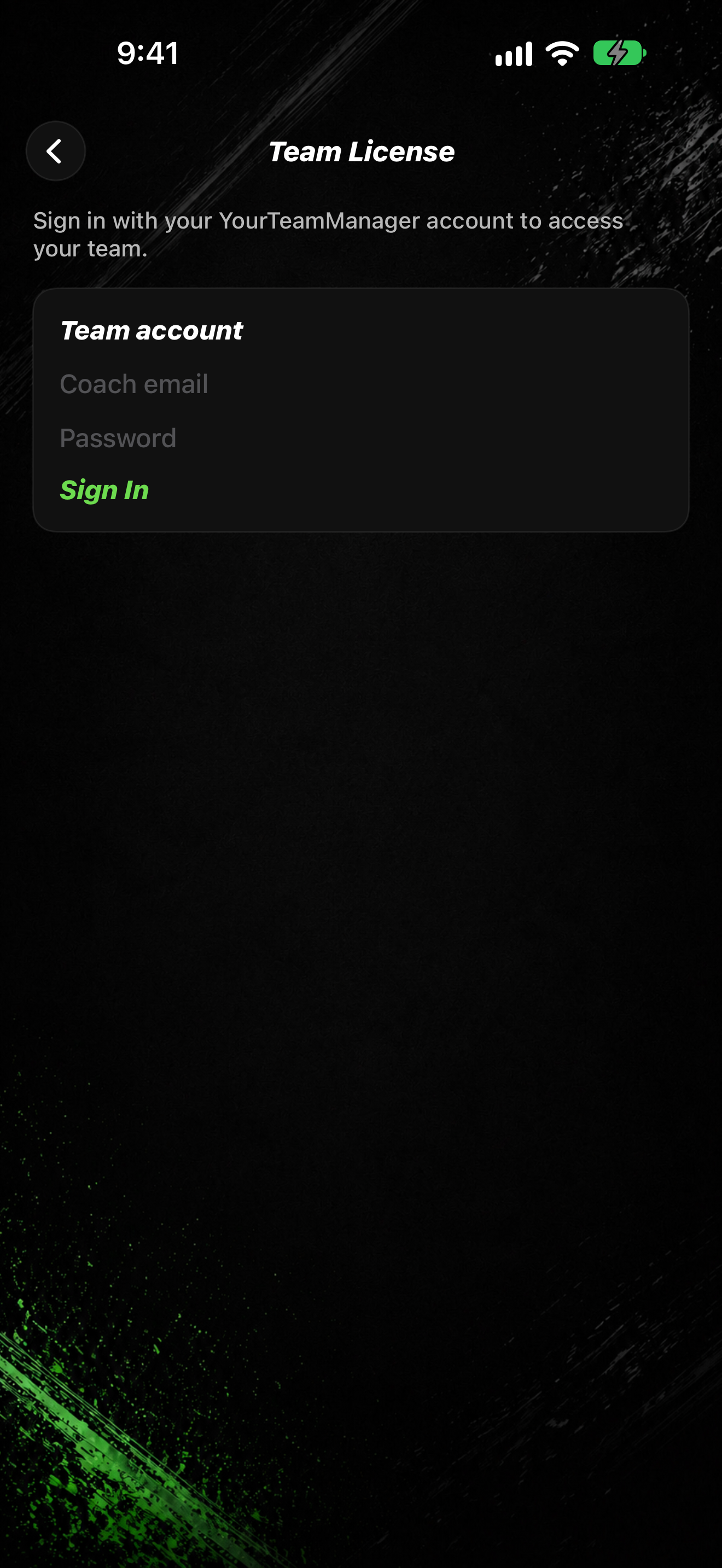
- On the paywall, tap Have a YourTeamManager account?
- The subtitle says Sign in to access your team.
- On Team License, sign in with the account your organization gave you.
YourTeamManager coach tools in Settings are still Coming soon. Team license sign-in on the paywall works today when your org assigned a license.
On Apple Watch
If the Watch still shows a subscribe message after you buy, subscribe (or restore) on iPhone. The Watch note says: Subscribe on iPhone if purchase does not appear on your watch.
Next
After subscribe, you may need to accept the privacy policy, then finish welcome setup: Accept the privacy policy.