
When a new privacy version is required, Wrestling Timer shows the policy before you continue.
Agree on iPhone or iPad
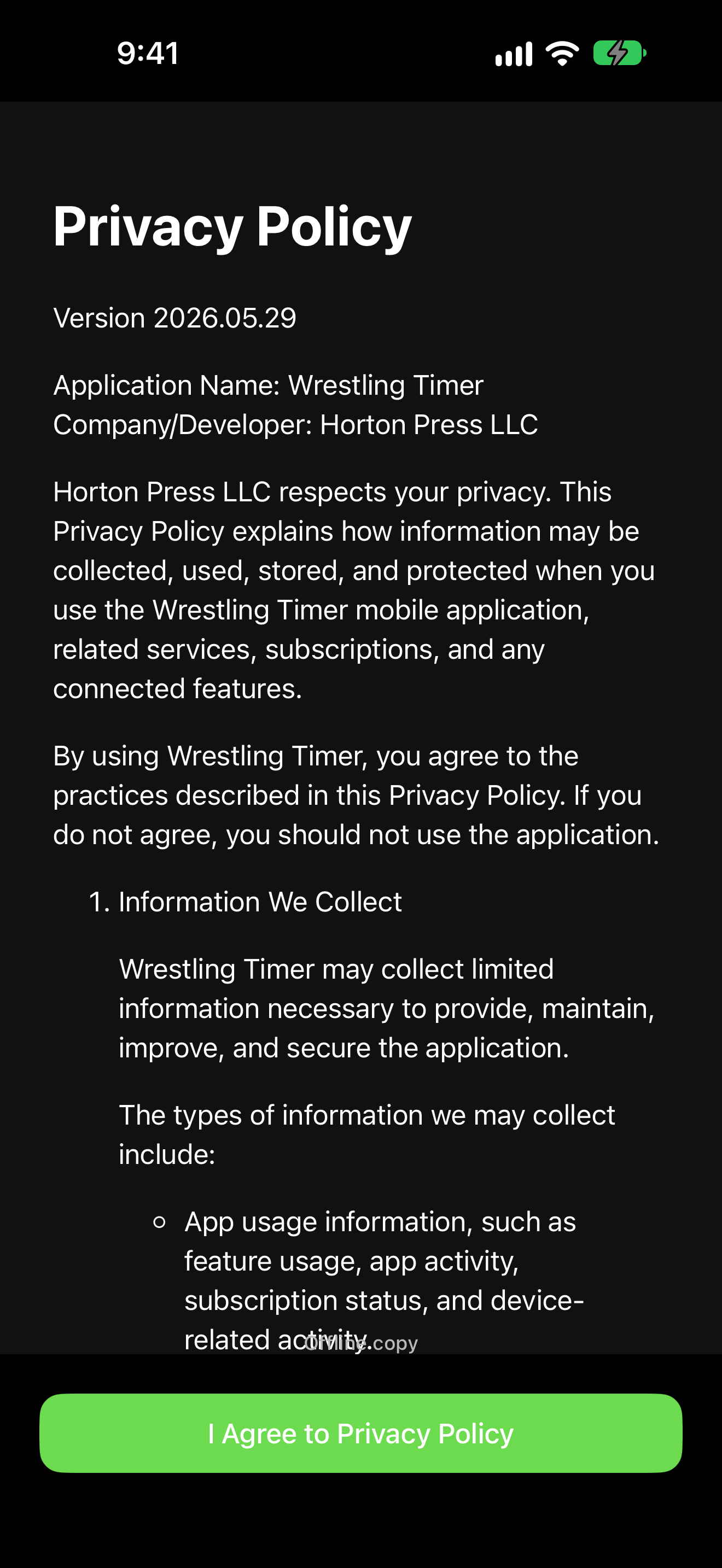
- Open the Privacy Policy screen.
- Read the document. Use Next Page and Previous Page if it spans more than one page. Tap Done when you finish reading in the page viewer.
- If you see Offline copy, the app is showing a saved copy.
- Tap I Agree to Privacy Policy.
If the document will not load
If you see This document is unavailable., check your network and try again later. You cannot skip this step when the app requires a new acceptance.
Next
Finish welcome setup: Finish welcome setup.