
Use Practice Timer for a long practice countdown.
Set the duration
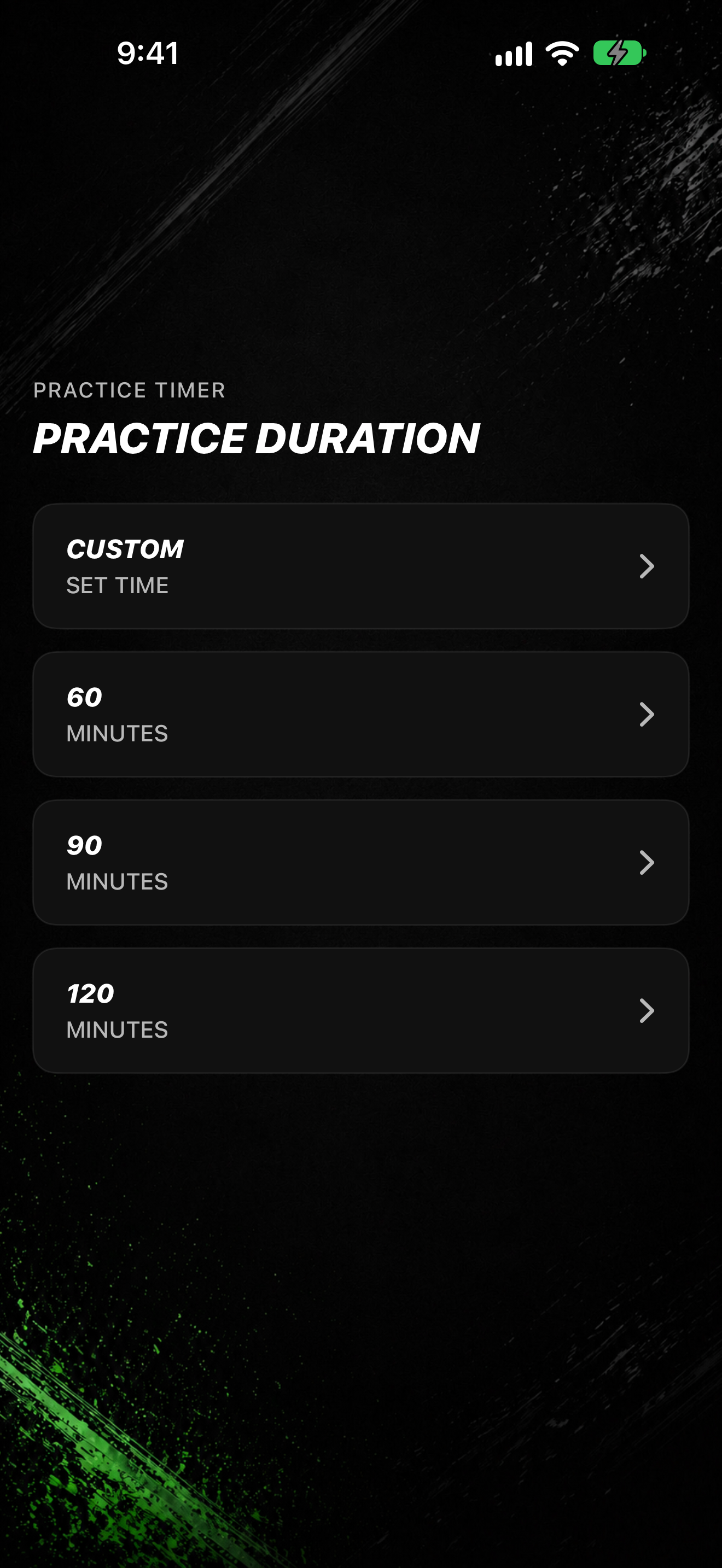
- On the home screen, tap PRACTICE TIMER.
- On PRACTICE DURATION, pick 60 Minutes, 90 Minutes, or 120 Minutes.
- Or choose CUSTOM (SET TIME) to open SET CUSTOM TIME, then set your length.
Arena music and start
- On ARENA MUSIC, pick a playlist or No Music, then continue.
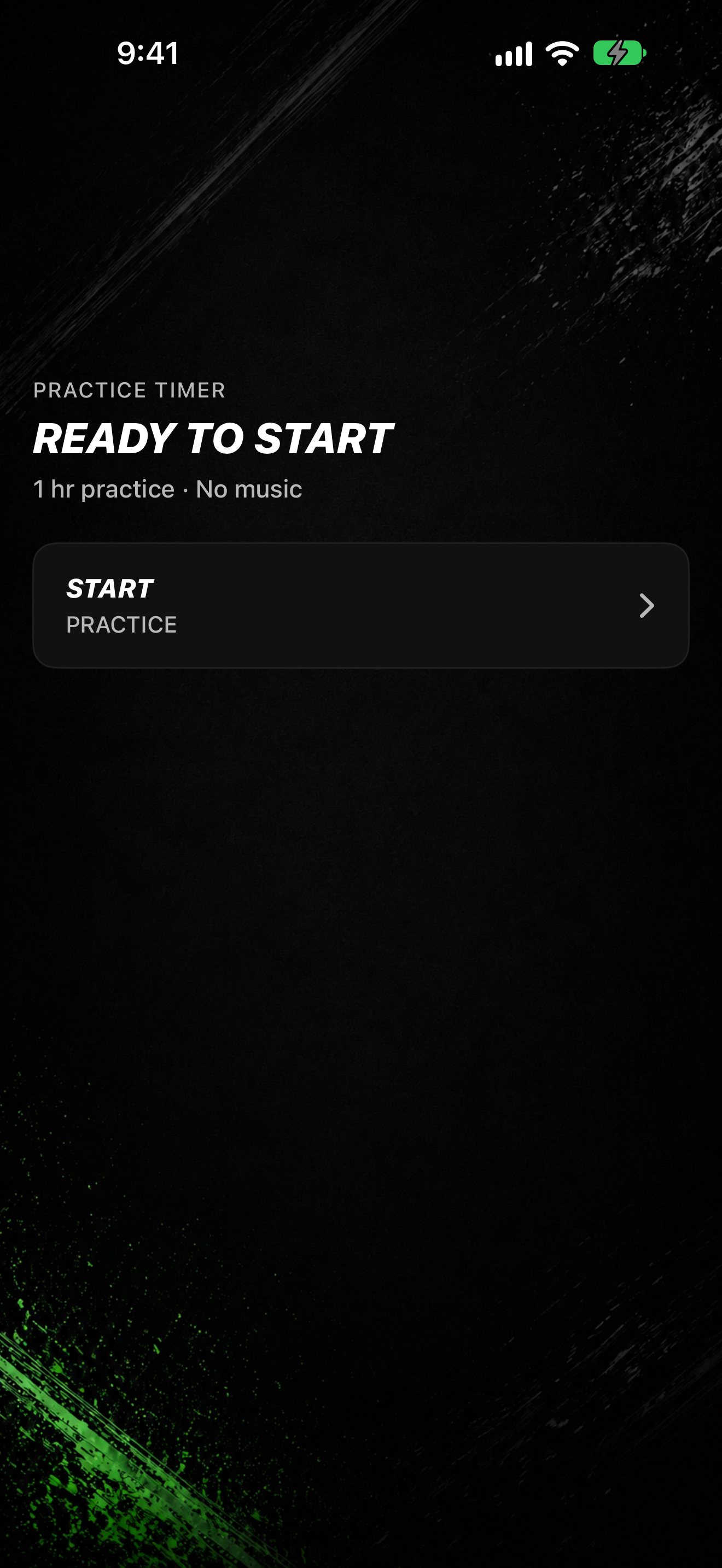
- On READY TO START, tap START (subtitle PRACTICE).
- The running session header shows PRACTICE.
Use Start, Pause, Resume, Reset, and Exit while the timer runs. See Pause, resume, reset, or exit a timer.