
Start a drill without ending your Practice Timer session.
Open the Drill Timers panel
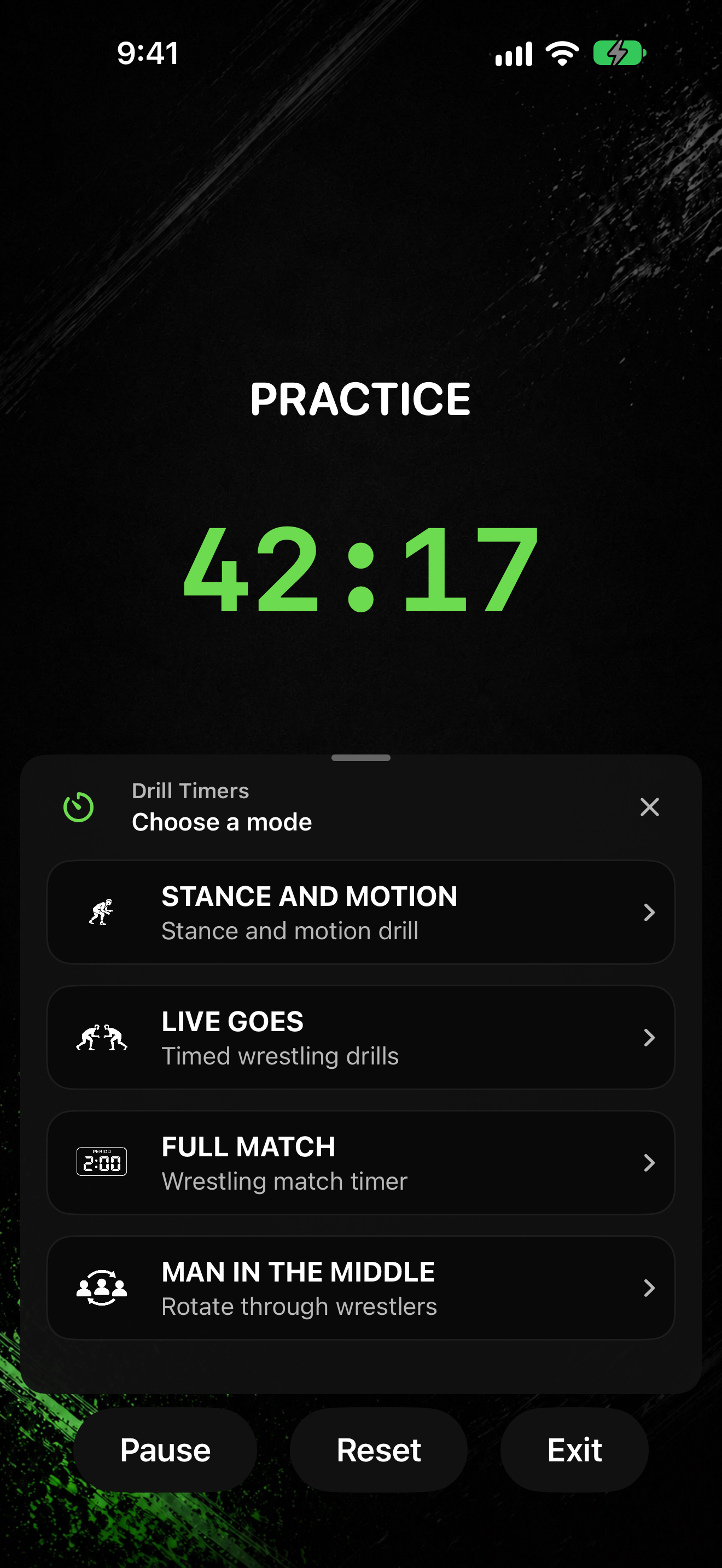
- Start a PRACTICE TIMER session so the running screen shows PRACTICE.
- Tap Drill Timers.
- In the panel titled Drill Timers, pick a mode: STANCE AND MOTION, LIVE GOES, FULL MATCH, or MAN IN THE MIDDLE.
- Finish that drill's setup steps, then start it.
- Tap Back to return to the mode list, or Close to dismiss the panel and return to Practice.
While a drill runs inside Practice, use End Drill to leave the drill and keep Practice going. See Pause, resume, reset, or exit a timer for shared controls.