
Every timer mode uses the same transport controls.
Controls
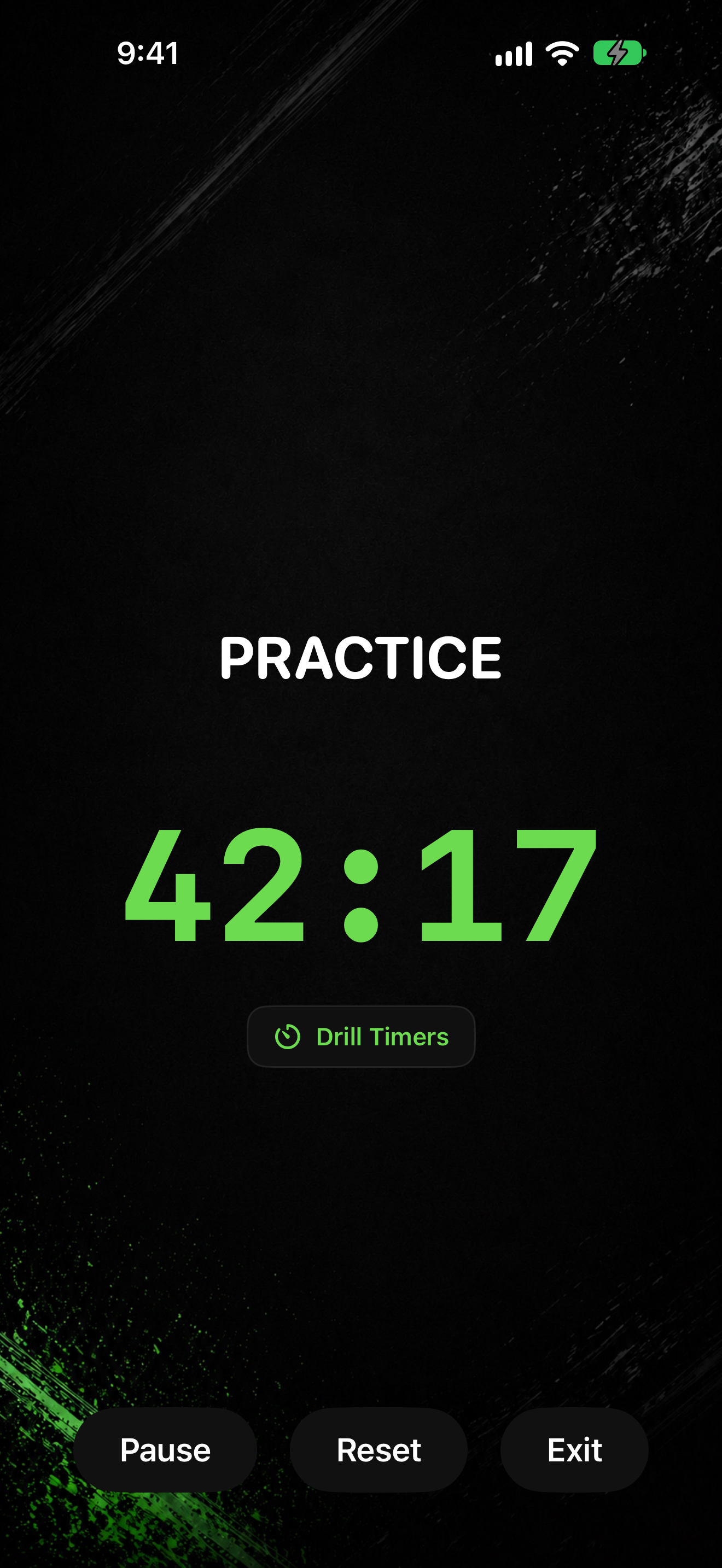
- Tap Start to begin (or after a reset).
- Tap Pause while the clock is running.
- Tap Resume when the clock is paused.
- Tap Reset to clear the current run and start over from the beginning of the session setup.
- Tap Exit to leave the timer. If you opened a drill from Practice, this control may say End Drill instead.
End confirmation
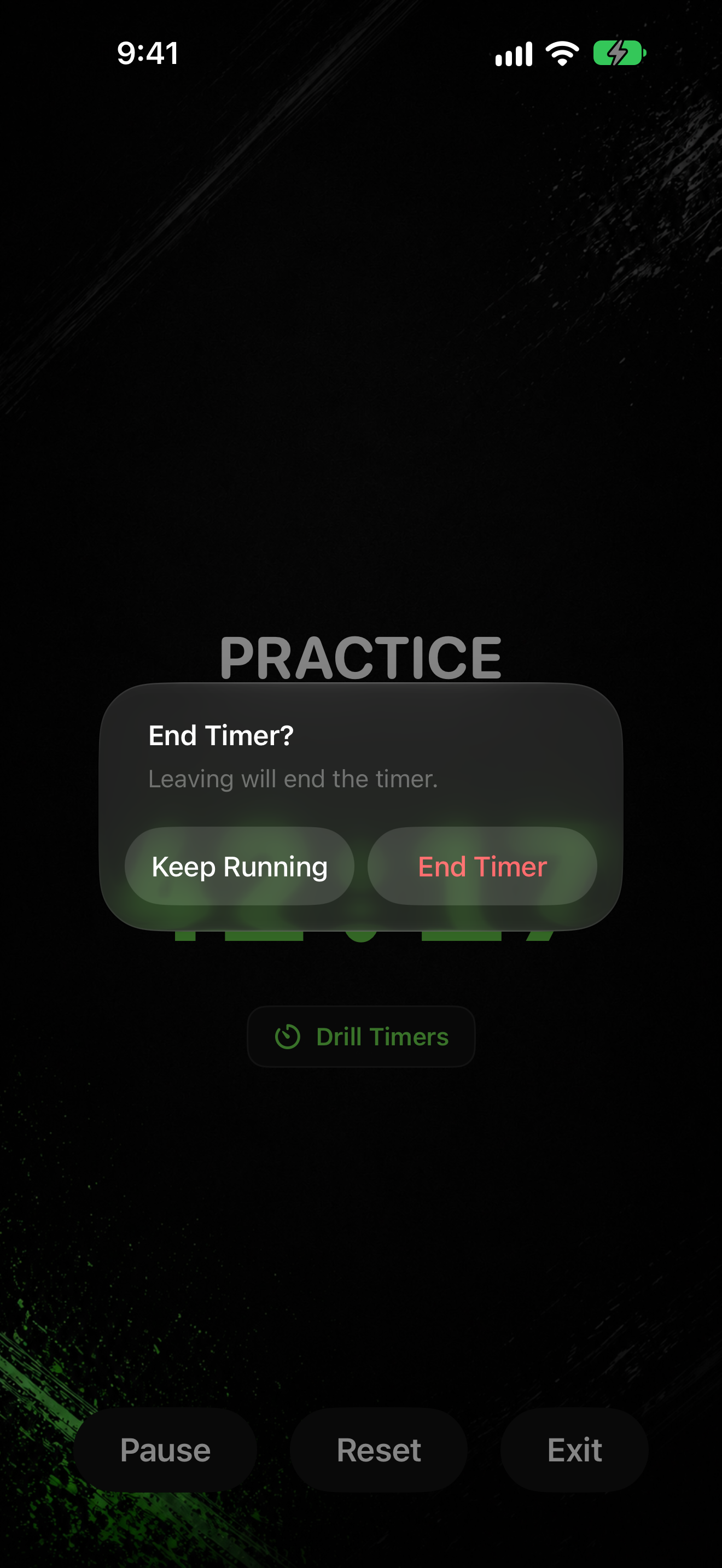
- When you leave a running or paused session, the app asks End Timer?
- Tap Keep Running to stay on the timer.
- Tap End Timer to stop and leave. The message says: Leaving will end the timer.