
Man in the Middle rotates pairings across a set of wrestlers.
Set up the drill
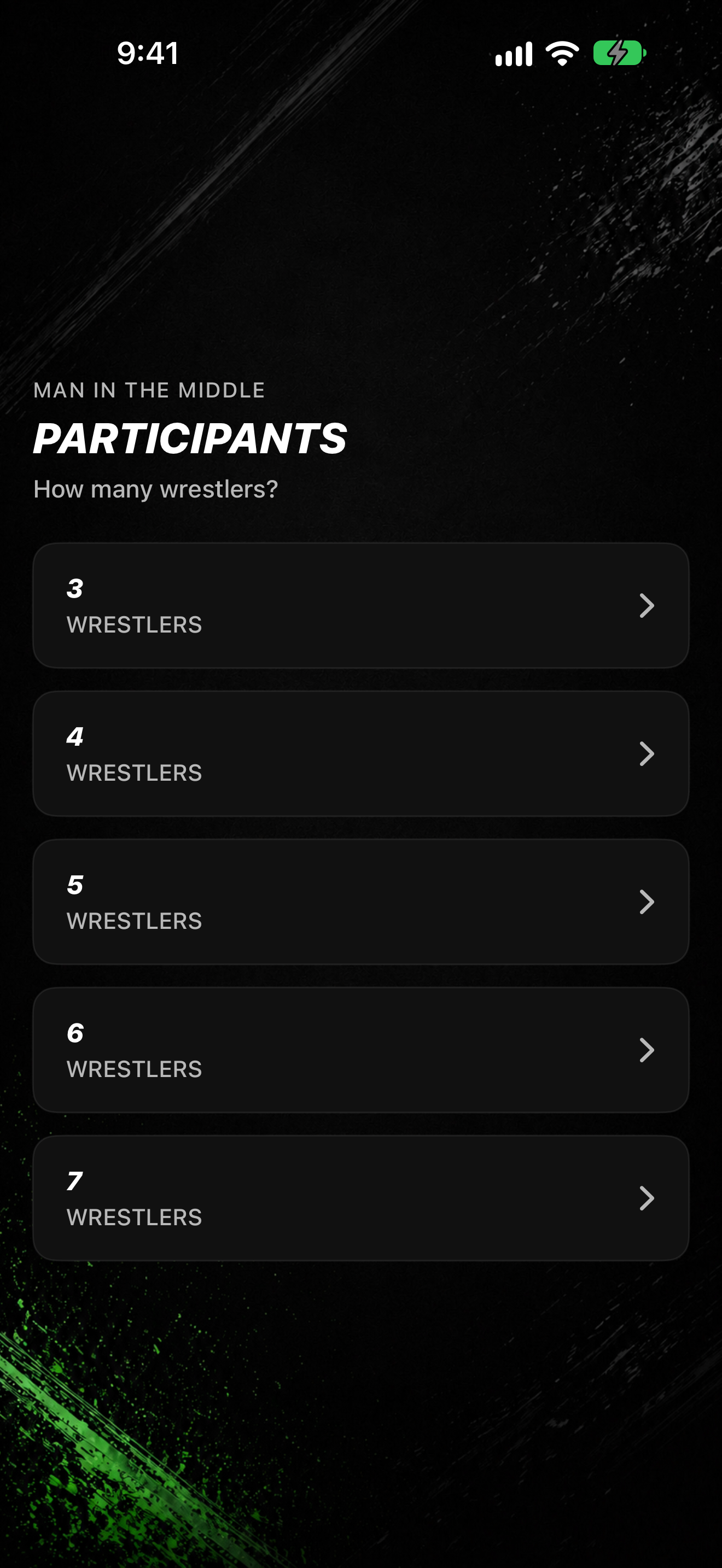
- Tap DRILL TIMERS, then MAN IN THE MIDDLE.
- On PARTICIPANTS, pick how many WRESTLERS (3 through 7).
- On MATCH LENGTH, pick 30 Seconds, 1 Minute, 2 Minutes, or 3 Minutes.
- On BREAK LENGTH, pick the rest between rotations.
- On ARENA MUSIC, pick a playlist or No Music.
- On READY TO START, review the ROUND ROBIN summary, then tap START.
During the session
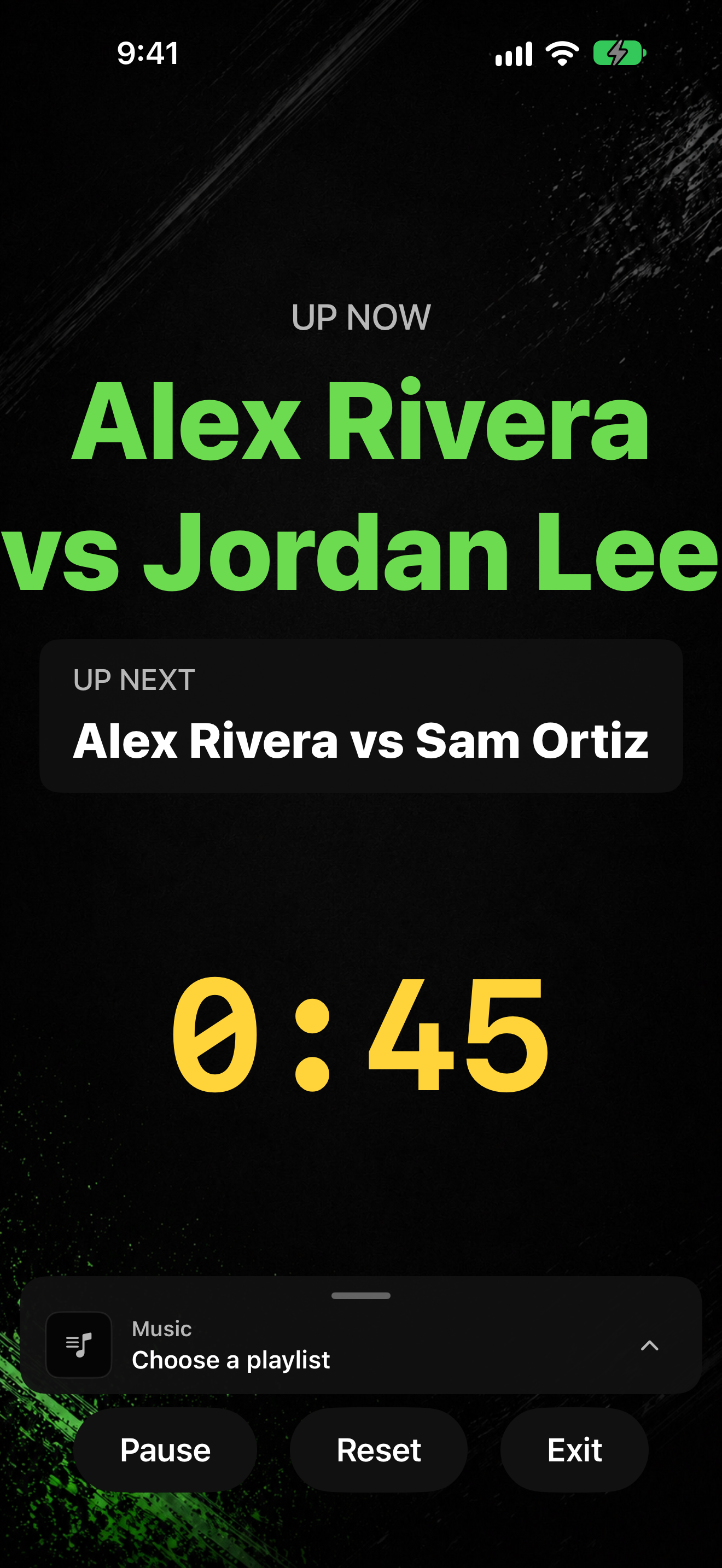
- UP NOW shows the current pairing.
- UP NEXT shows the next pairing (or No further matches when none remain).
- Use the shared timer controls to pause, resume, reset, or exit.
When rotations finish
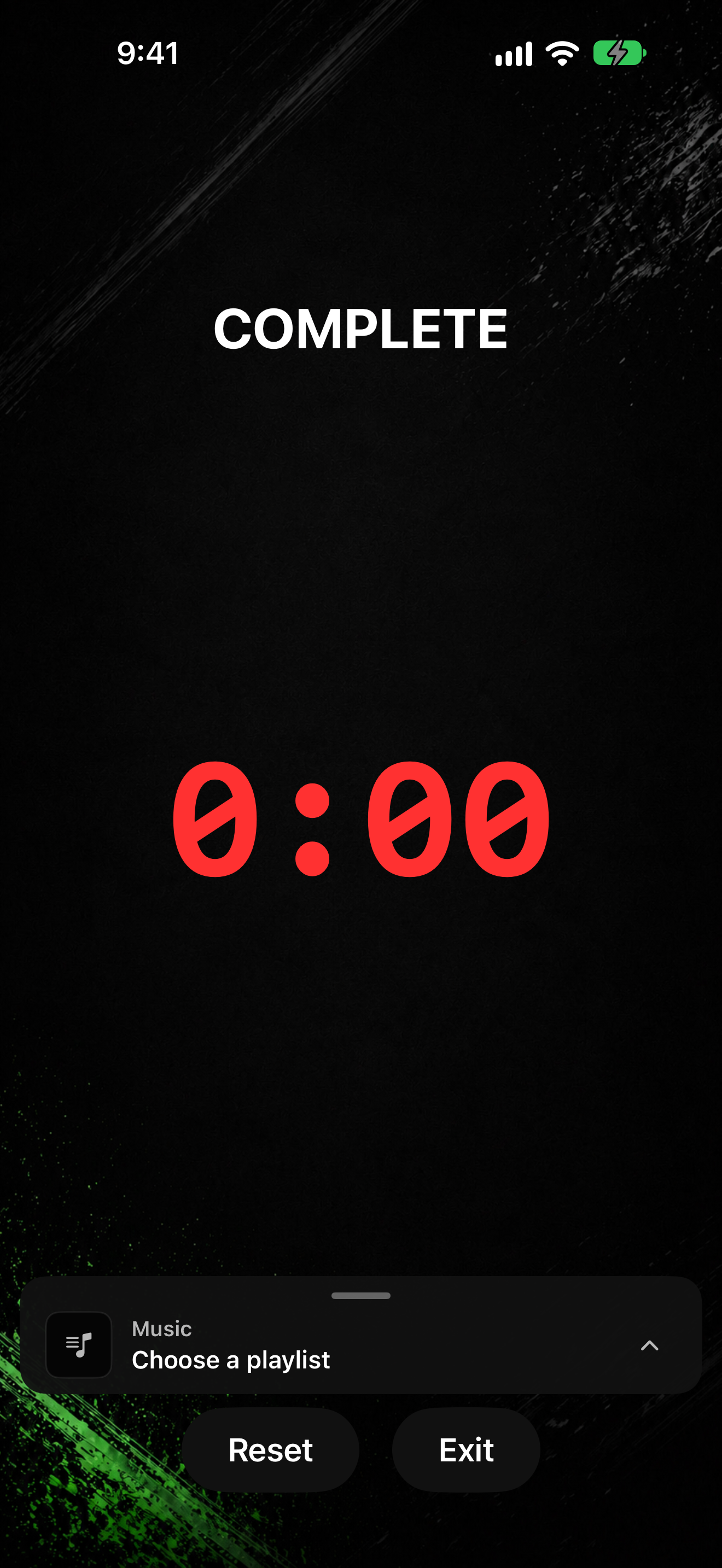
- When the rotation sequence ends, the display shows COMPLETE.