
Most timer setups include an ARENA MUSIC step before READY TO START.
Pick music for the session
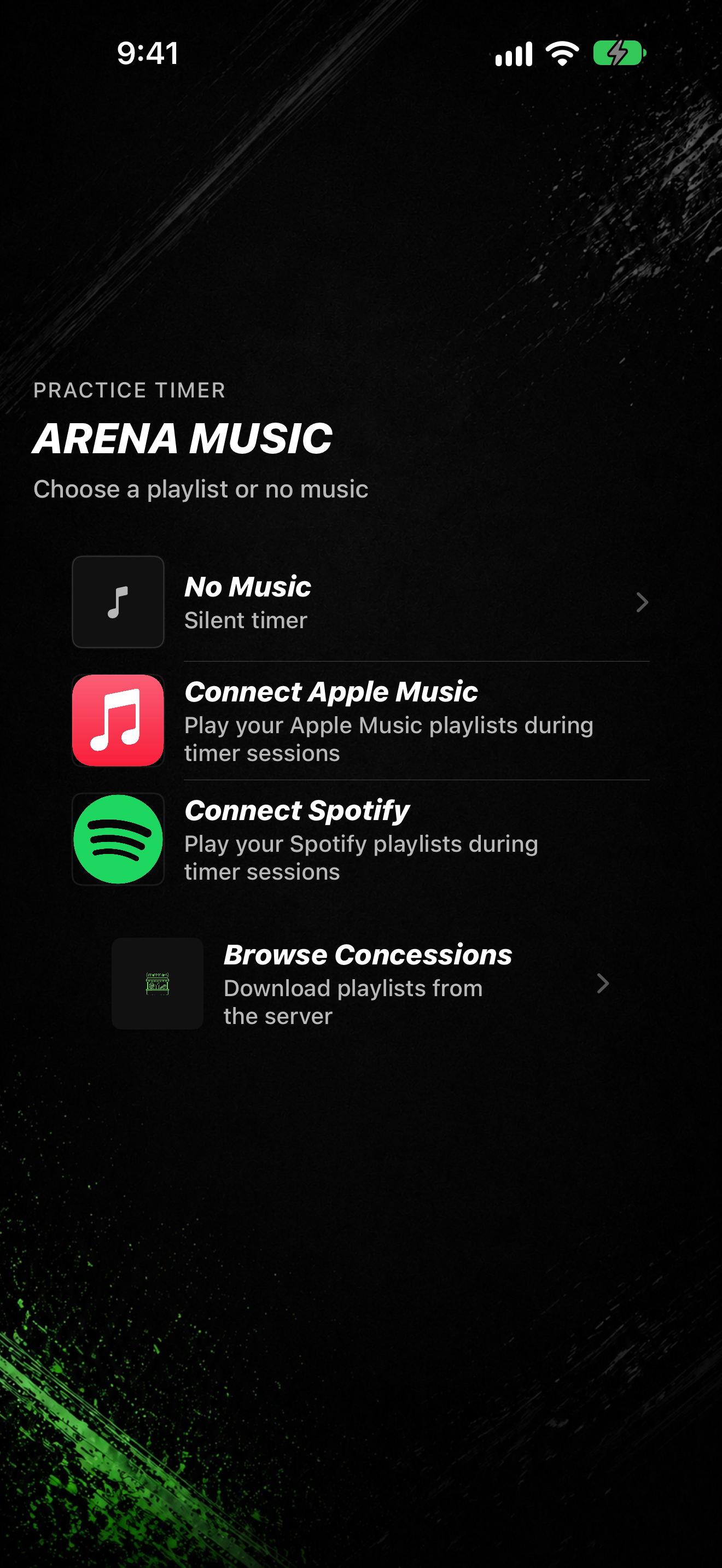
- In a timer setup (for example Practice Timer or a drill), continue until ARENA MUSIC.
- Pick a playlist, or choose No Music.
- Use Download playlists from the server if you need more playlists from Concessions.
- Continue to READY TO START, then tap START.
Depending on your music defaults, the list can also show options such as Wrestling Timer downloads, Apple Music, or Spotify. You can change defaults later under SETTINGS → Music Settings.