
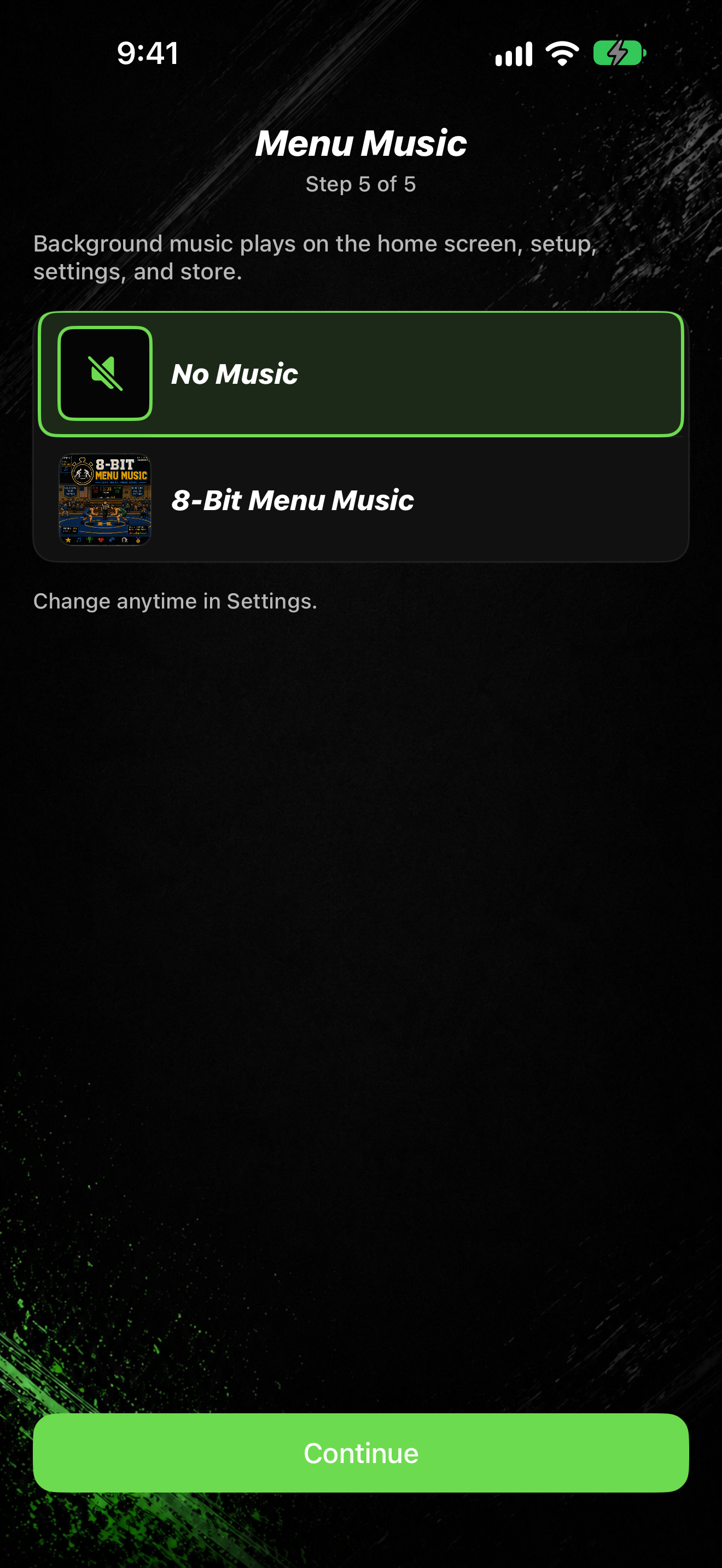
Menu music plays in the background on the home screen, setup, settings, and store.
Open Menu Music
- Tap SETTINGS.
- Under Timer Setup, tap Music Settings.
- Tap Menu Music (subtitle Background music on the home screen).
- Turn the Menu Music toggle on or off.
- Pick a playlist, or choose No Music. The list is the same Menu Music list you see during welcome setup (Step 5 of 5).
You also set menu music during welcome setup. See Finish welcome setup.