
Keep custom playlists in sync across your Apple devices. Audio files stay on each device and download from the app catalog.
Turn sync on
- Tap SETTINGS.
- Under Account & Sync, tap iCloud Sync.
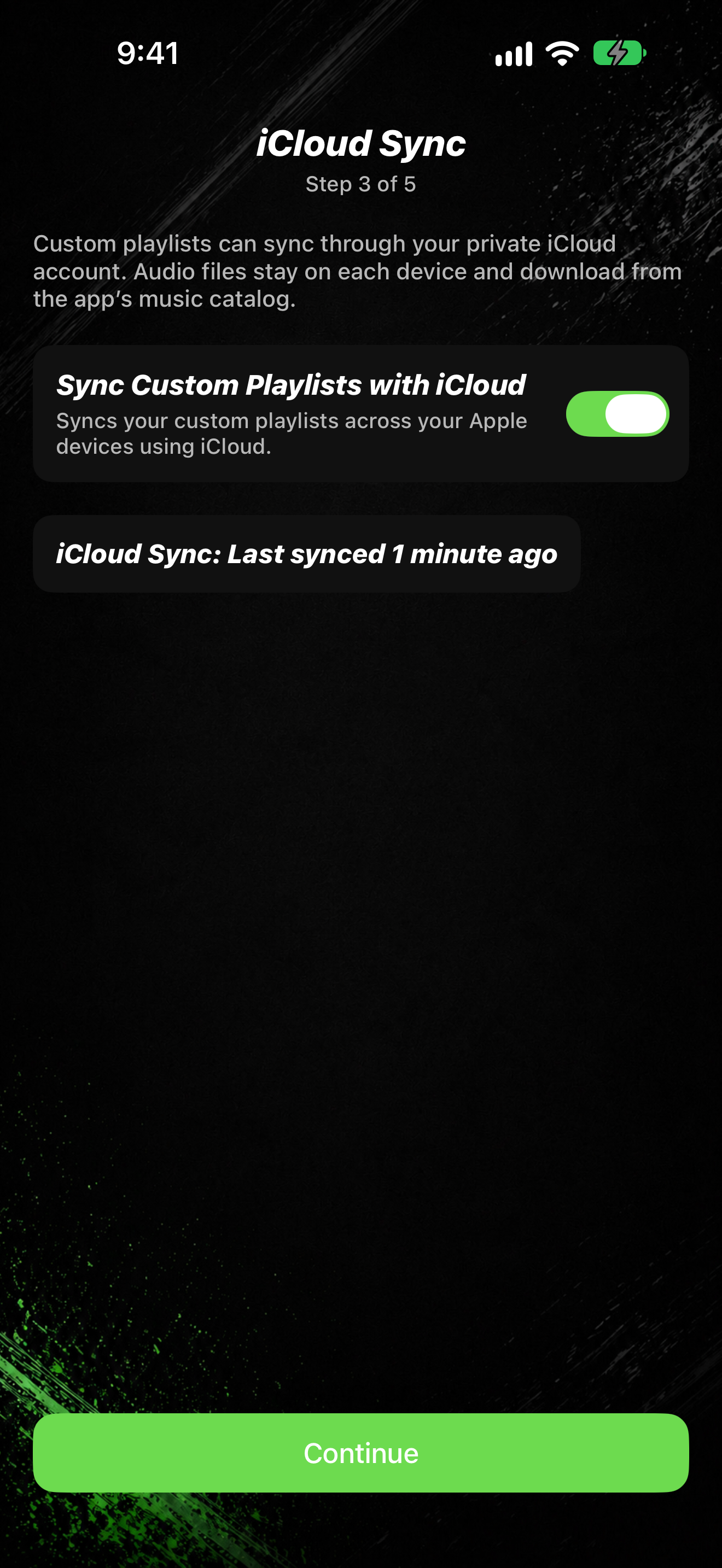
- Turn on Sync Custom Playlists with iCloud. The same switch appears during welcome setup on iCloud Sync (Step 3 of 5).
- When sync is available, tap Sync Now to refresh.
Status lines under the toggle show whether iCloud Sync is on, off, syncing, or needs attention.