
Concessions is the in-app store for voice packs, music, and menu music.
Open Highlights
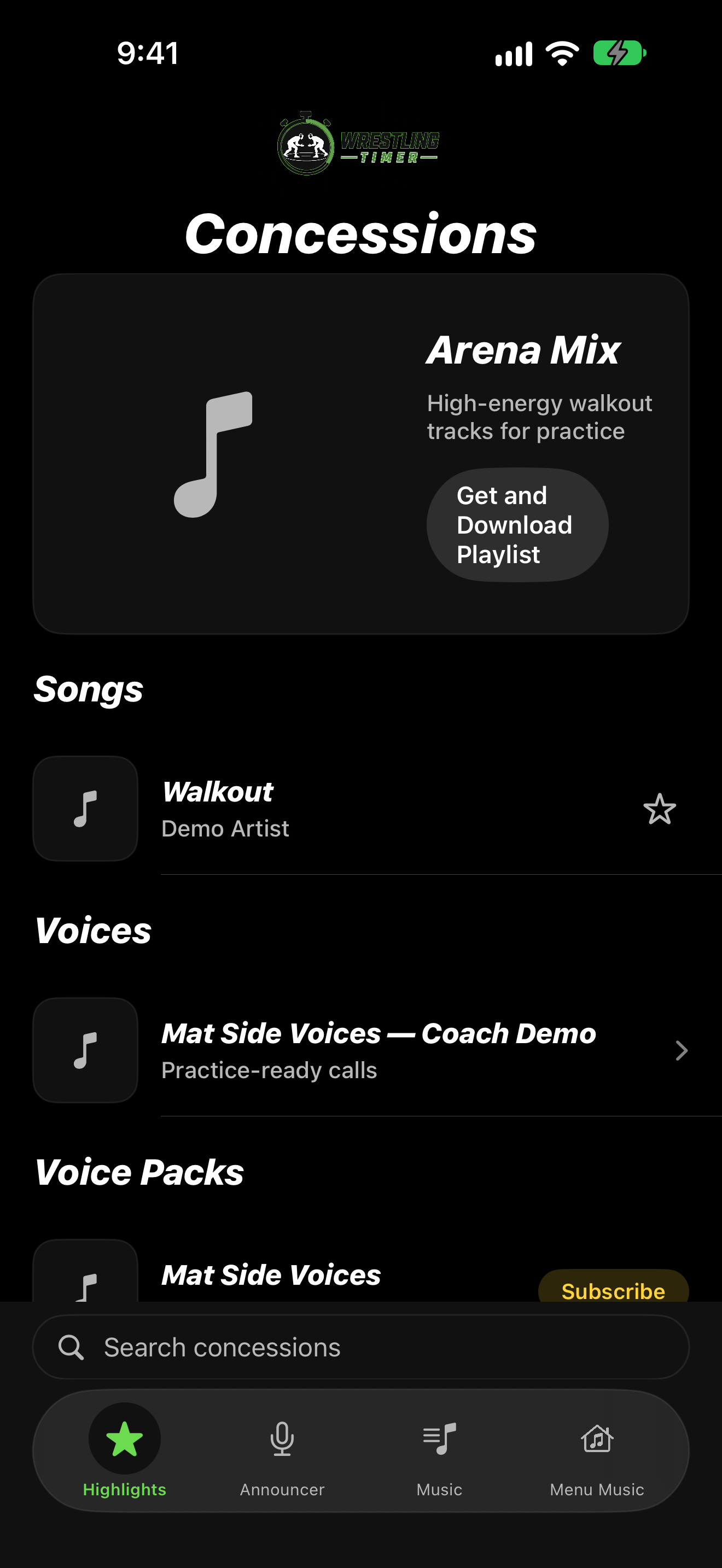
- On the home screen, tap CONCESSIONS.
- Start on the Highlights tab for curated items.
- Switch tabs to Announcer, Music, or Menu Music as needed.
- Use Search concessions to find an item by name.
Open a product
- Tap an item from Highlights or another tab.
- Review the detail screen, then download or get the item if you want it.
On iPad
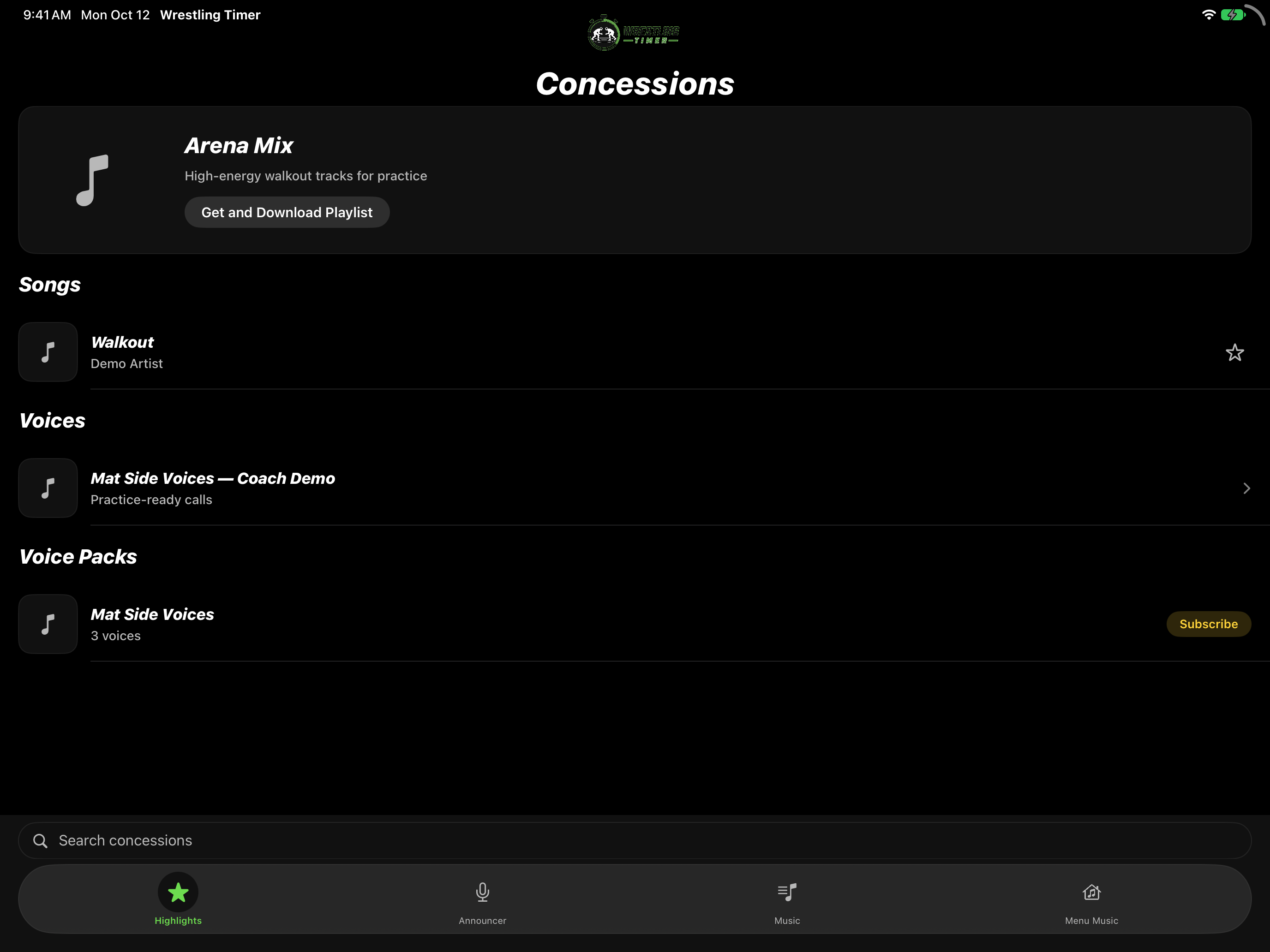
- In landscape, Concessions uses a wider layout for Highlights and product pages.
- Browse and open items the same way as on iPhone.