
Use Event Manager for tournaments and duals your team hosts. You fill in one form, and Your Team Manager puts the event on your calendar, gives you a hosting checklist and builds a flyer.
Entries and payments still go through your usual registration site.
Step 1: Open Event Manager
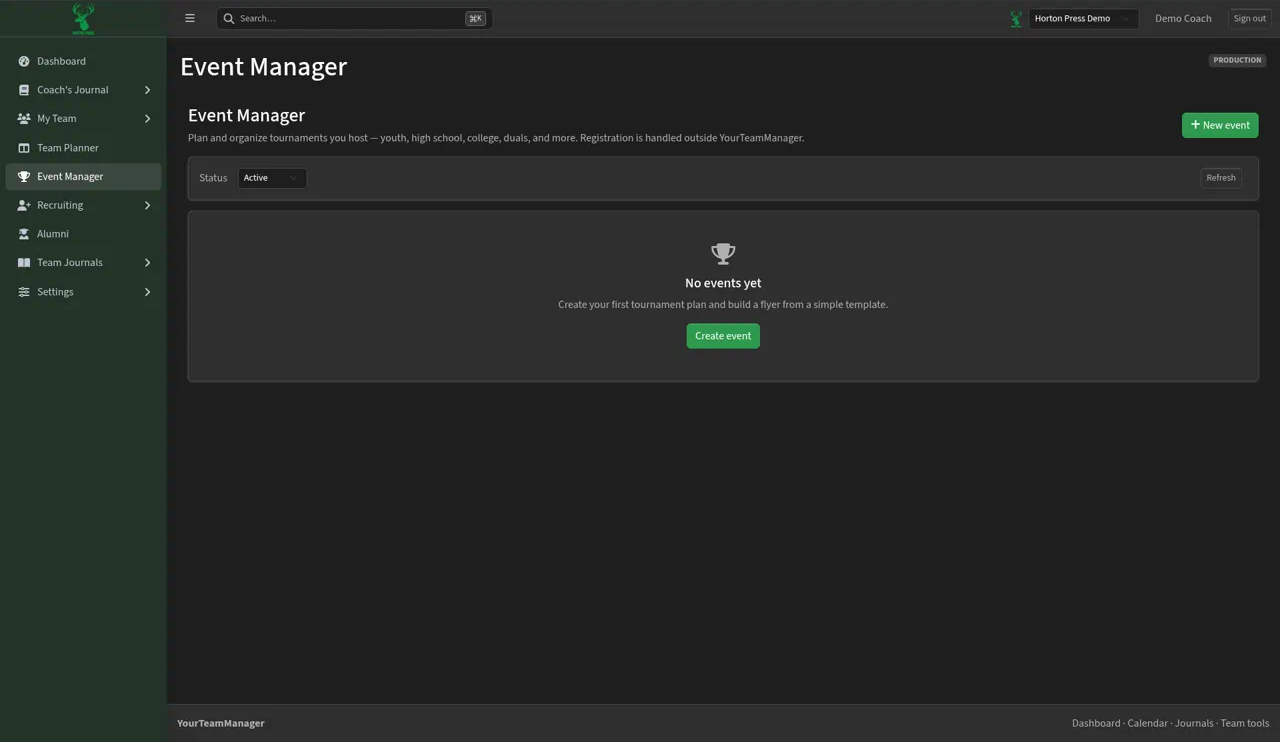
- In the side menu, select Event Manager.
- If you have no events yet, you'll see "No events yet" and a Create event button.
- Use the Status filter to show Active, Cancelled or All events. Select Refresh to update the list.
Step 2: Start the event
- Select + New event (top right) or Create event.
- The New event form opens on the Event plan tab. The other tabs are Flyer builder and Checklist.
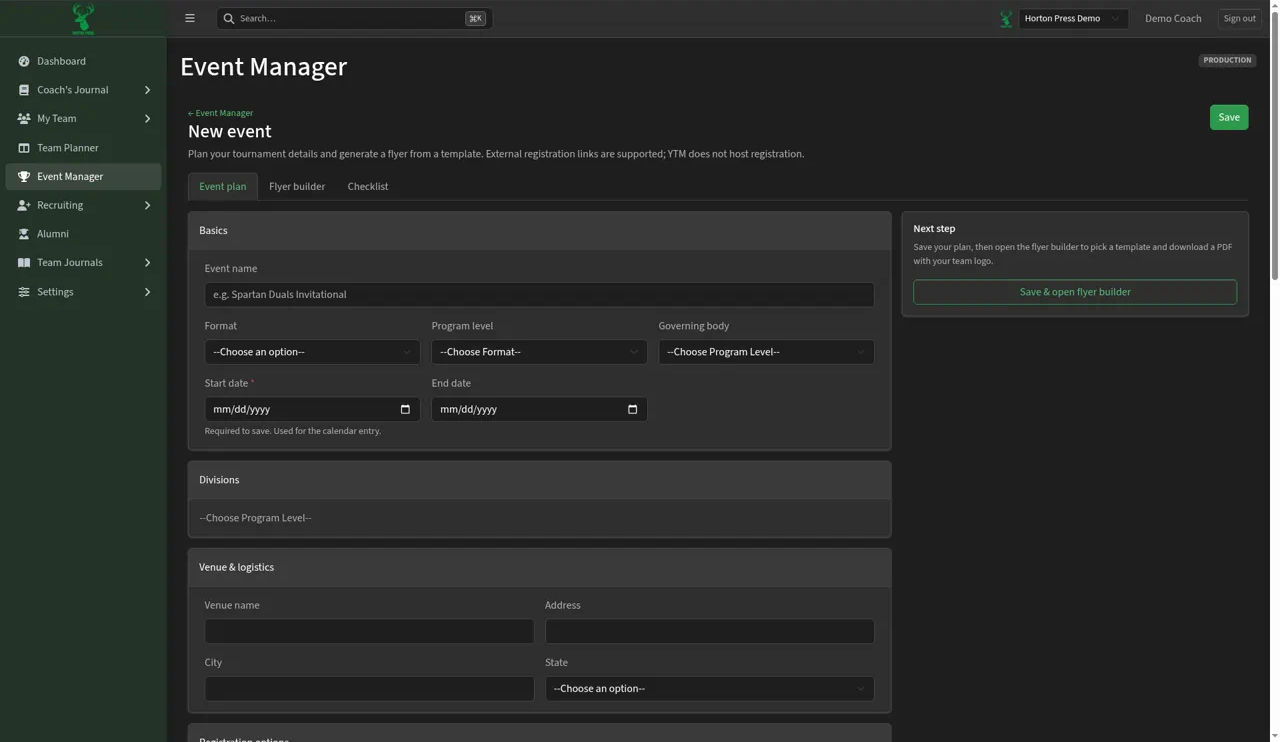
Start date is the only box you must fill in. Fill in what you know now and come back for the rest. Anything you skip won't show on the flyer.