Save
- Select Save. You'll see Event saved, and the event dashboard opens.
- Or select Save & open flyer builder in the Next step card to go straight to the flyer.
The event dashboard
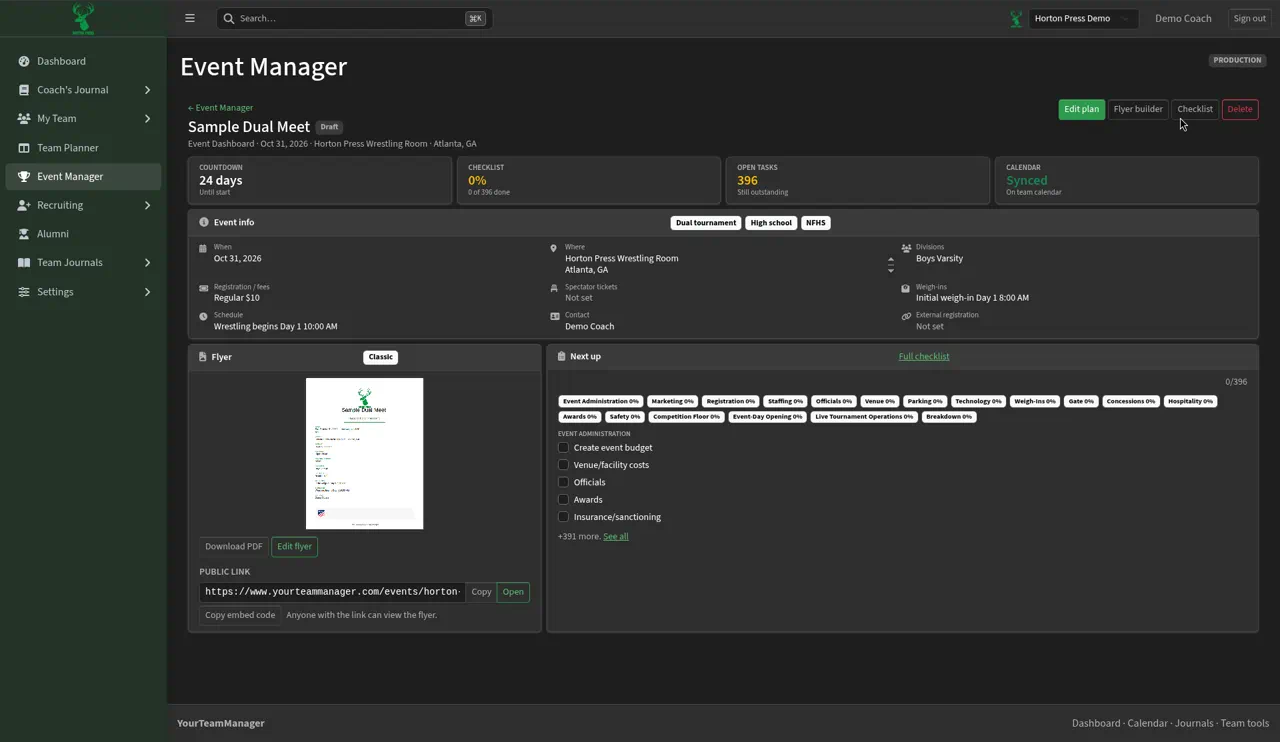
- Buttons: Edit plan, Flyer builder, Checklist and Delete.
- Cards: COUNTDOWN (days to go), CHECKLIST (how much is done), OPEN TASKS and CALENDAR ("Synced" and "On team calendar").
- Event info: everything you entered. Blanks say "Not set."
- Flyer: a preview with Download PDF, Edit flyer, the PUBLIC LINK and Copy embed code.
- Next up: the next checklist tasks. Select See all for the whole list.
To change details, select Edit plan, make your changes and select Save.
Where the event shows up
- Event Manager list: a card with Open dashboard, Edit plan and Flyer builder.
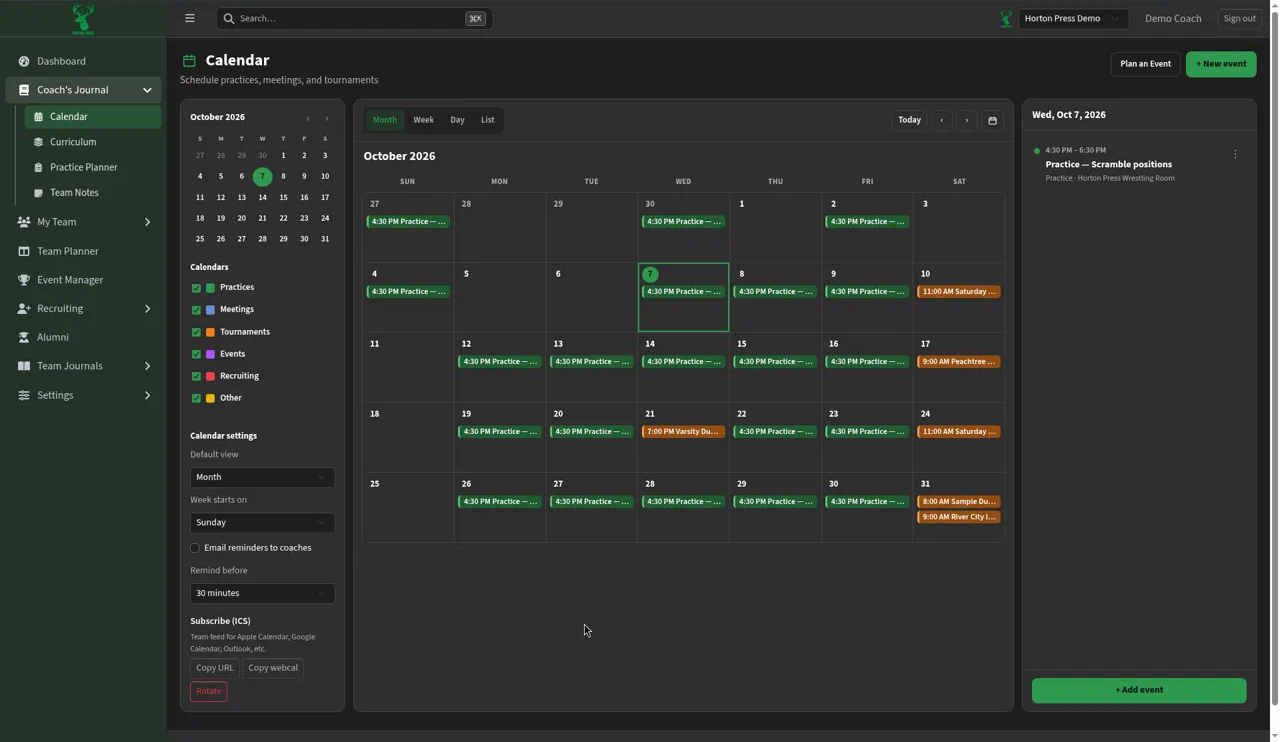
- Calendar: on its date, in the tournament color. Click it to open the event dashboard.
- Dashboard: in the Calendar card once it's one of your next few events. A dual tournament also counts on the Season Schedule card.