
The iPhone home screen shows whether your Apple Watch is ready for Wrestling Timer.
Check the home status line
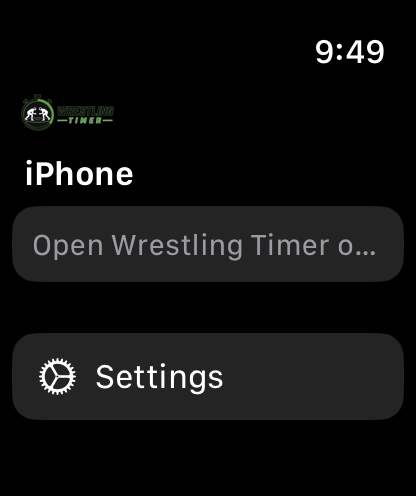
- Open Wrestling Timer on iPhone and look at the home screen status line.
- When the Watch companion is connected, the line shows Apple Watch linked (or Apple Watch ready in some states).
- If that line is missing or wrong, open the Wrestling Timer app on Apple Watch, unlock the Watch, and keep both devices nearby with Bluetooth on.
- Start a timer on iPhone first. The Watch controls a timer that is already running on iPhone.
Install Wrestling Timer on the Watch from the Watch app on iPhone if the Watch app is missing. For normal Watch use after it connects, see Control a timer from Apple Watch.