
Send a bug report or idea from Settings.
Open Send Feedback
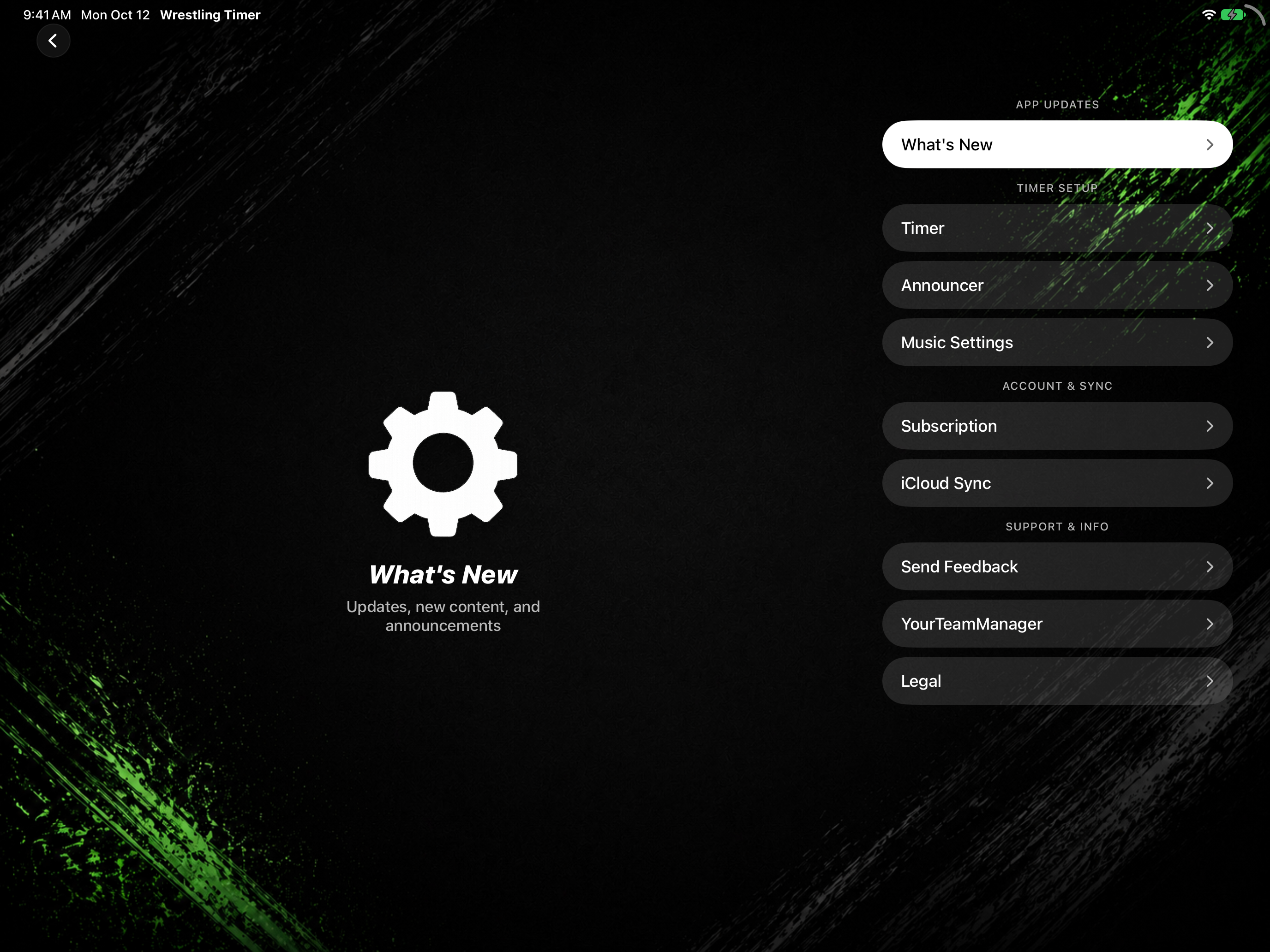
- Tap SETTINGS.
- Under Support & Info, tap Send Feedback (subtitle Report bugs or suggest features).
- Choose a category: Bug, Feature, General, or Other.
- In Describe your feedback, write your message.
- Tap Send Feedback (the button shows Sending… while it submits).