
Start the timer on iPhone first. The Watch mirrors that session.
Connect and start
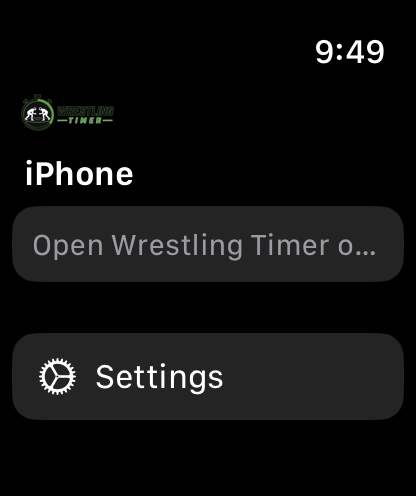
- Install Wrestling Timer on your Apple Watch (bundled with the iPhone app).
- Open Wrestling Timer on iPhone and on Watch.
- On Watch, the iPhone status explains what to do next:
- Open Wrestling Timer on iPhone to connect your Watch.
- Start a timer on iPhone to control it from your Watch.
- When a timer is already running on iPhone, use the controls on the Watch screen. - Start Practice Timer or a drill on iPhone. The Watch shows the live session.
Session controls
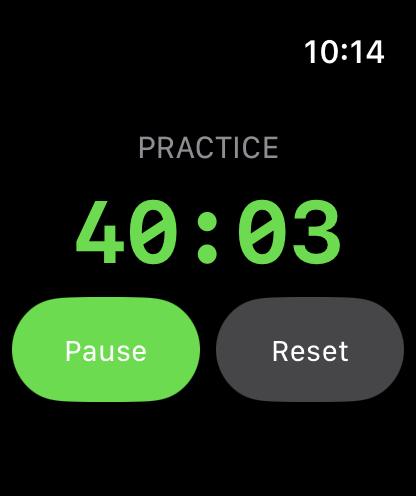
- On the Watch session screen, use Pause, Resume, and Reset.
- Before a go you may see Get Ready.
- For Man in the Middle, Watch can show UP NOW and ON DECK.
Watch Settings
- On Watch, open Settings.
- Turn these on or off as you like:
- Watch Haptics
- 10 Second Warning
- 5 Second Warning
- Timer Complete Alert
- Next Match Alert - The footer says: Applies while mirroring a timer started on iPhone.
If purchase does not appear on Watch, restore or subscribe on iPhone first.