
If your organization gave you access, sign in with your YourTeamManager account instead of buying an App Store plan.
Sign in from the paywall or Subscription
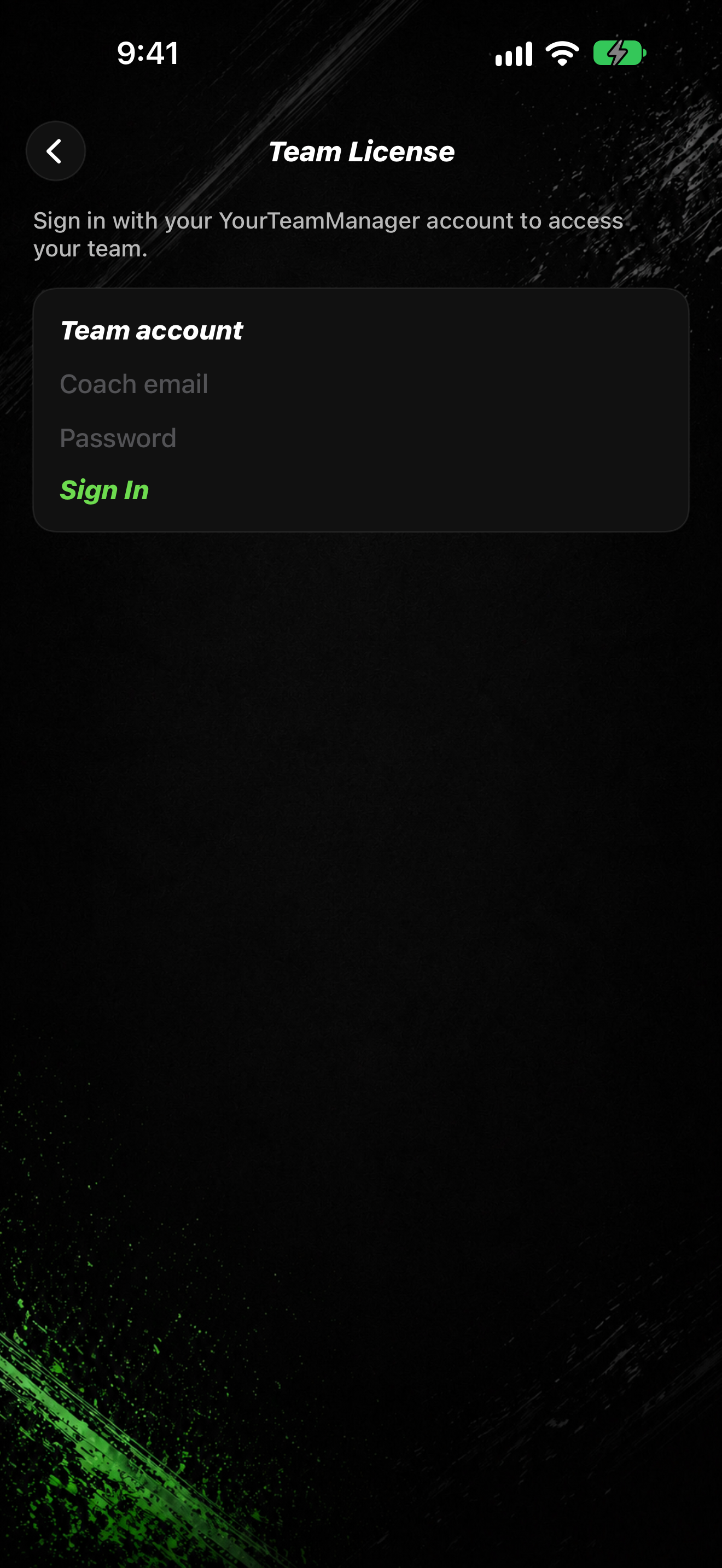
- On the paywall, tap Have a YourTeamManager account? (or open SETTINGS → Subscription → Team License).
- On Team License, read: Sign in with your YourTeamManager account to access your team.
- Enter your Coach email and Password.
- Tap Sign In (the button shows Signing in… while it works).
Sign in from Settings
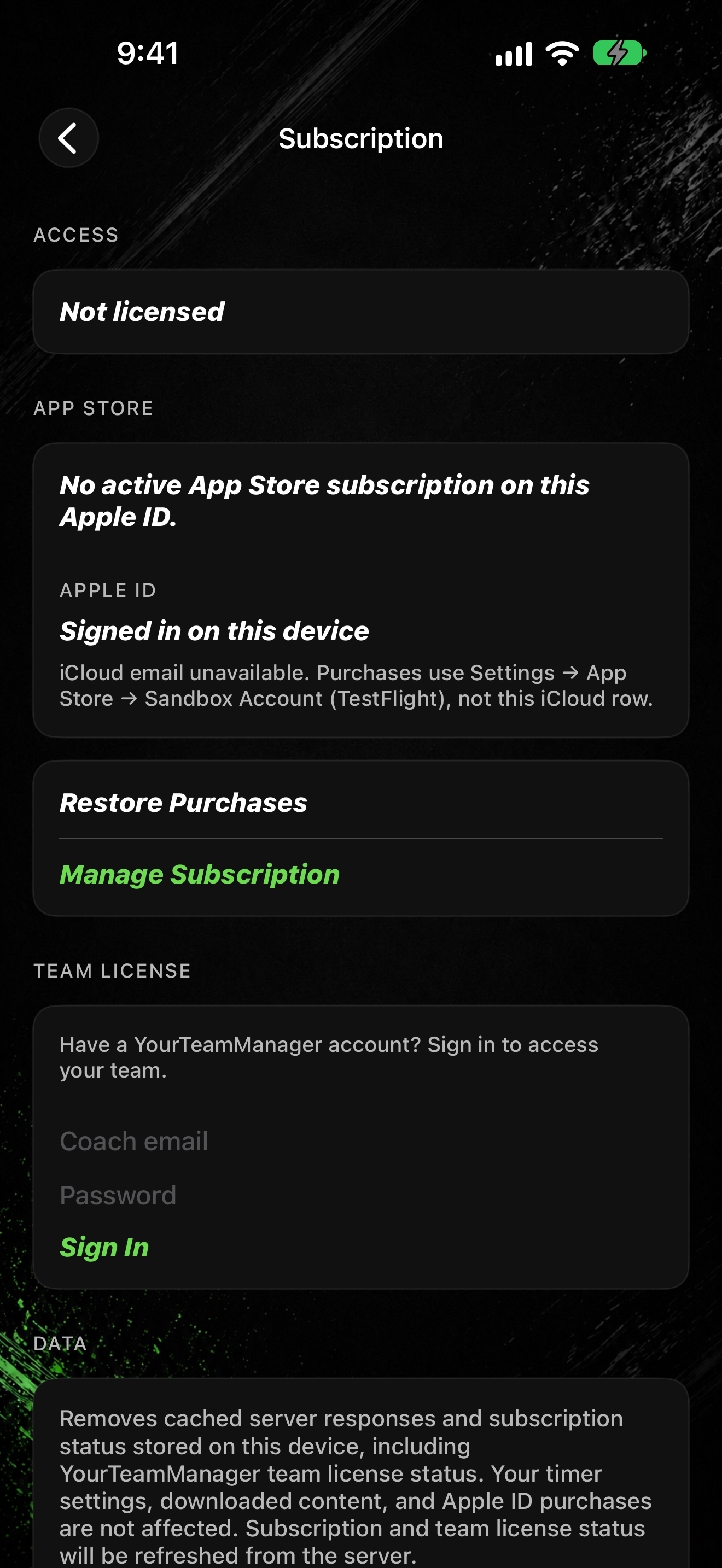
- Tap SETTINGS, then Subscription.
- Under TEAM LICENSE, enter Coach email and Password.
- Tap Sign In.
A separate YourTeamManager row in Settings is Coming soon for broader coach tools. Use team license sign-in here for access today. See also Manage your subscription.