
Use MATSIDE MUSIC PLAYER to listen outside a timer session.
Open the Library
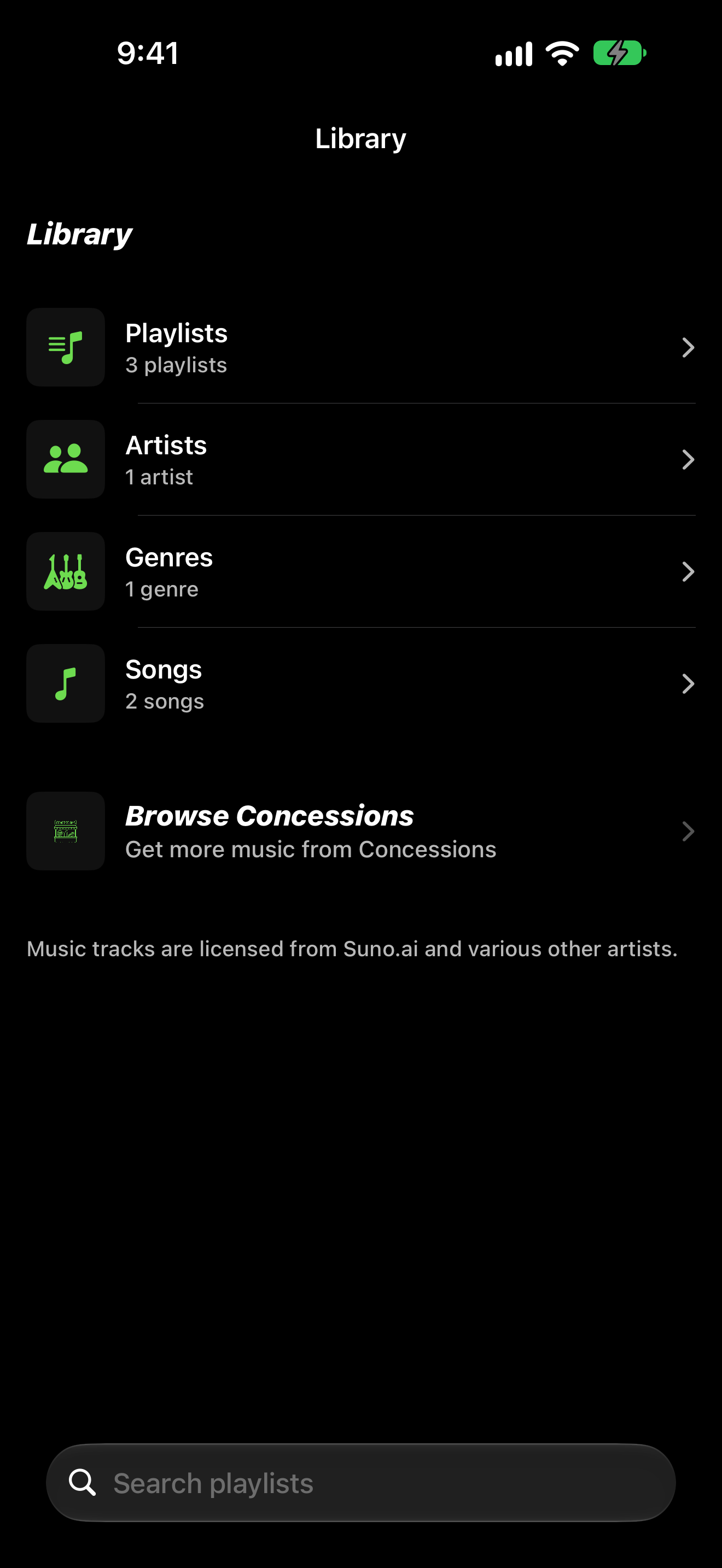
- On the home screen, tap MATSIDE MUSIC PLAYER.
- On Library, choose Playlists, Artists, Genres, or Songs.
- Tap Browse Concessions (subtitle Get more music from Concessions) when you need more music from the store.
- Pick a playlist or song to start playback.
Now Playing
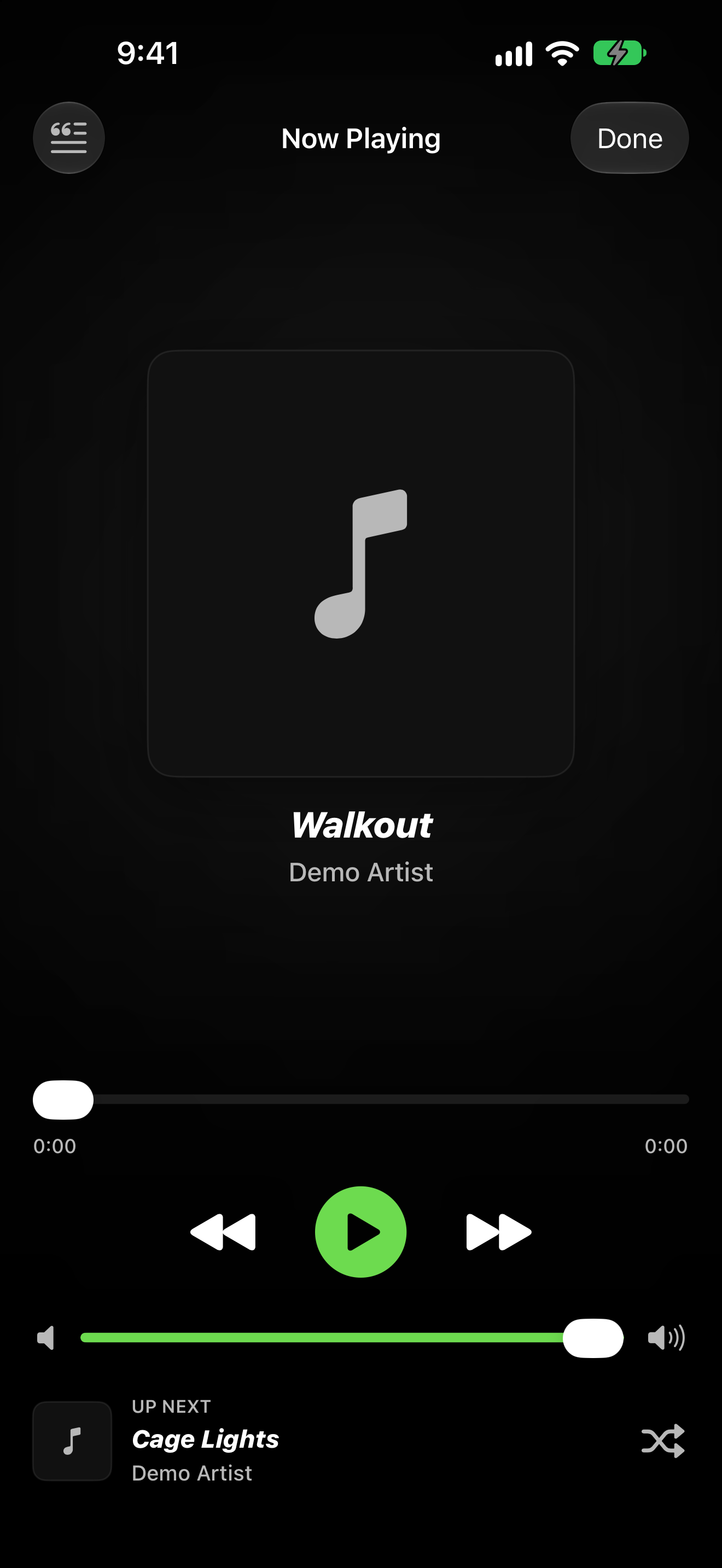
- Open Now Playing to see the current track and controls.
- Use play, pause, and skip as needed.
- Review UP NEXT for the following track in the queue.