
After setup, manage seasons anytime under More, then Seasons. You have one active season at a time for this year's goals.
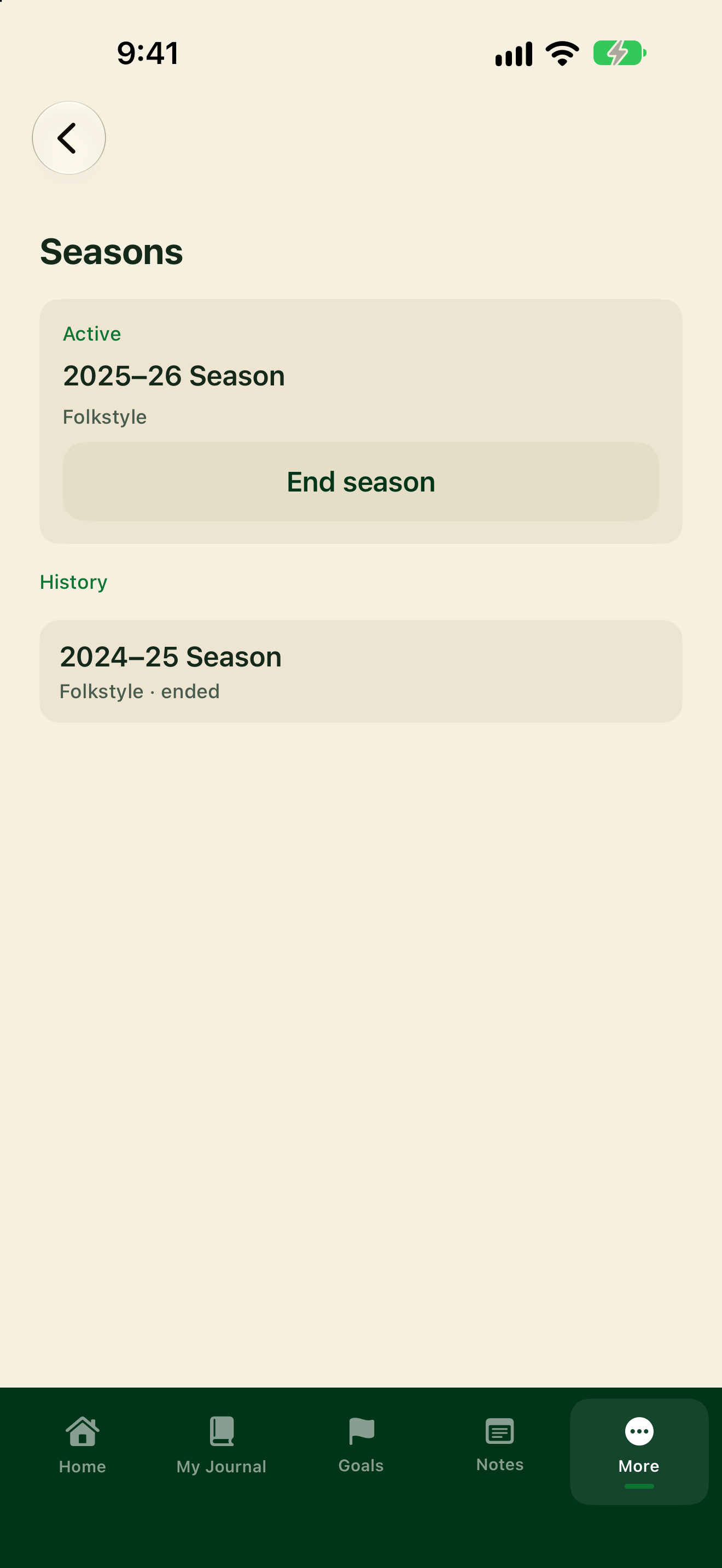
End the active season
- Tap More, then Seasons.
- Under Active, find your current season.
- Tap End season.
- Follow any prompts to reflect on the season before it moves to History.
Start a new season
When you don't have an active season (or after you end one):
- Tap Start a season or New season.
- Enter a Season name and pick a Style.
- Confirm to make it active.
Past seasons stay under History (for example with an "ended" note). Starting a season during first-time setup is covered in Add your season.