
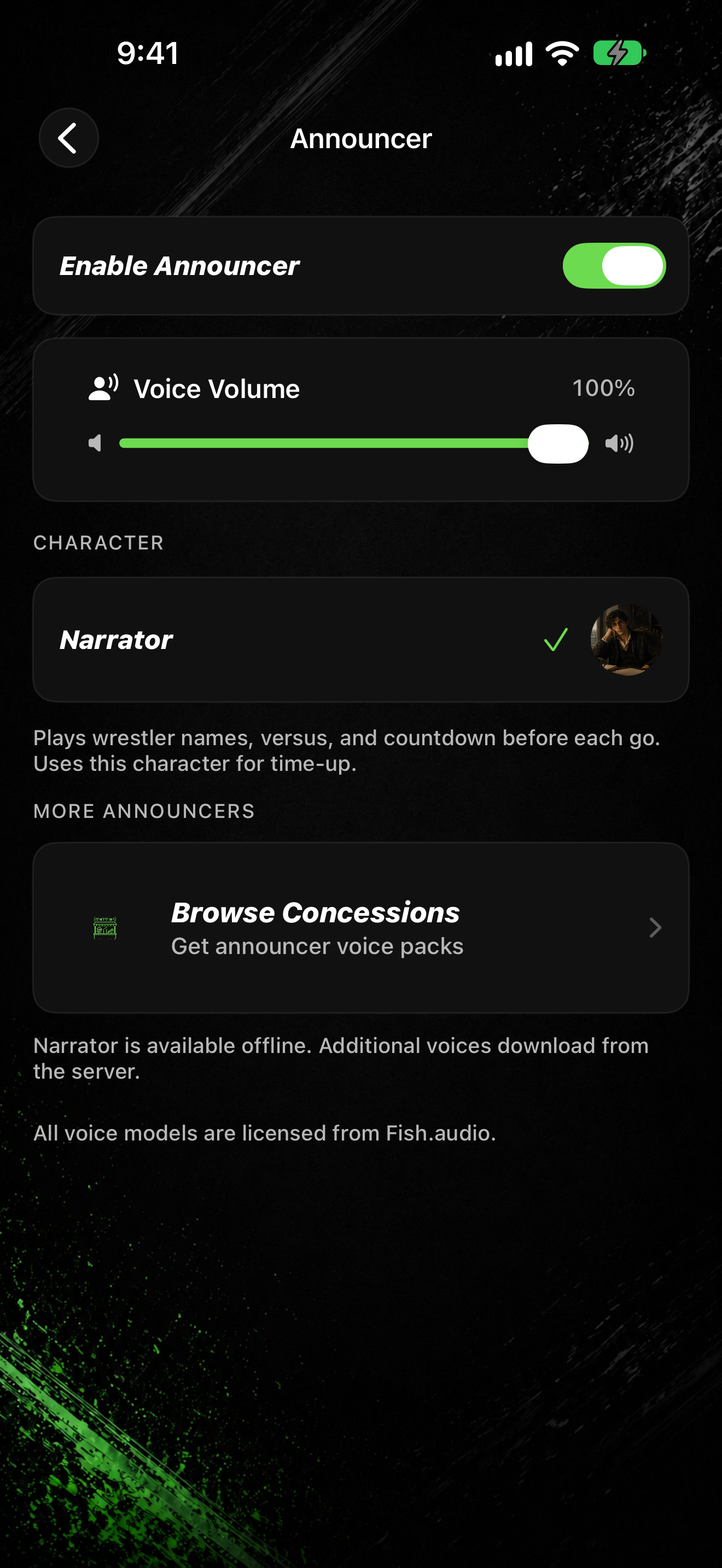
The announcer speaks countdowns and time-up lines. When it is off, you pick a classic end sound instead.
Open Announcer settings
- On the home screen, tap SETTINGS.
- Tap Announcer.
- Turn Enable Announcer on or off.
When the announcer is on
- Under Character, select Narrator (bundled and available offline).
- The note says: Narrator is available offline. Additional voices download from the server.
- Under MORE ANNOUNCERS, tap Get announcer voice packs to open Concessions for more voices.
When the announcer is off
- Under Time-Up Sound, pick Wrestling Bell, Ding, Game Buzzer, or Gong.
- Tap a row to preview and select it.