
Adjust countdown colors and related defaults under Timer in Settings.
Open Timer settings
- On the home screen, tap SETTINGS.
- Under Timer Setup, tap Timer (subtitle Countdown colors and display).
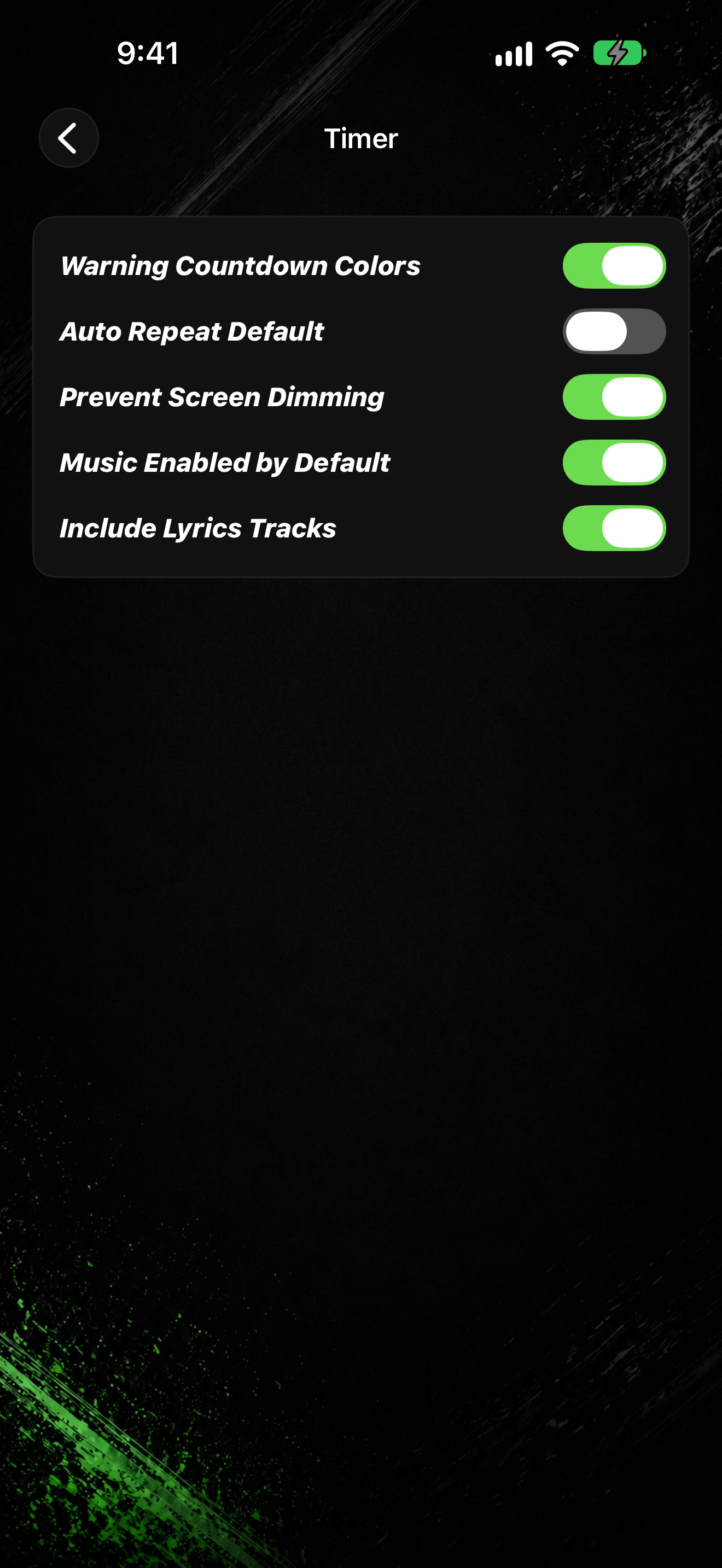
- Turn Warning Countdown Colors on or off.
- Turn Auto Repeat Default on or off.
- Turn Prevent Screen Dimming on or off.
- Turn Music Enabled by Default on or off.
- Turn Include Lyrics Tracks on or off.
On iPad
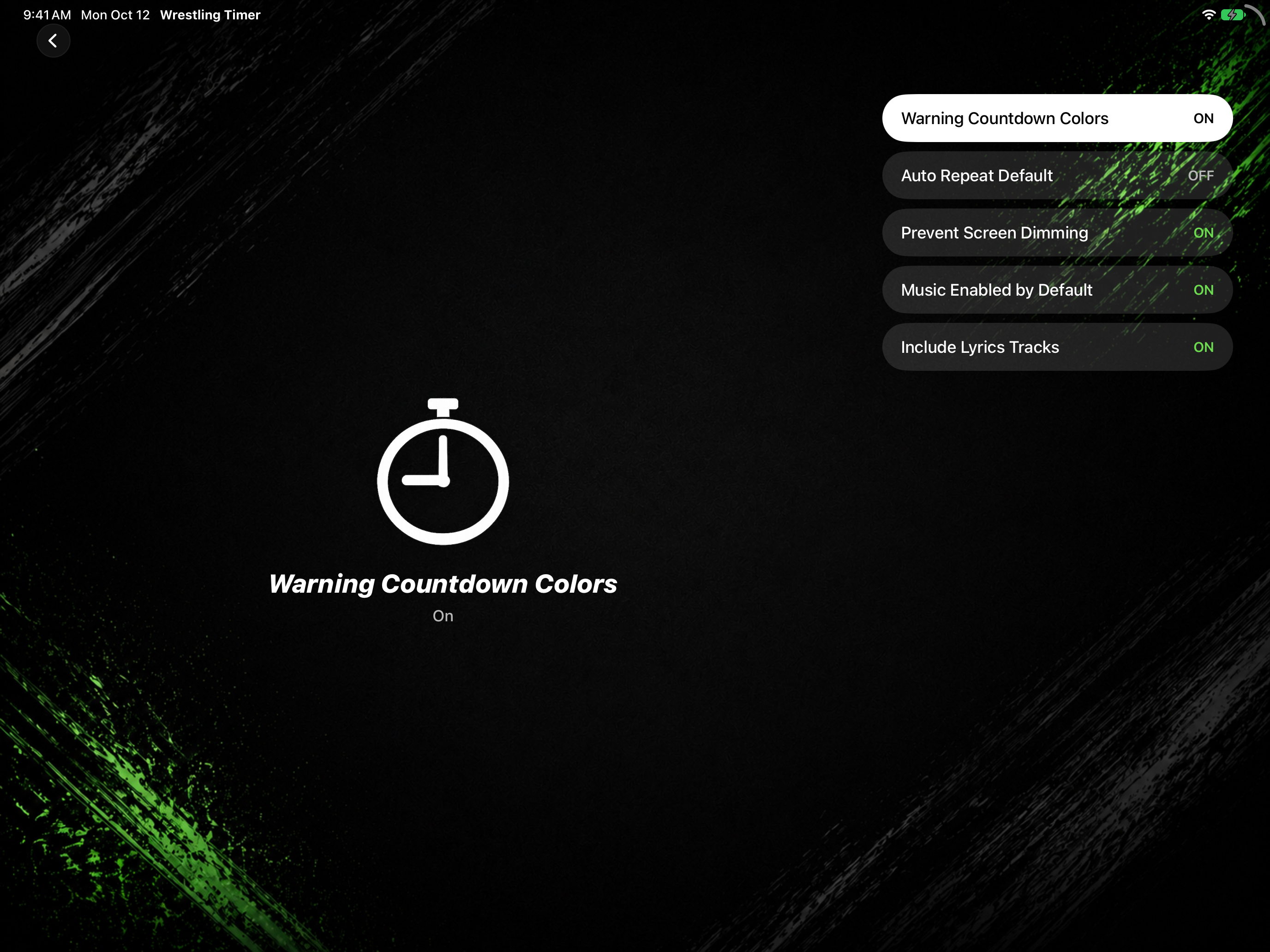
- In landscape, Settings uses a split layout: the category list on one side and the selected detail on the other.
- Select Timer in the list to edit the same toggles.