
Add an optional overtime period, run more than one match, and set rest between matches.
Choose overtime
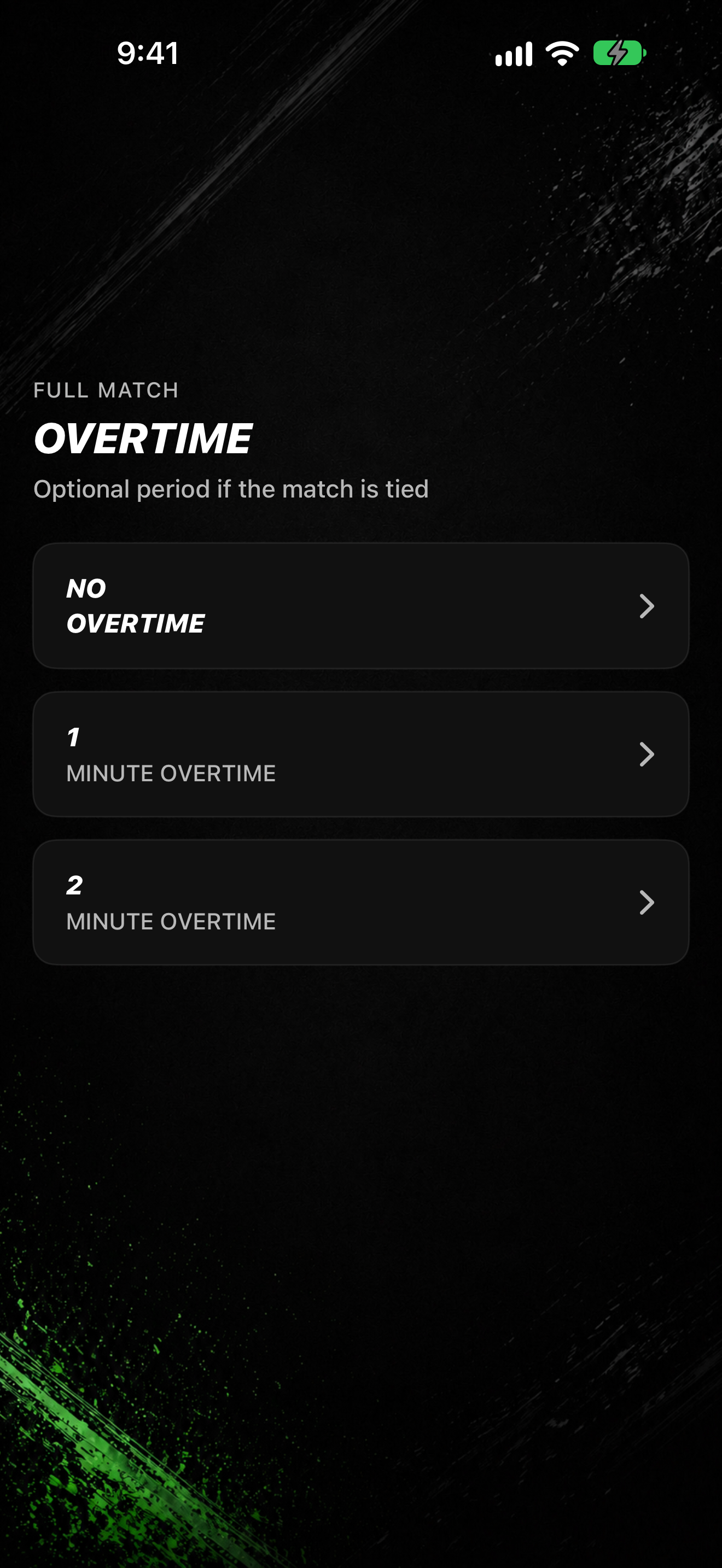
- After MATCH LENGTH, open OVERTIME.
- Pick No Overtime, 1 Minute Overtime, or 2 Minute Overtime.
Choose how many matches
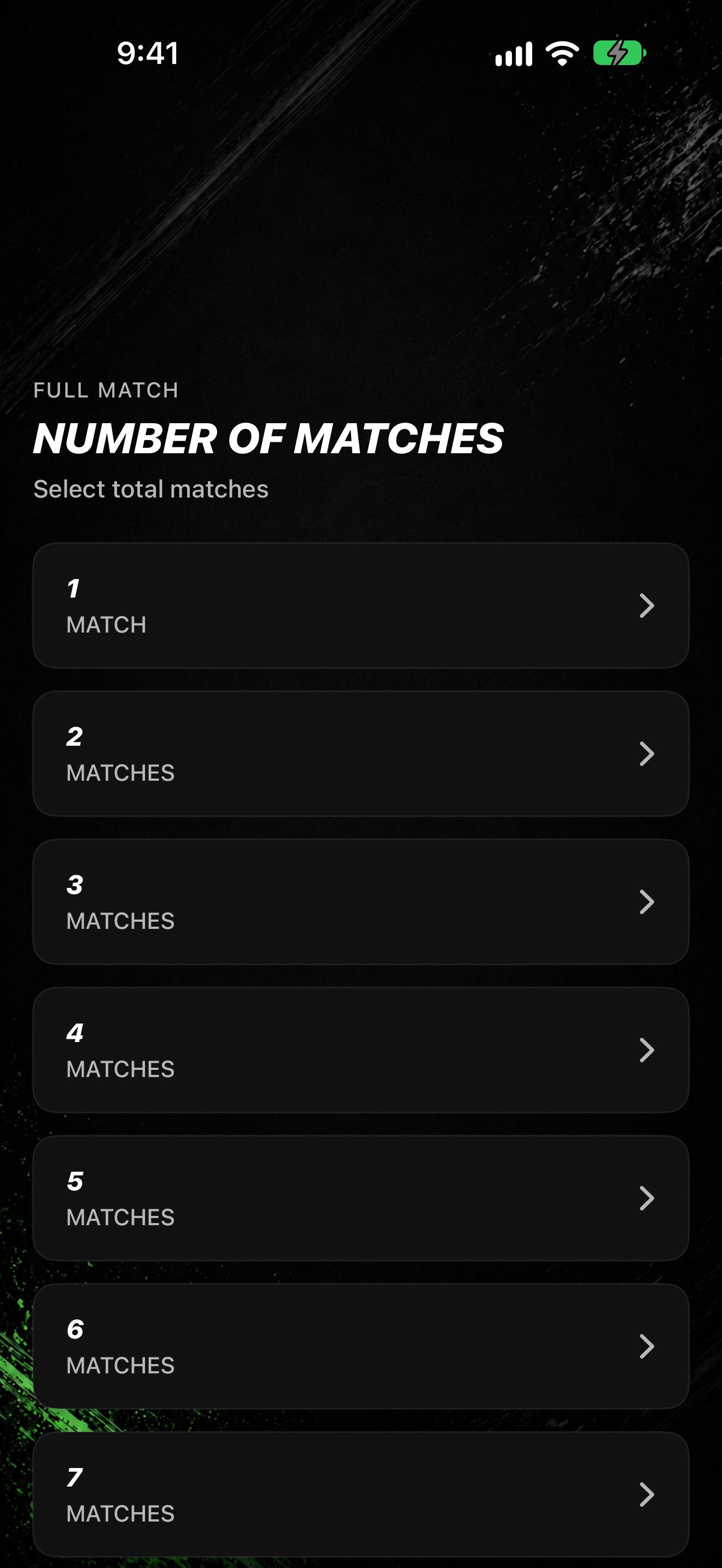
- On NUMBER OF MATCHES, pick a count. The subtitle shows MATCH for 1 or MATCHES for more than one.
- If you pick more than one match, on BREAK LENGTH pick the rest between matches (5 Sec, 10 Sec, 15 Sec, 30 Sec, or 1 Min).
- Continue through ARENA MUSIC and READY TO START, then tap START.
When a match finishes
- During the sequence, periods show as PERIOD 1 and later periods in order. Overtime (when selected) shows OVERTIME.
- Between segments you may see Break.
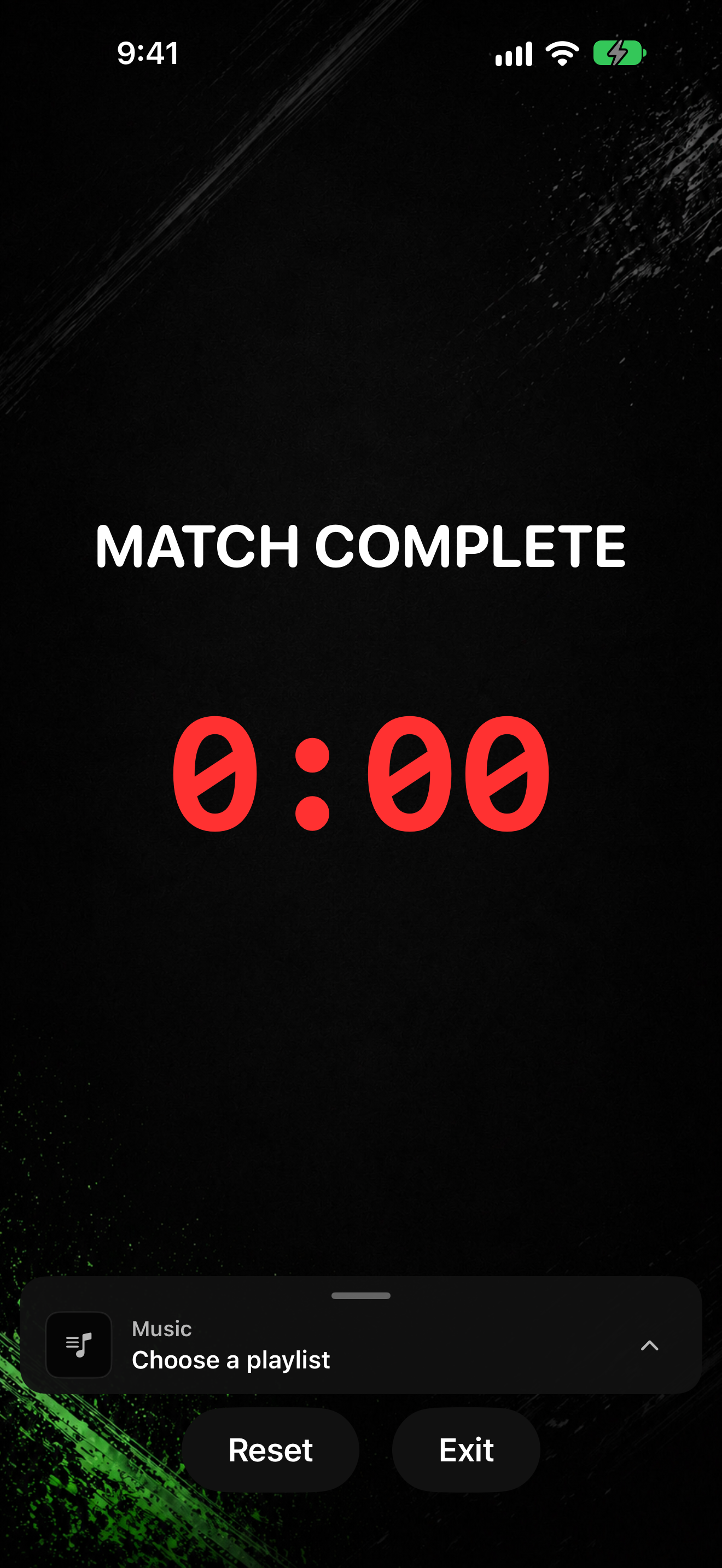
- When the sequence finishes, the display shows MATCH COMPLETE.