
YourTeamManager is sold as program licenses. One program license covers a school's high school, middle school, and youth programs. Premium and Super include Wrestling Timer (5 seats); coaches manage those seats on the team licenses page in Settings.
To open the page, open Settings, then General, and select the team licenses link.
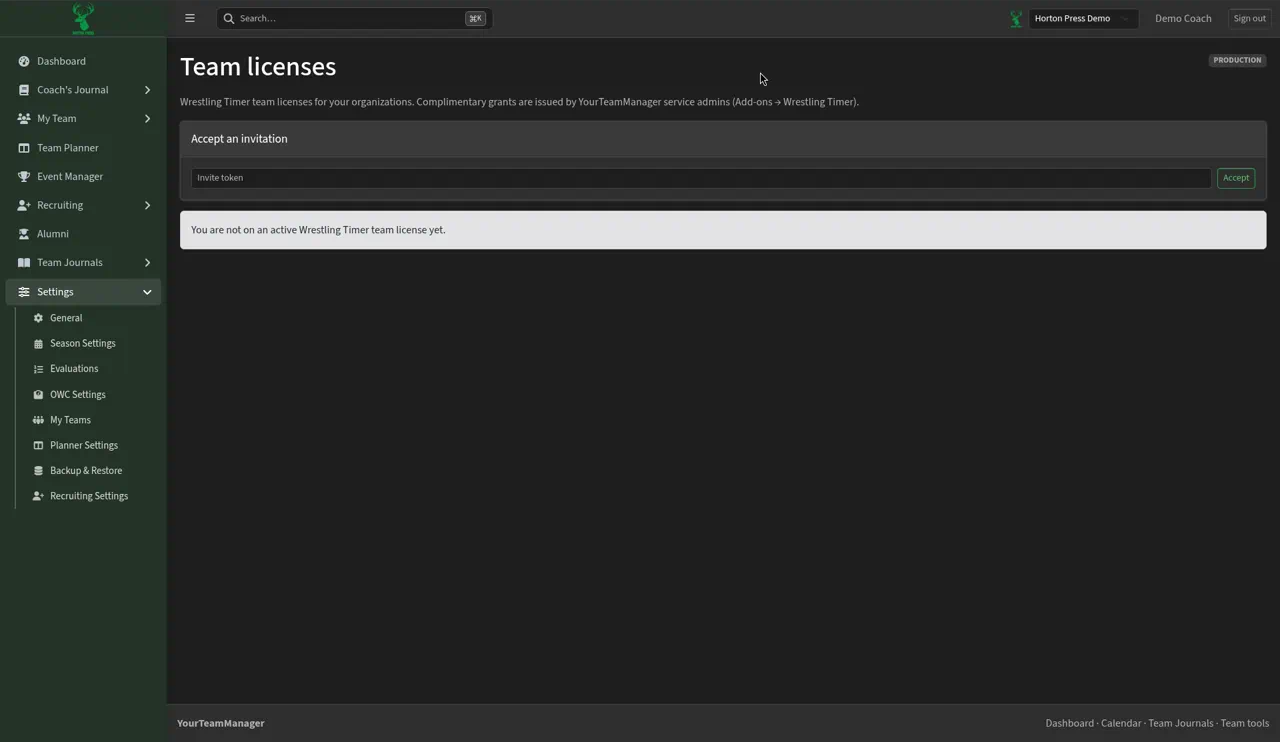
If you aren't on a license yet, the page says "You are not on an active Wrestling Timer team license yet."
Accept an invite
- Under Accept an invitation, paste the invite into Invite token.
- Select Accept.
Invite a coach
If you own or manage the license:
- Type the coach's email in Coach email.
- Pick a role: Coach (uses a seat), Staff (uses a seat) or Administrator (no seat).
- Select Invite. The invite shows once. Send it to the coach.
When every seat is taken, you'll see "Seat limit of … licensed coaches reached." You can still invite an administrator. Over seat limit means more people are in seats than the license allows.
For Wrestling Journal seats, see Wrestling Journal seats.