
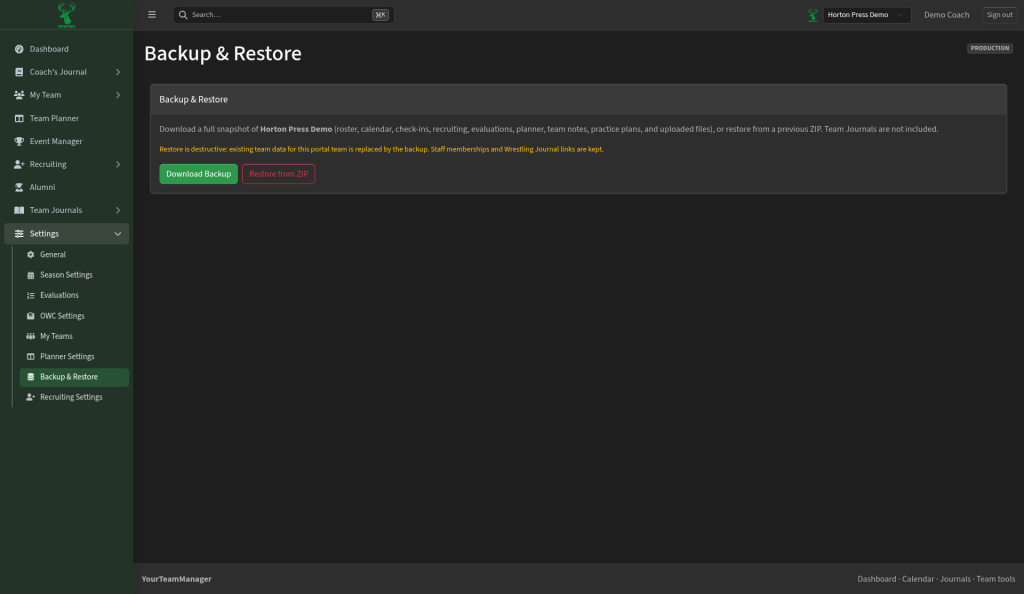
Open Settings, then Backup & Restore.
Make a backup
- Select Download Backup.
- Keep the ZIP file somewhere safe.
The backup holds your roster, calendar, check-ins, recruiting, evaluations, planner, team notes, practice plans and uploaded files. Team Journals aren't included.
Restore
Restoring replaces your team's current data with the backup. Staff and Wrestling Journal links are kept.
- Select Restore from ZIP and pick the backup file.
- Read the warning, then type RESTORE to confirm.