
Open Settings, then Season Settings.
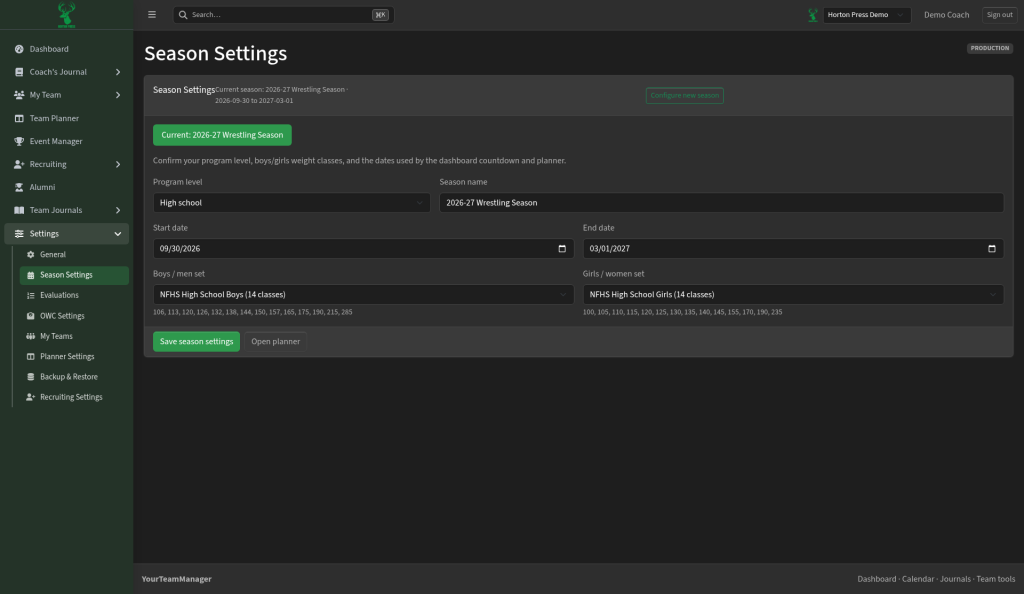
Change this season
- Change the season name, start date or end date.
- Pick the Program level.
- Choose Boys / men set and Girls / women set, the weight classes you use.
- Select Save season settings.
Start a new season
- Select Configure new season.
- Follow the steps, selecting Next each time.
- Select Create season.
Select Open planner to go to the Practice Planner.