
Open Settings, then My Teams.
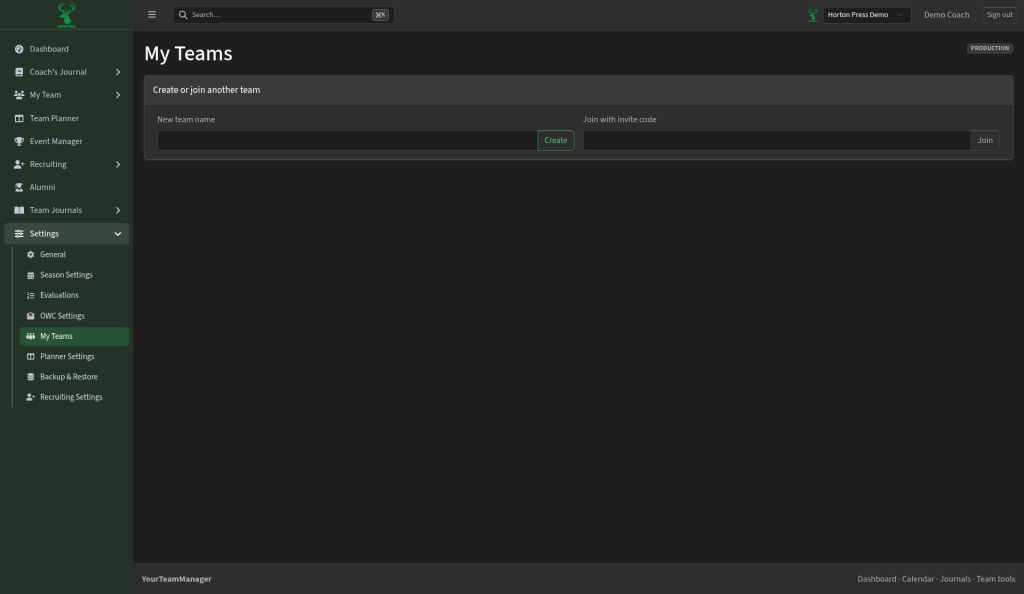
Your teams lists every team you belong to, with your role. The one you're working on is marked Selected.
Create a team
- Under Create or join another team, type a New team name.
- Select Create.
Join a team
- Paste the code into Join with invite code.
- Select Join.
Use the team switcher in the top bar to change teams.