
In the side menu, open My Team, then select Check-in.
Check athletes in
- Select the Check In tab.
- Pick an Event, or No event (timestamp only) to record just the time.
- Search the roster by name or grade if the list is long.
- Select Check in next to each athlete who's there.
- Select Weigh in to also record a weight.
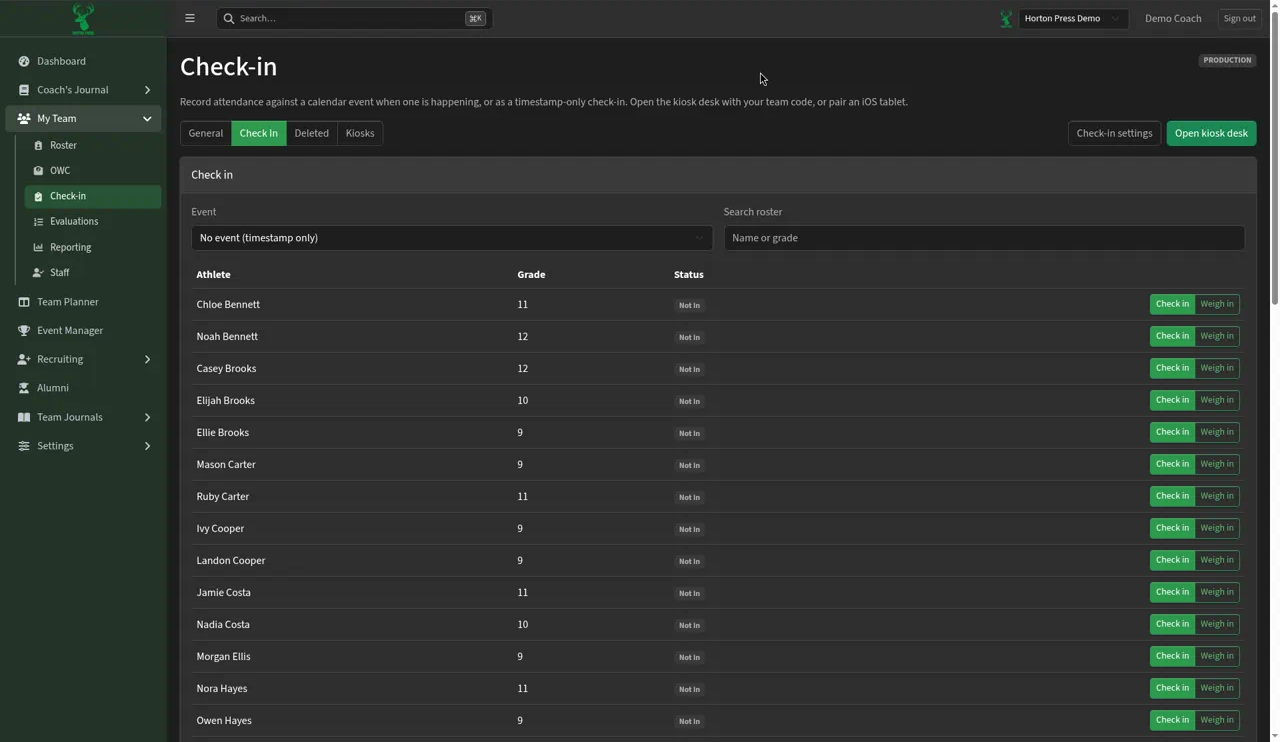
Athletes not checked in yet show as Not in.
Fix a mistake
Check-ins you remove go to the Deleted tab, so you can see what was removed.
Settings
Select Check-in settings near the top to change how check-in works for your team.
Only events with Athletes can check in turned on show in the Event list.