
In the side menu, open My Team, then select Staff.
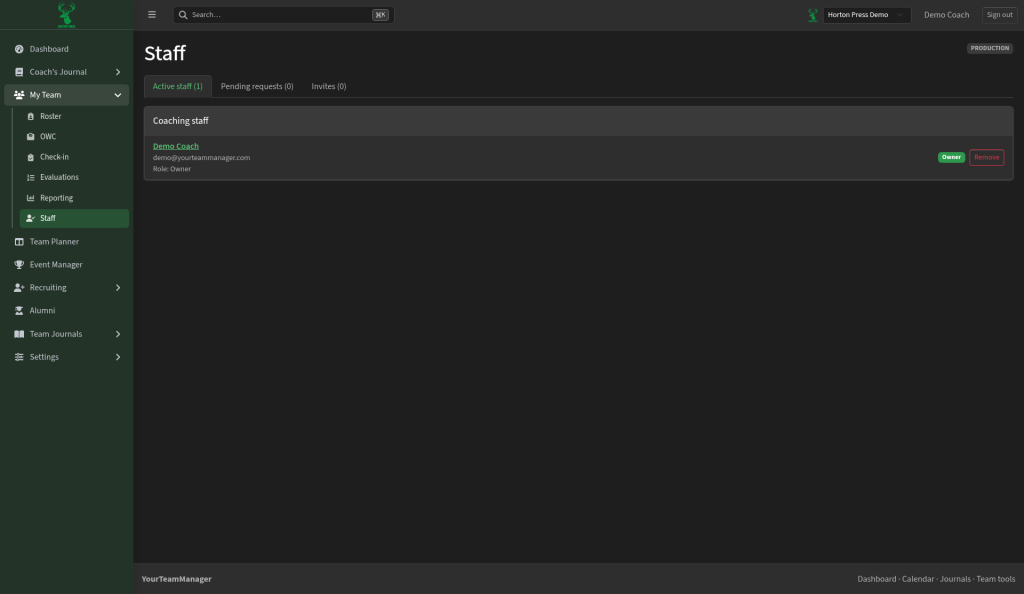
The tabs
- Active staff: coaches with access and their role.
- Pending requests: coaches who asked to join.
- Invites: invites you've sent. To send one, see Invite your coaches.
Approve a coach who asked to join
- Select Pending requests.
- Select Approve or Decline next to the coach.
Change a coach's role
- On Active staff, find the coach.
- Pick Coach or Assistant in their role menu.
The team owner shows as Owner and can't be changed here.
Remove a coach
- On Active staff, select Remove next to the coach.
- Confirm: "Remove this coach from the team?"
Open a coach's profile
Select a coach's name to see and edit their details. Select Back to staff to return.