
The General tab on Check-in opens first and shows how often athletes check in.
Read your trends
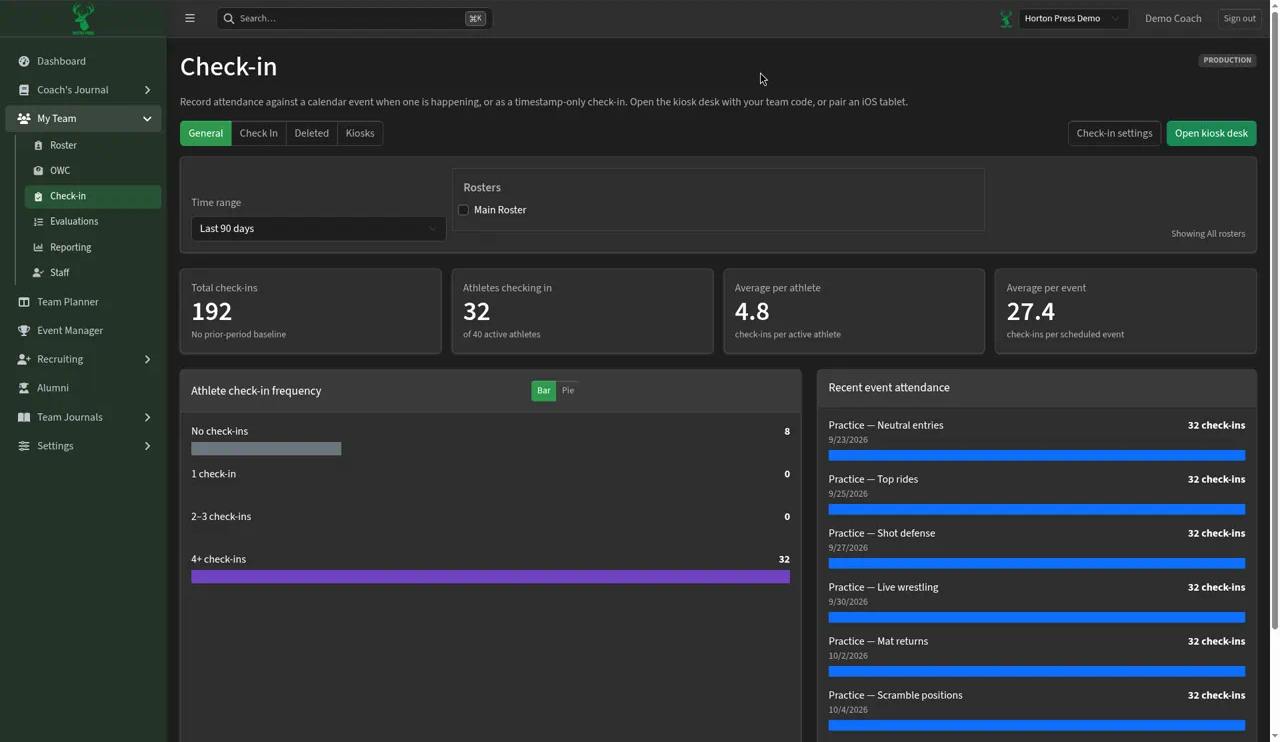
- Pick a Time range: Last 7 days, Last 30 days or Last 90 days.
- To see certain groups only, check boxes under Rosters. Leave them unchecked for your whole team.
-
Read the four cards:
- Total check-ins, compared with the period just before it.
- Athletes checking in, out of your active athletes.
- Average per athlete.
- Average per event.
-
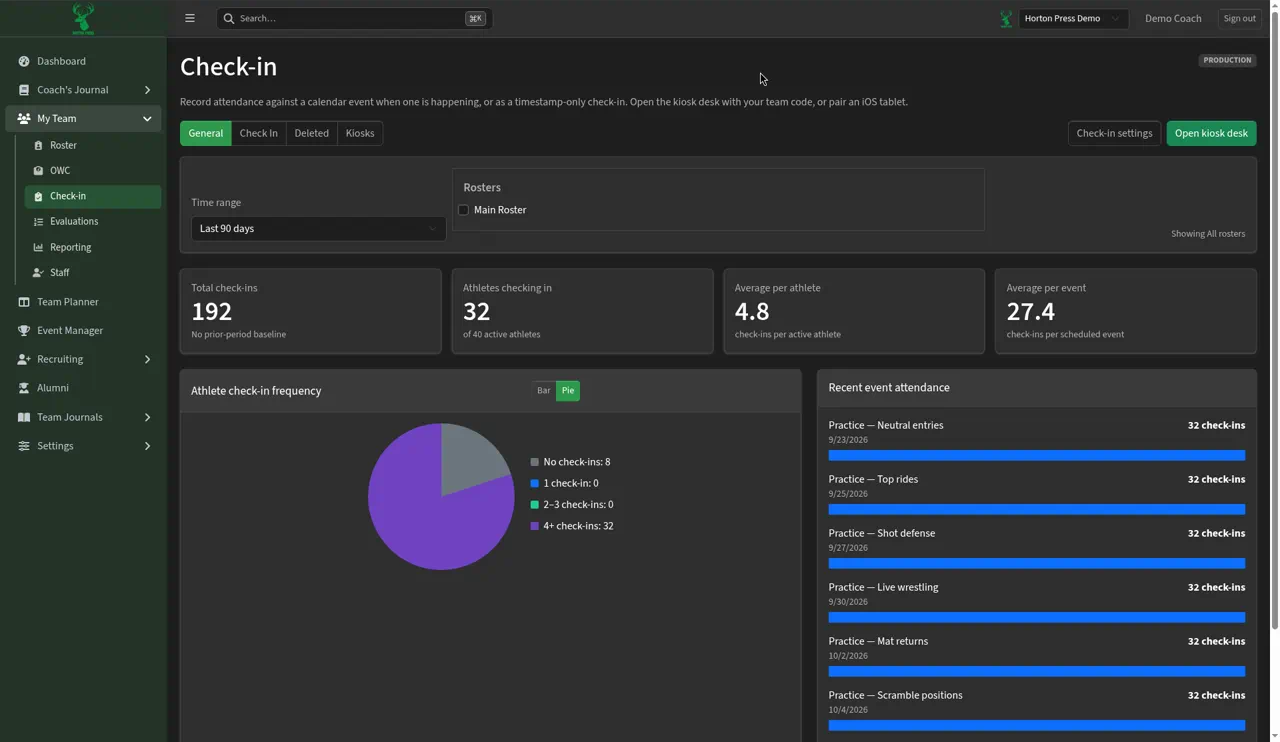
Athlete check-in frequency groups athletes into No check-ins, 1 check-in, 2–3 check-ins and 4+ check-ins. Select Bar or Pie to change the chart.
-
Recent event attendance lists up to eight recent events with their check-in counts.
The page keeps your choices in its web address, so you can bookmark the view. For tables you can download, see Attendance, weigh-in and descent reports.