
In the side menu, open My Team, then select OWC.
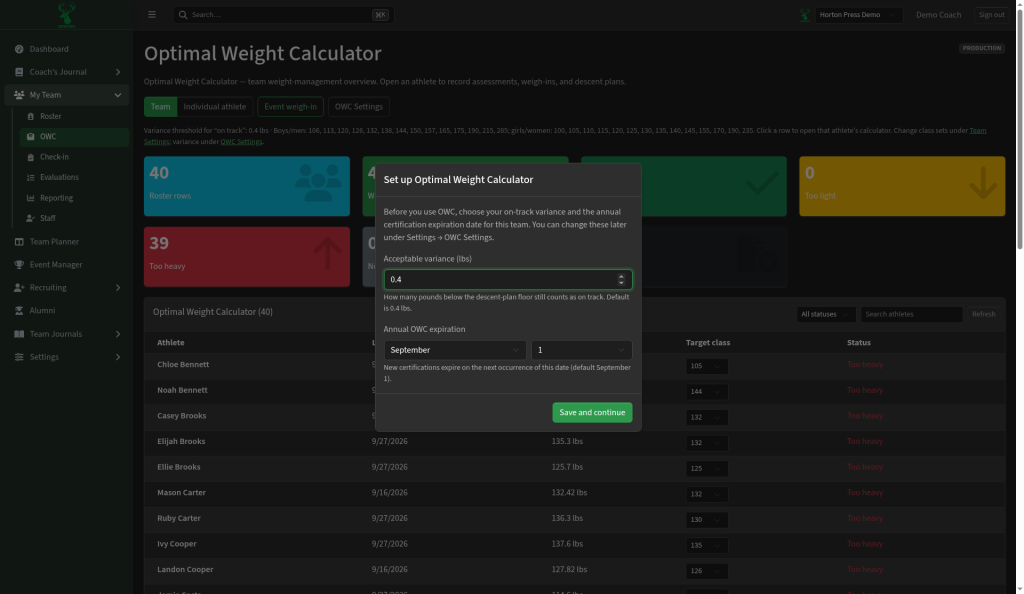
The tabs
- Team: counts of On track, Too light and Too heavy, and a table of every athlete.
- Individual athlete: one athlete's plan and history. Select Open athlete calculator.
- Event weigh-in: weights for one event. See Weigh in for an event.
- OWC Settings: variance and expiration.
Everyday use
- On Team, set each athlete's Target weight class.
- Record weights at check-in or on Event weigh-in.
- Watch each athlete's status. Filter with All statuses to see who needs help.
The table also shows Last weigh-in, Expected (plan floor), Difference from plan and Latest certification date.