
In the side menu, open My Team, then select Reporting.
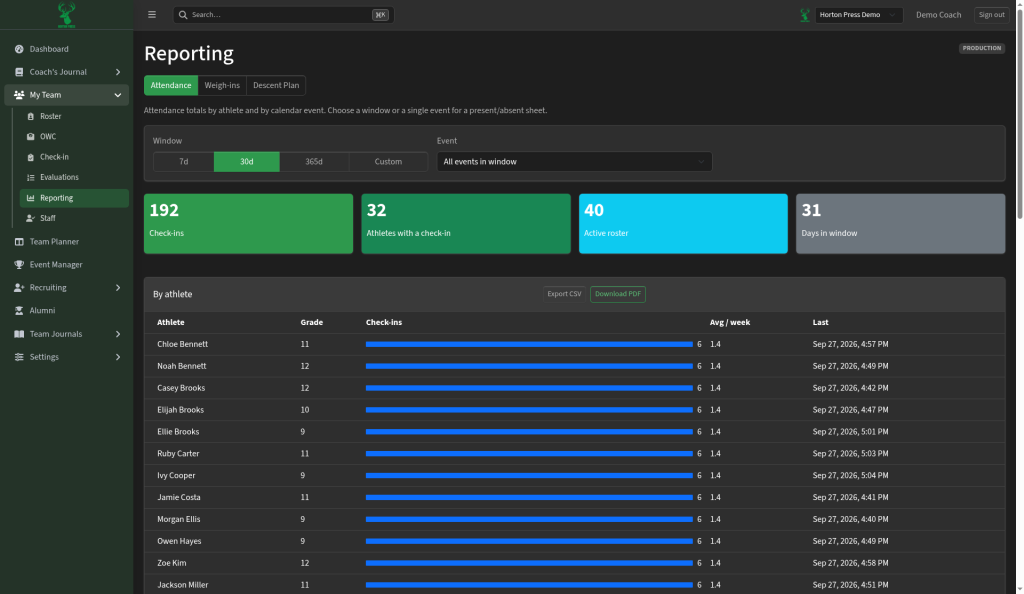
The tabs
- Attendance: totals by athlete and by calendar event.
- Weigh-ins: official and daily weigh-ins.
- Descent Plan: one athlete's weight-loss plan.
Read the attendance report
- Pick a Window: 7d, 30d, 365d or Custom.
- Keep All events in window, or pick one event. Only events with Athletes can check in turned on are listed.
- Read the summary cards.
- Scroll the By athlete table for each athlete's check-ins, average per week and last check-in.
To save a copy, see Download a report.