
See updates, new content, and announcements from Settings.
Open What's New
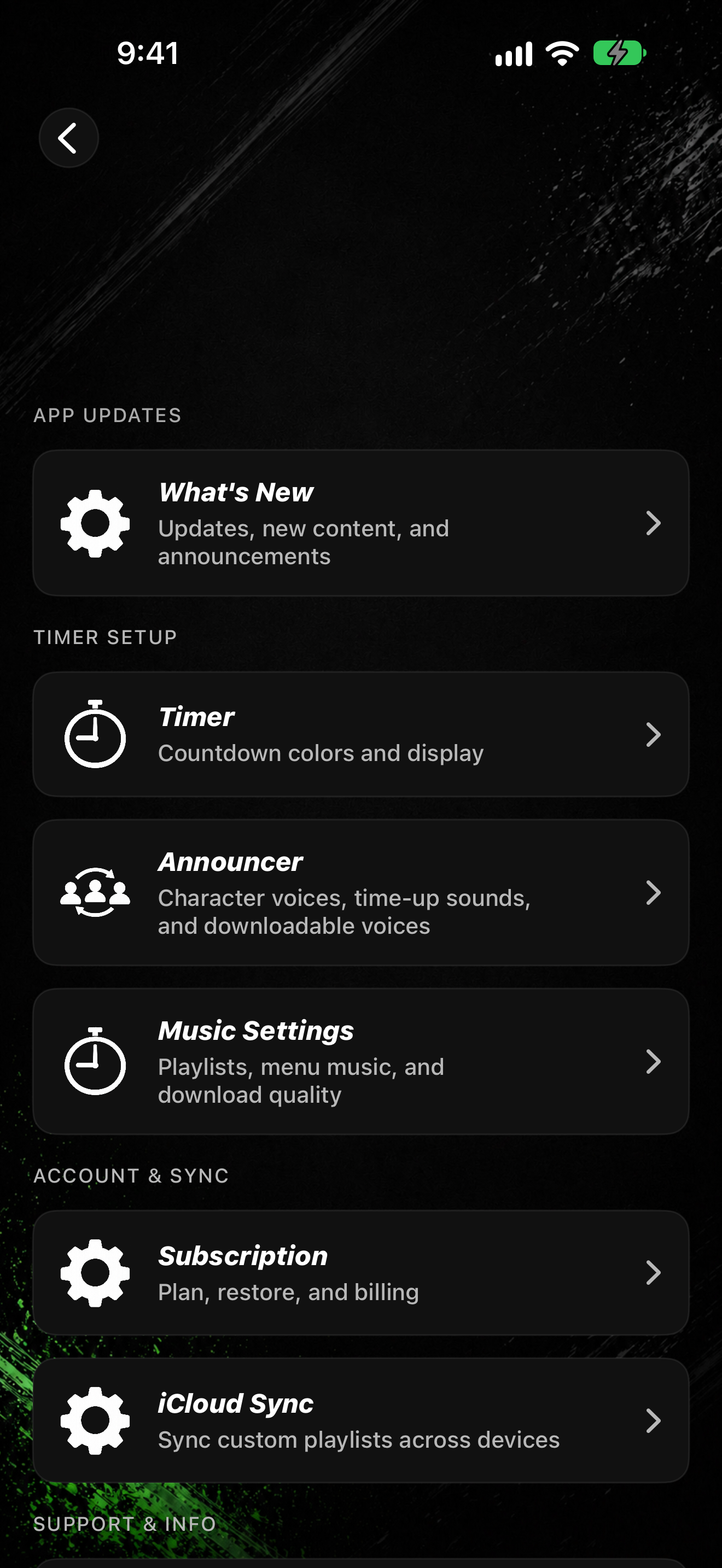
- Tap SETTINGS.
- Under App Updates, tap What's New (subtitle Updates, new content, and announcements).
- Open an item in the list to read the details.
Open What's New in Settings for updates, new content, and announcements.
Last checked October 12, 2026
See updates, new content, and announcements from Settings.
Learn more and see other program tools and resources at www.hortonpress.com.