
Read and send messages
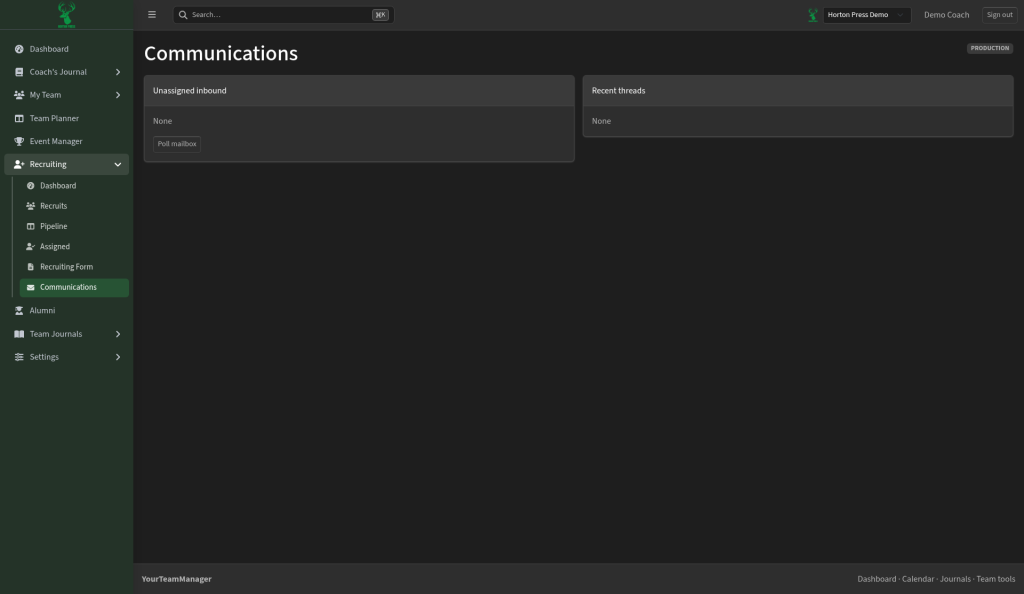
Open Recruiting, then Communications.
Connect your team email
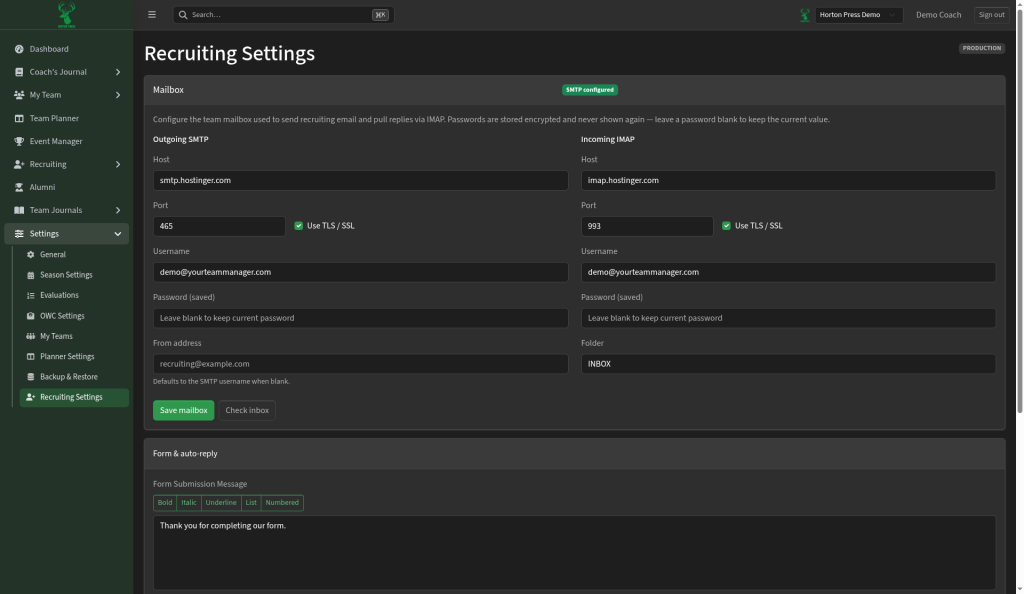
- Open Settings, then Recruiting Settings.
- Under Mailbox, fill in the sending and receiving details your email provider gives you.
- Select Save mailbox. A green badge reading "SMTP configured" means it's set up.
- Select Check inbox to look for replies.
Saved passwords are never shown again. Leave the box blank to keep the current one.
More on that page
- Evaluation rules: select Add rule to add one.
- Exports: select Download CSV to download your recruiting information.