
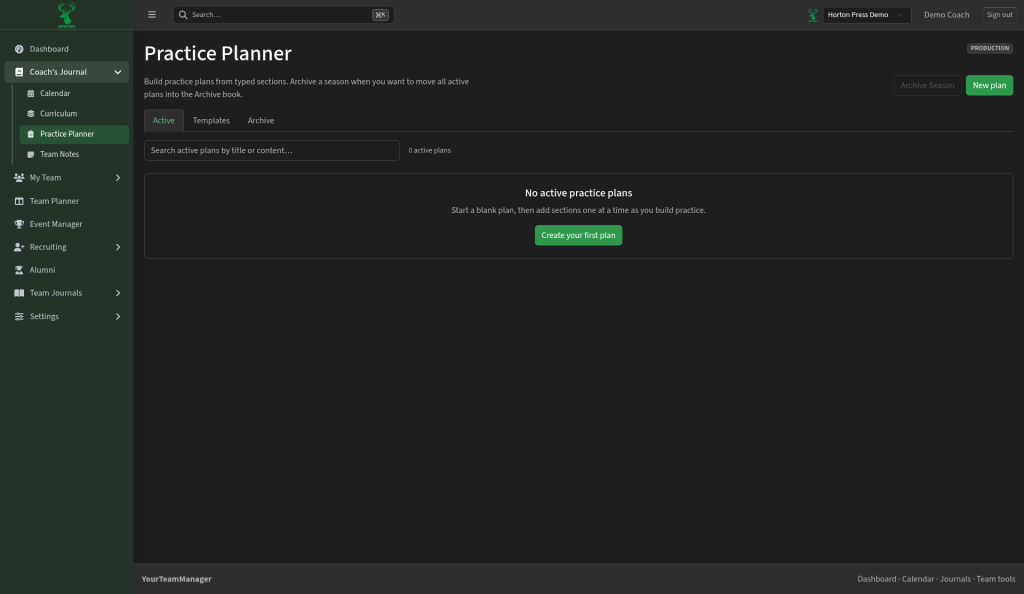
In the side menu, open Coach's Journal, then select Practice Planner.
A plan is the written practice. A calendar practice is just the scheduled time. Link them so the Dashboard knows the practice is planned.
Start a plan
- Select New plan (or Create your first plan if the list is empty).
- Choose Blank plan, or pick a saved template. See Save and reuse practice templates.
- Give the plan a title.
- Add sections one at a time, such as warm-up, drilling, live and conditioning.
- Save.
Find and manage plans
- The Active tab lists the plans you're using now. Search with Search active plans by title or content….
- Each plan has Open, Duplicate (copy it to start a similar practice) and Delete.