
When a season ends, archive your plans so the Active tab is clean for the next one.
Archive a season
- In Practice Planner, select Archive Season (top right).
- Follow the steps on screen and confirm.
All active plans move into the Archive tab as a season book.
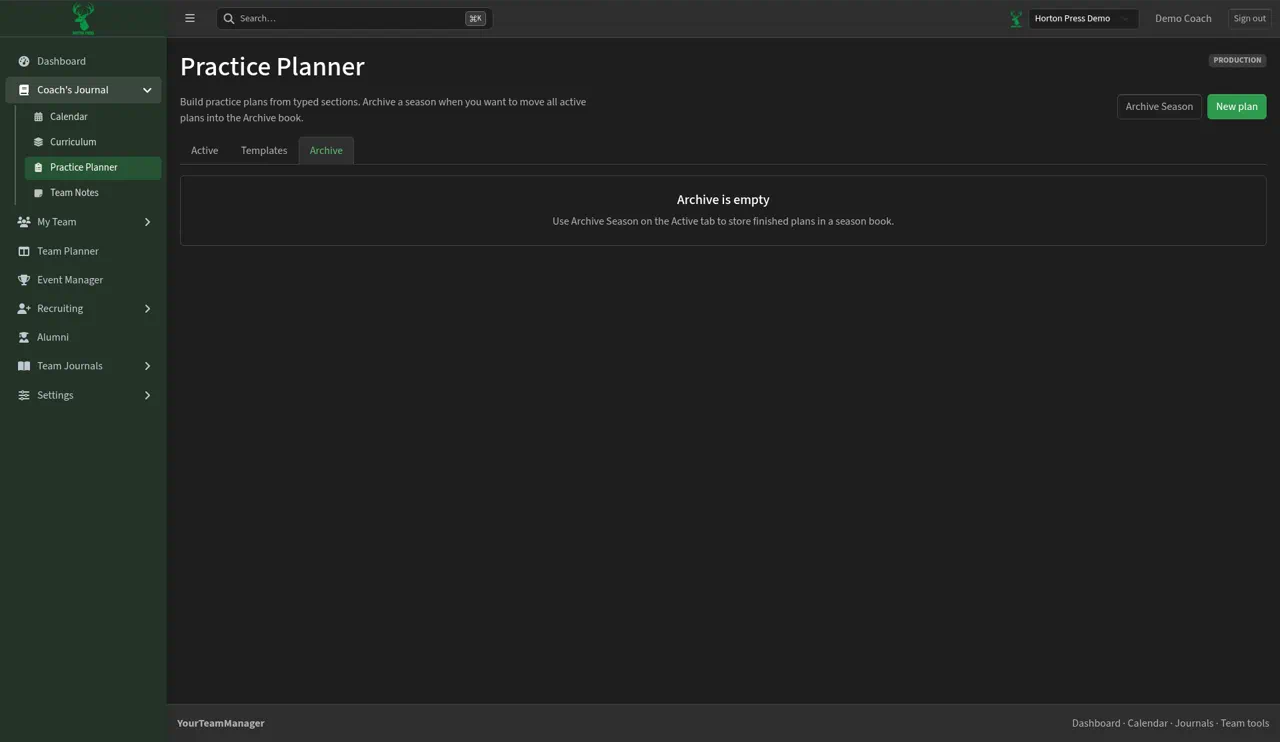
Before you archive
Until you archive a season, the Archive tab says "Archive is empty" with the reminder "Use Archive Season on the Active tab to store finished plans in a season book."