
Recruiting
Recruiting helps your staff track prospects from first interest through acceptance. Everything lives under Recruiting in the side menu.
Dashboard
Open Recruiting → Dashboard.
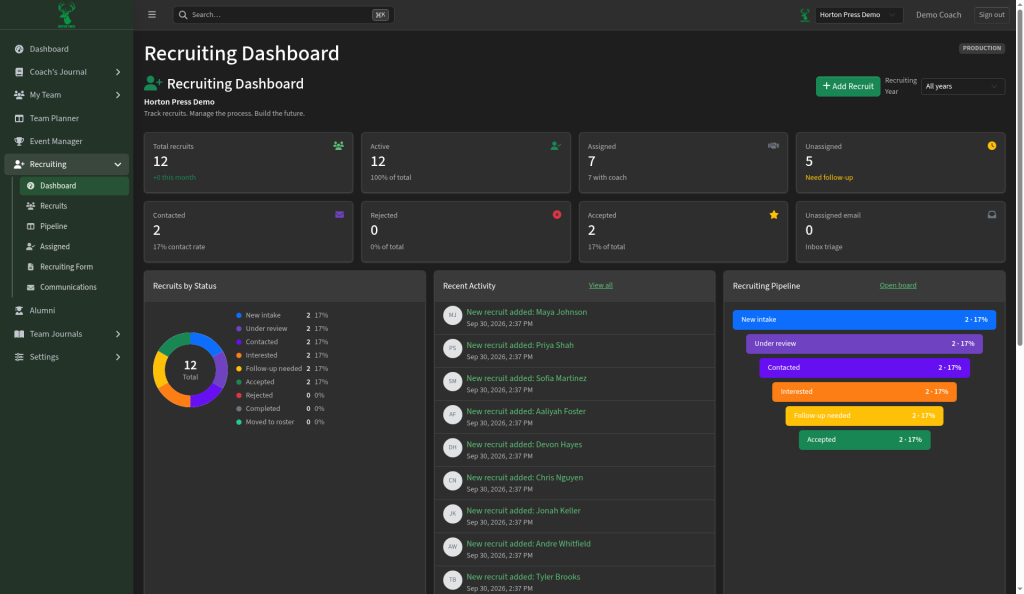
You get summary cards (total, active, assigned, unassigned, contacted, rejected, accepted), a status chart, recent activity, and a pipeline snapshot. Use + Add Recruit or filter by recruiting year.
Recruits
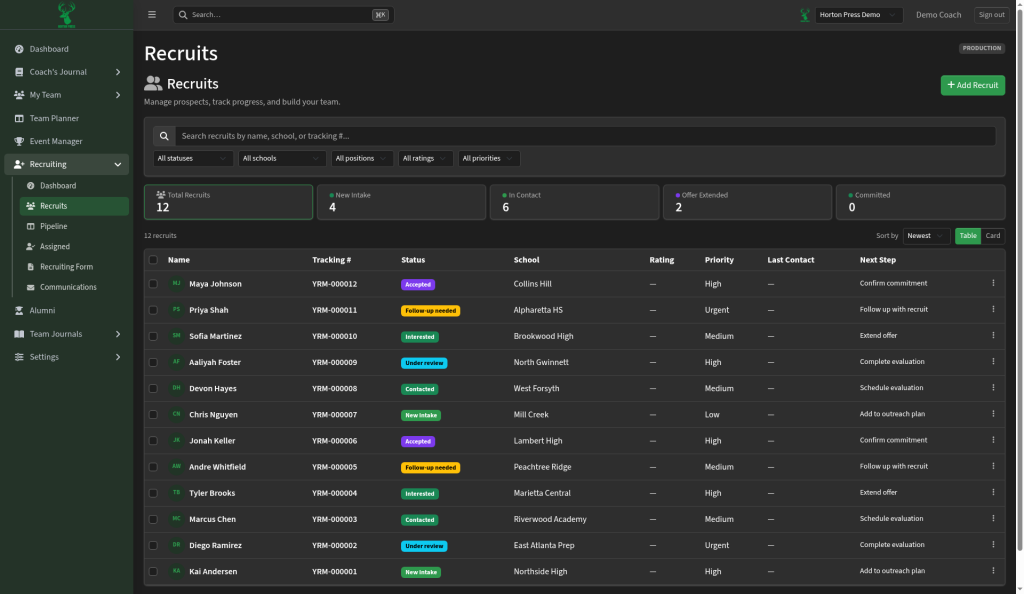
Open Recruiting → Recruits for the full list of prospects. Search, open a recruit’s record, and update details from here.
Pipeline
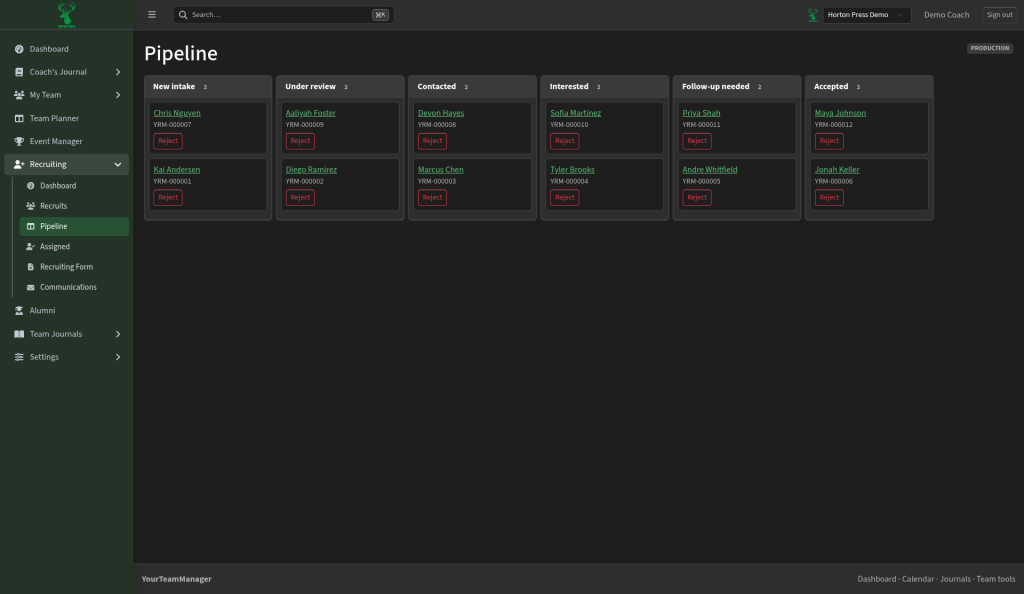
Open Recruiting → Pipeline for a board view of stages such as:
- New intake
- Under review
- Contacted
- Interested
- Follow-up needed
- Accepted
Move cards across stages as the recruit progresses. Reject from a card when someone is no longer a fit — Rejected leaves the main stages, and there is no separate Rejected column on the board.
Assigned
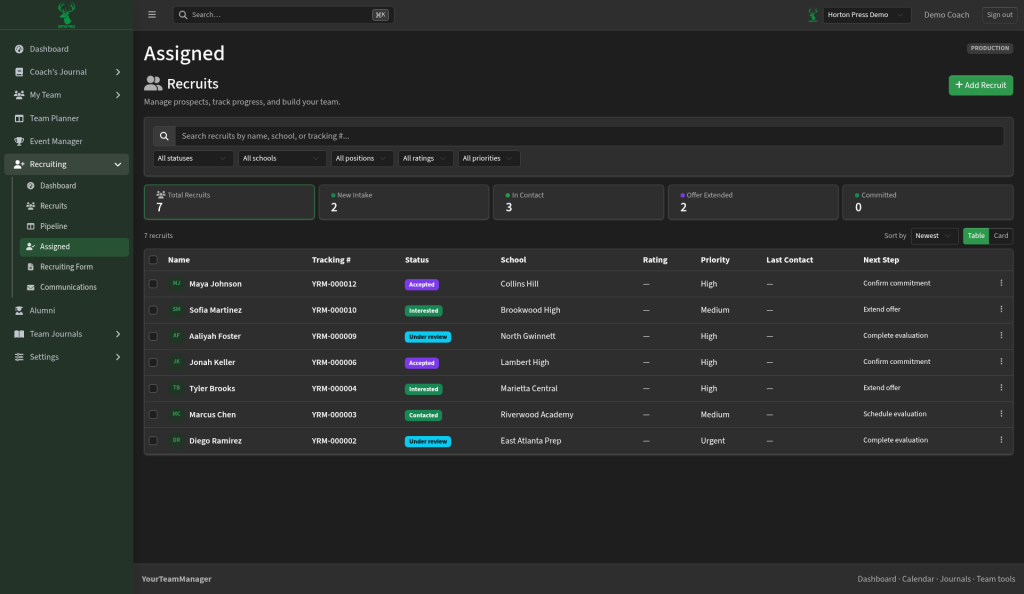
Open Recruiting → Assigned to see which coaches own which recruits and catch unassigned follow-ups.
Recruiting Form
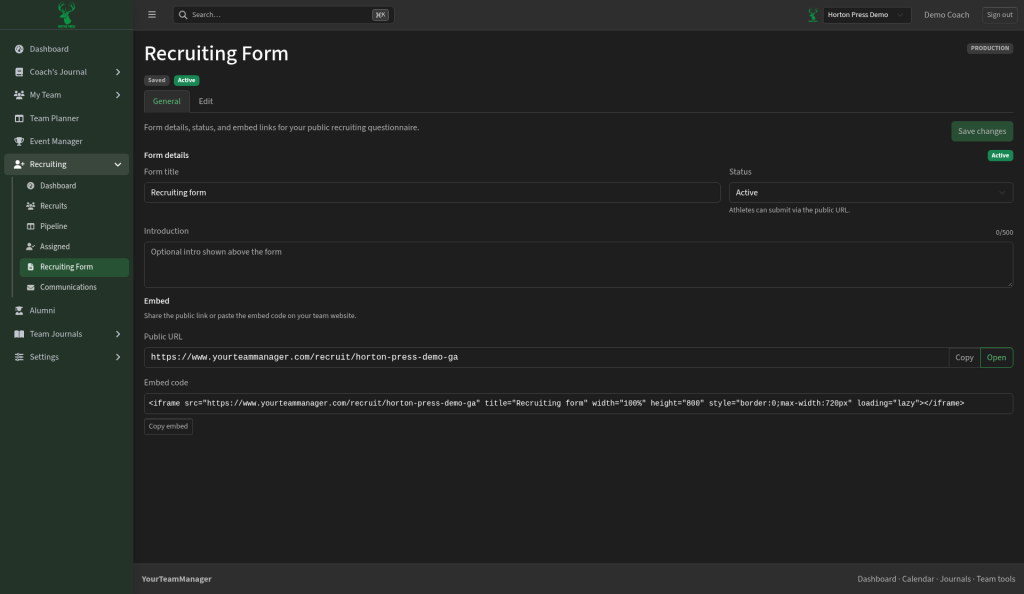
Open Recruiting → Recruiting Form for the public interest form prospects fill out. Share the link; submissions land in your recruiting list.
Communications
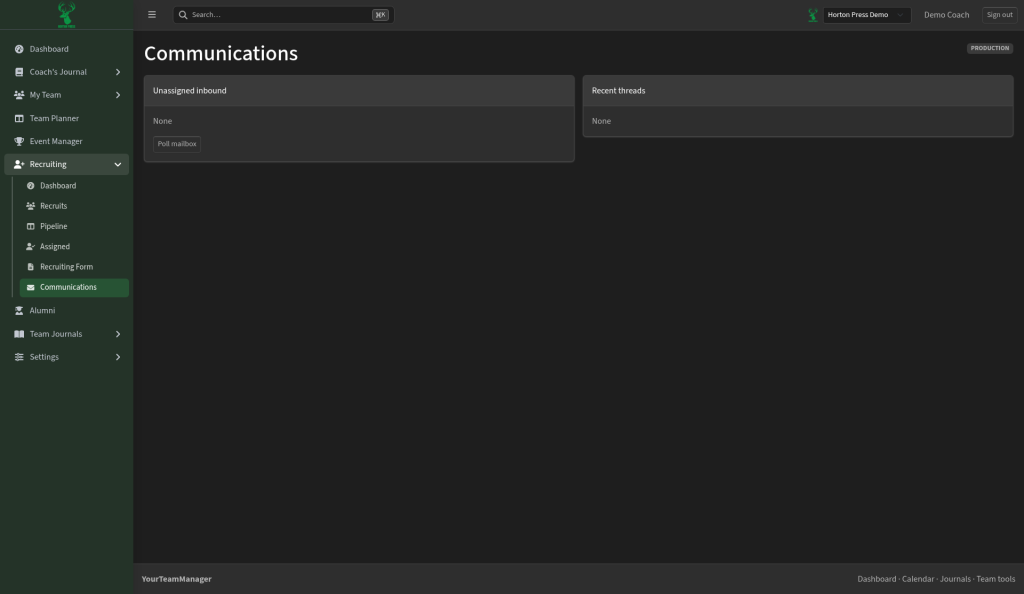
Open Recruiting → Communications to manage recruiting messages with prospects.
Mailbox and form auto-reply options also live under Settings → Recruiting Settings if you need to connect email or change the thank-you message after someone submits the form.